Creating a Framer account
Learn how to sign up for Framer using Google or your email address.
Getting started with Framer is quick and flexible. You can create a free account using your Google account or any email address. If you already have an account, Framer will log you in automatically.
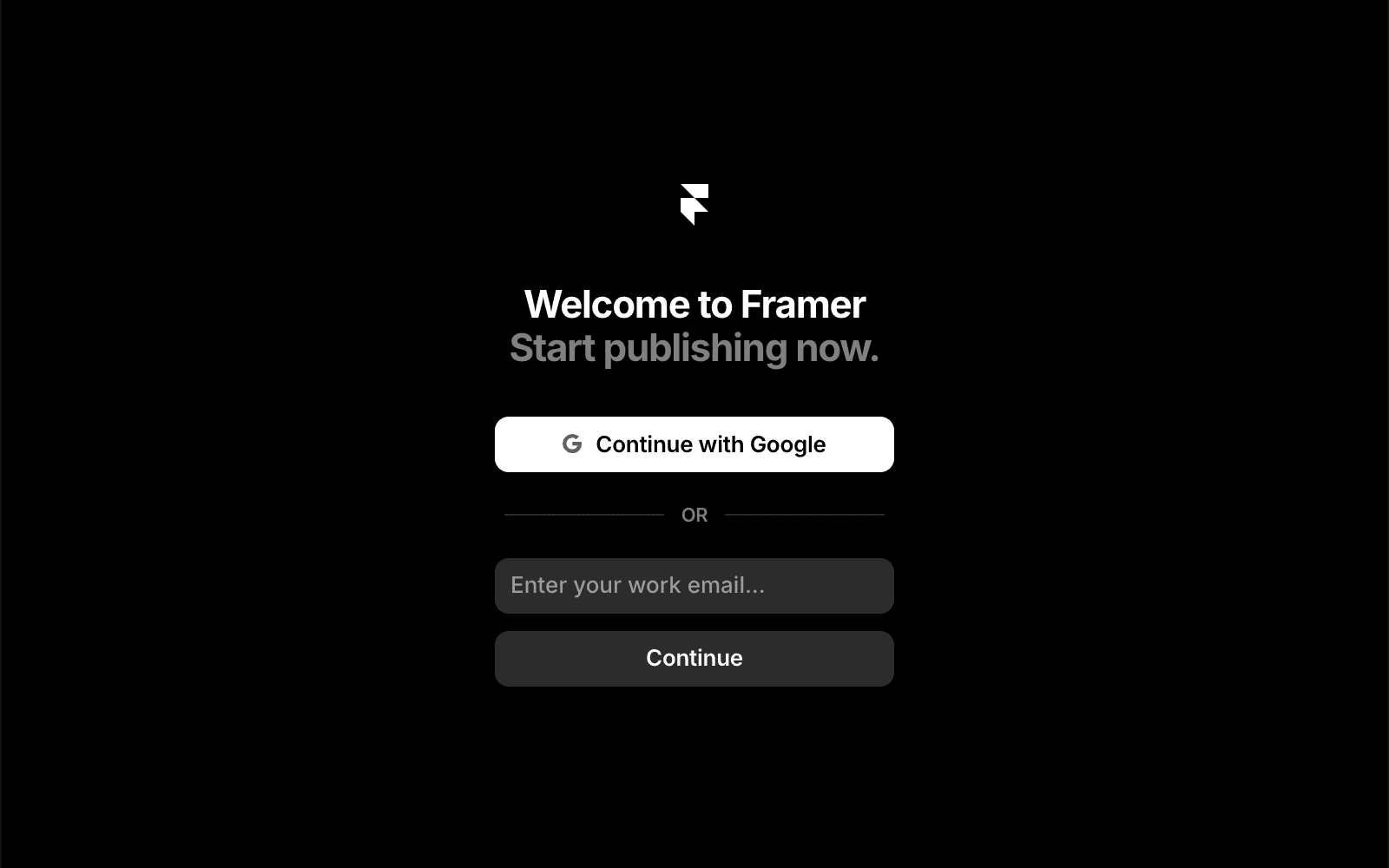
Sign up with your Google account
You can use your Google account to create a Framer account in just a few steps.
Go to framer.com and select “Sign up”.
On the sign-up page, choose “Continue with Google”.
You’ll be redirected to Google, where you can select an existing account or sign in.
After granting the required permissions, you’ll return to Framer.
Complete the setup by entering any additional details, such as your name or workspace name.
Sign up with your email address
If you prefer not to use Google, you can sign up with any email provider, including Outlook or iCloud.
Go to framer.com and select “Sign up”.
On the sign-up page, choose “Continue with email”.
Enter your email address and select “Continue”.
Check your inbox and open the activation email.
Click the secure link in the email to complete sign-up and return to Framer.
Finish setup by adding details like your name or workspace name.
Note: Framer doesn’t use passwords. Instead, you’ll receive a secure magic link by email whenever you sign in. This keeps your account secure while making access fast and simple.
FAQ
How can I sign up for a Framer account using my Google account?
To sign up with your Google account, go to framer.com and select “Sign up”. On the signup page, choose “Continue with Google”. You will be redirected to the Google site, where you can select your account or log in if needed. After logging in with your Google account and granting the required permissions, you will be redirected to Framer. You’ll then be asked to provide additional information, such as your name or your workspace name.
Can I create a Framer account with an email address that is not Google, such as Outlook or iCloud?
Yes, if you use another email provider (such as Outlook or iCloud), you can still create a Framer account. Go to framer.com and select “Sign up”. On the signup page, choose “Continue with email”. Enter your email address and click “Continue”. You’ll receive an activation link via email to complete the signup process. After checking the activation email and confirming your signup, you will be redirected to Framer and asked to provide additional information, such as your name or your workspace name.
Does Framer require a password for account security?
No, Framer does not use passwords for account security. Instead, you’ll receive a secure magic link in your email, which serves as your login method. This hassle-free approach ensures easy access to your account.
Updated