Reduced motion settings
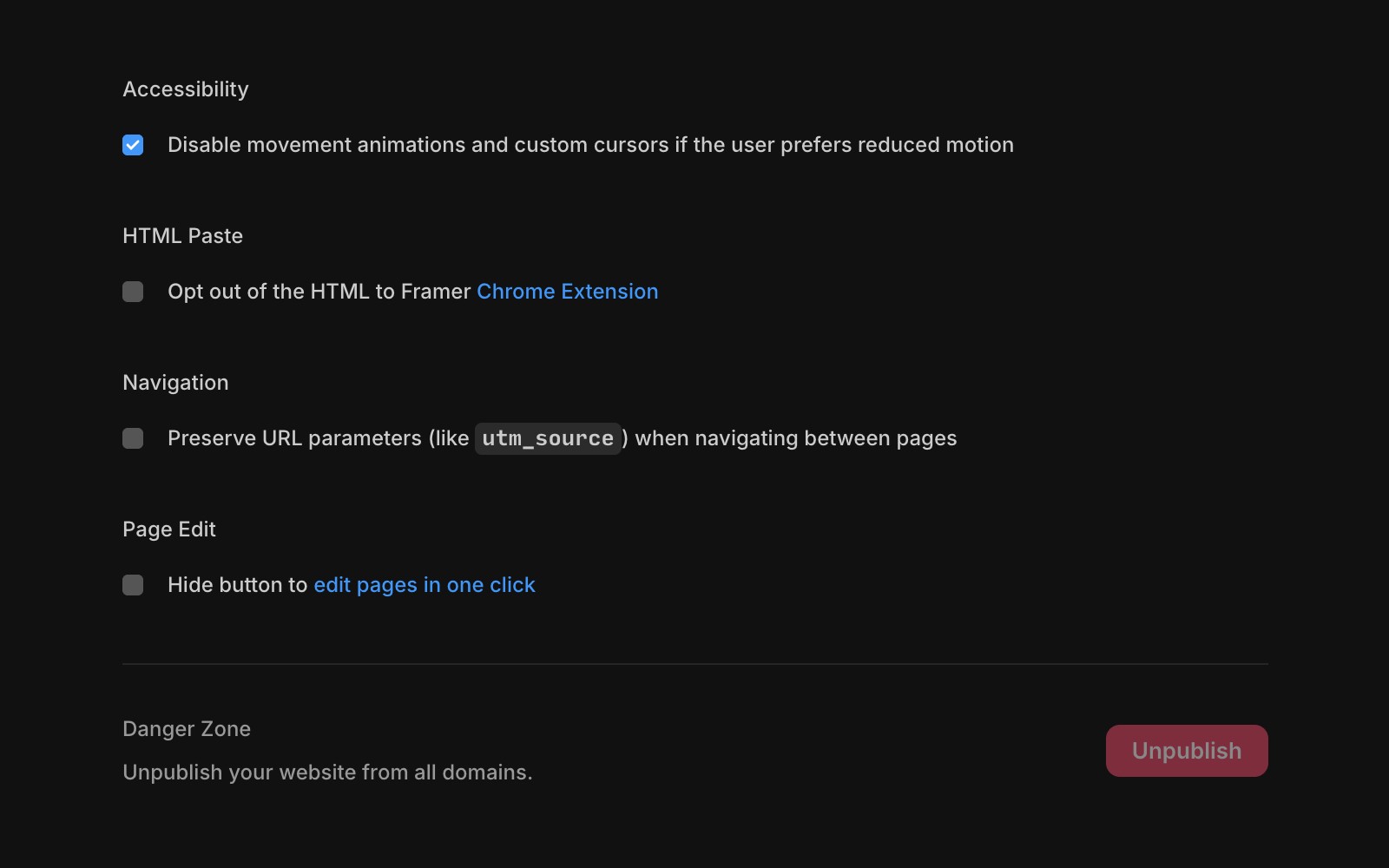
Modern operating systems allow users to set a preference for reduced motion. Framer offers a setting to disable parallax, transform, and layout animations for those who prefer minimal motion.
To enable or disable motion in your project, go to Site Settings. In the General tab, you’ll find an option to adjust this setting, controlling motion effects like parallax, transform, and layout animations.
FAQ
How can I enable or disable motion effects in my Framer project?
To enable or disable motion in your project, go to Site Settings. In the General tab, you’ll find an option to adjust this setting, controlling motion effects like parallax, transform, and layout animations.
Where is the setting to control movement animations and custom cursors in Framer?
You can find the option to disable movement animations and custom cursors in the Site Settings under the General tab.
What types of motion effects are affected by the motion setting in Framer?
The motion setting controls effects like parallax, transform, and layout animations.
Updated