Tab order customization
Keyboard tab order allows keyboard users to navigate a webpage effectively. When implemented correctly, a webpage will flow like reading a book. If done incorrectly, users may become confused or miss important content.
By default, the tab order on a webpage follows the sequence of links, buttons, and inputs based on their arrangement in the layers panel or markup.
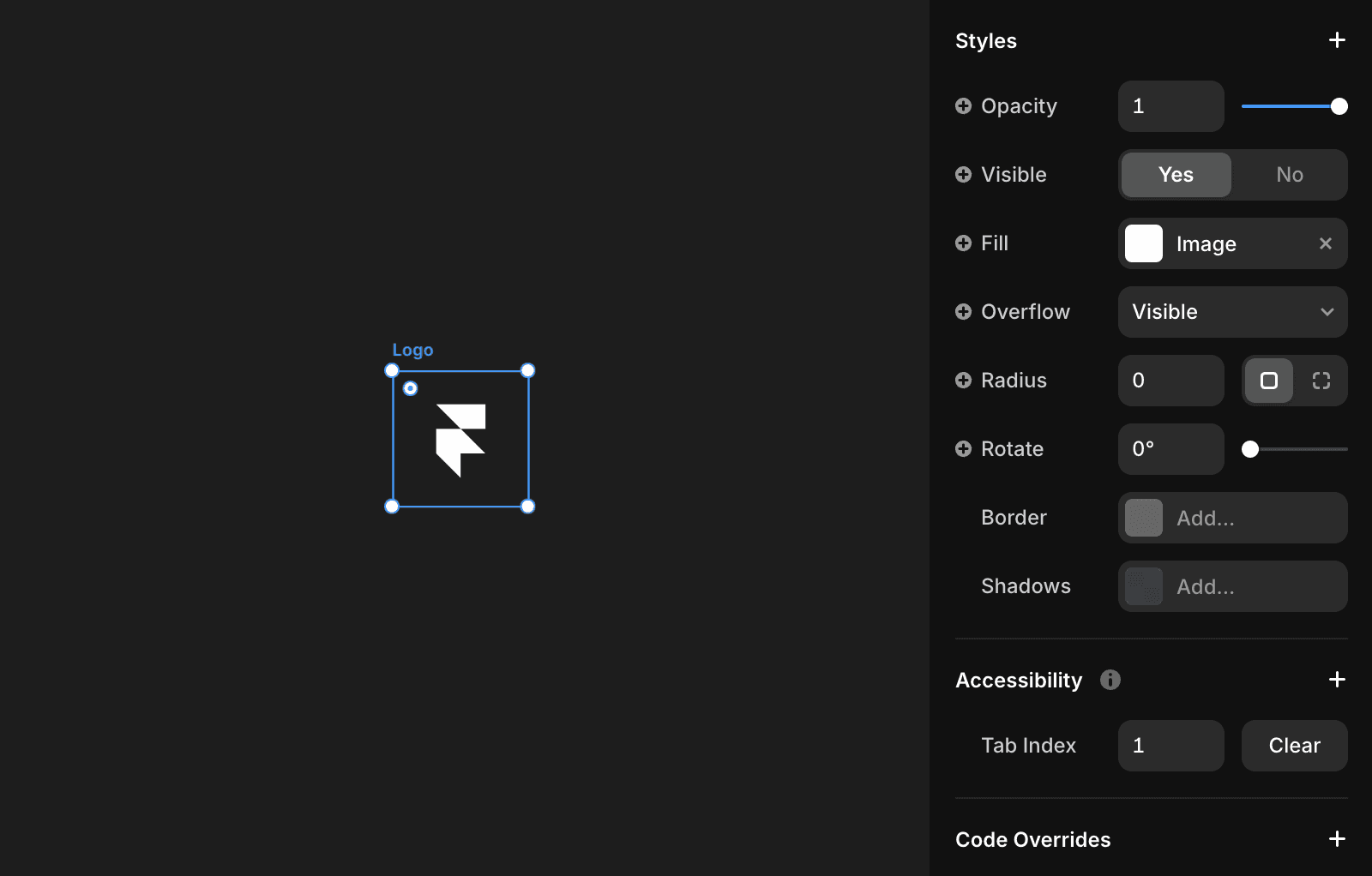
Framer’s accessibility panel lets you set a custom tab order, making it easier to guide users’ attention to primary calls-to-action (CTAs) first.
FAQ
How does Framer determine the default tab order on a webpage?
By default, the tab order on a webpage follows the sequence of links, buttons, and inputs based on their arrangement in the layers panel or markup.
Can I customize the tab order of interactive elements in Framer?
Yes, Framer’s accessibility panel lets you set a custom tab order, making it easier to guide users’ attention to primary calls-to-action (CTAs) first.
Why should I use a custom tab order in my Framer project?
Setting a custom tab order helps guide users’ attention to primary calls-to-action (CTAs) first, improving accessibility and user experience.
Updated