How to add custom code
Add third-party scripts, custom CSS, or JavaScript to your Framer site.
This article explains how to add custom code to your Framer website and control where and how it runs.
What can you add with custom code?
You can use custom code to extend your site with external tools and small customizations, including:
Analytics and marketing tags, such as GA4, Meta Pixel, and LinkedIn.
Chat and support widgets, like Intercom, Zendesk, or Crisp.
Custom CSS and JavaScript for tweaks, utilities, or small features.
Structured data and meta tags, including JSON-LD for SEO.
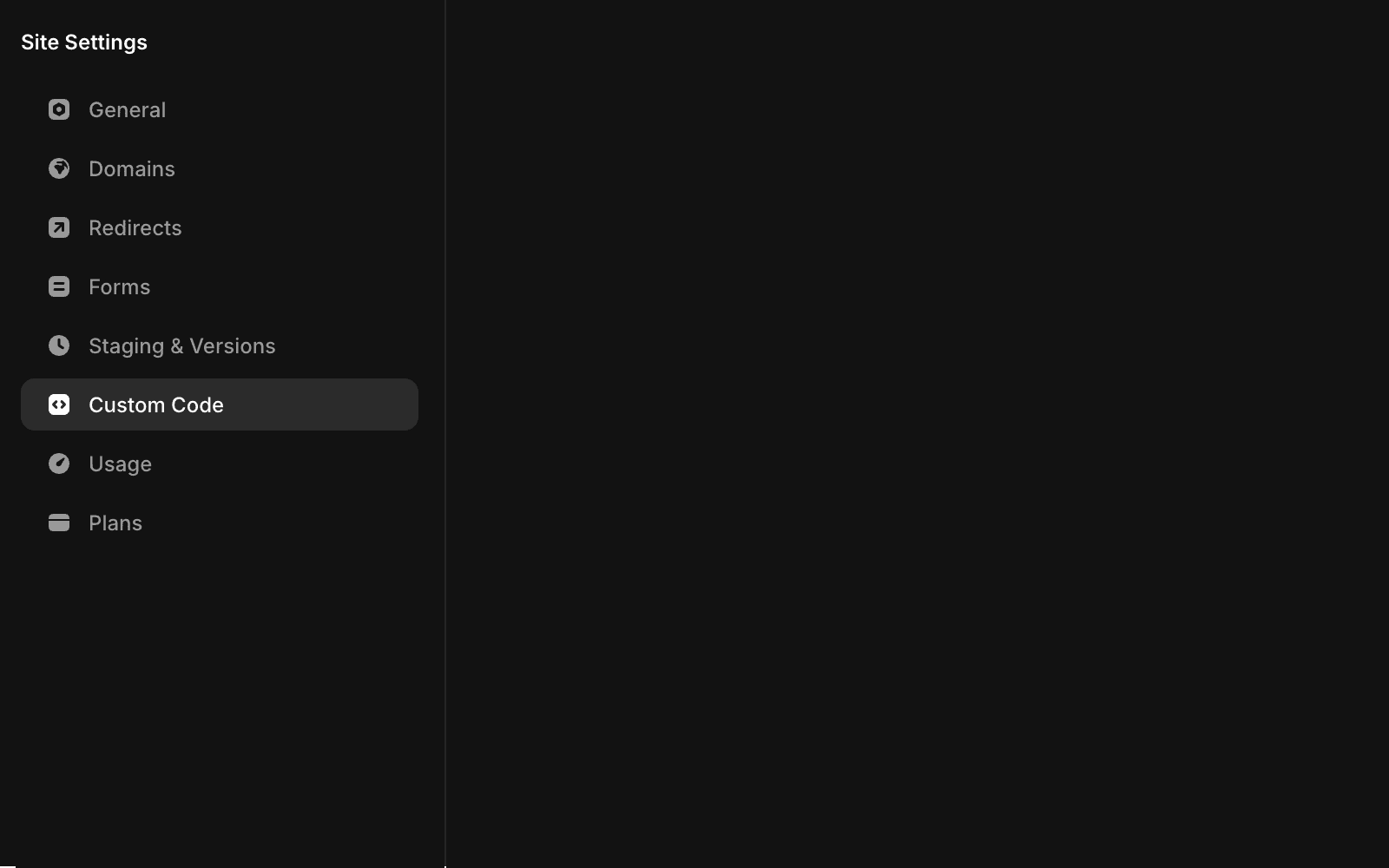
How to add custom code
Follow these steps to add a new custom code snippet to your site:
Open Project Settings.
Select the Custom Code tab from the left sidebar.
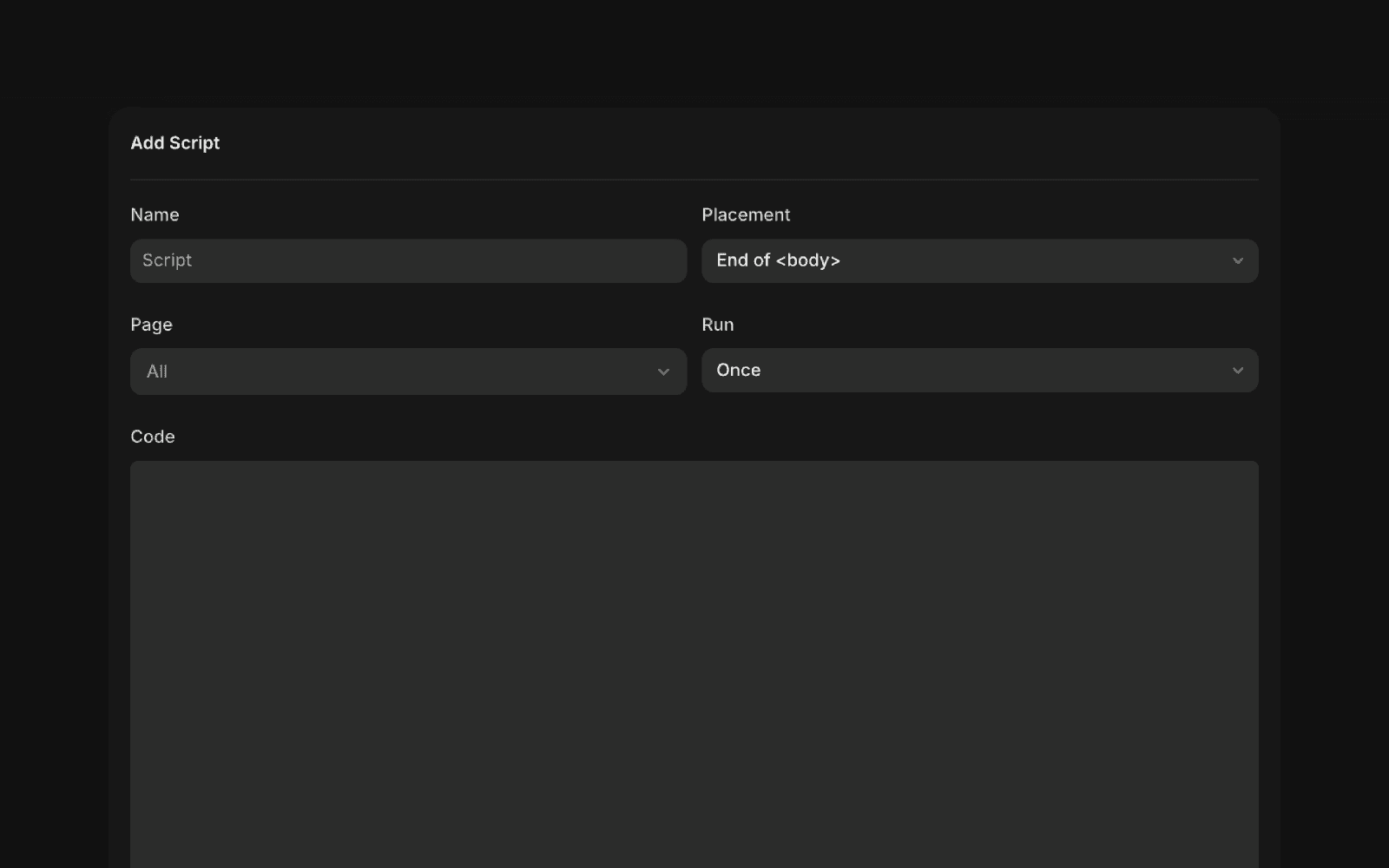
Click Add Script if you haven’t added any code yet. Otherwise, click the + icon.
Give the script a clear, recognizable name so you can identify it later.
Choose where the code should be placed on your site.
If you want the code to run on specific pages only, select them from the list. When selecting a CMS page, you can add structured data for SEO.
Choose how often the code should run:
Select Once to add and execute the code a single time, such as when adding event listeners.
Select Run on every page visit to execute the code each time someone visits the page.
Updated