Framer vs WordPress: Faster website building without plugin maintenance
Framer is an AI website builder and visual website platform for modern marketing sites, combining canvas editing, CMS, SEO, hosting, and publishing. For WordPress teams, it reduces theme, plugin, and maintenance work around everyday updates.












Framer vs WordPress: AI website builder, CMS, SEO, and workflow comparison
Feature | Framer | WordPress | What this means for you |
|---|---|---|---|
AI website building | AI creates editable canvas pages | AI often depends on plugins | Create pages without adding plugin sprawl |
Design workflow | Freeform canvas and components | Theme and block-editor workflow | Design custom pages without theme constraints |
Framer Agents | Agents update pages, CMS, SEO | No native site-wide agent workflow | Use AI while keeping the site maintainable |
CMS | Visual CMS for structured content | Flexible CMS shaped by plugins | Manage content with fewer maintenance layers |
SEO controls | Metadata, redirects, performance | SEO usually relies on plugins | Keep optimization closer to the page |
Maintenance | Managed hosting and performance | Plugin, theme, and update work | Reduce routine website operations |
Security and hosting | SSL, CDN, redirects, publishing | Depends on hosting and plugins | Ship updates with fewer moving parts |
Developer extensibility | Code components and External Agents | Deep plugin and back-end ecosystem | WordPress is deeper; Framer is simpler for marketing sites |
Pricing structure | Site plans plus editor seats | Hosting, plugins, and maintenance | Framer is easier to forecast for site teams |
Best fit | Modern marketing sites with less upkeep | Plugin-heavy custom sites | Choose Framer for speed and ownership |
Framer vs WordPress pricing: plan-by-plan comparison
Plan | Framer | WordPress | What this means for you |
|---|---|---|---|
Free | $0 with 500 AI credits and 1 GB bandwidth | Free, on a WordPress.com subdomain | Both free plans publish |
Basic | $10/mo with custom domain, CMS, and built-in SEO | Personal, $4/mo billed annually | Cheaper entry, but Framer bundles CMS and SEO |
Pro | $30/mo with staging, branching, and 10 CMS collections | Business, $25/mo billed annually | Best pair; Framer adds staging without plugins |
Enterprise | Custom pricing with SSO and unlimited editors | Commerce, $45/mo billed annually | Framer quotes custom limits, not commerce |
Why Framer is a faster WordPress alternative for modern websites


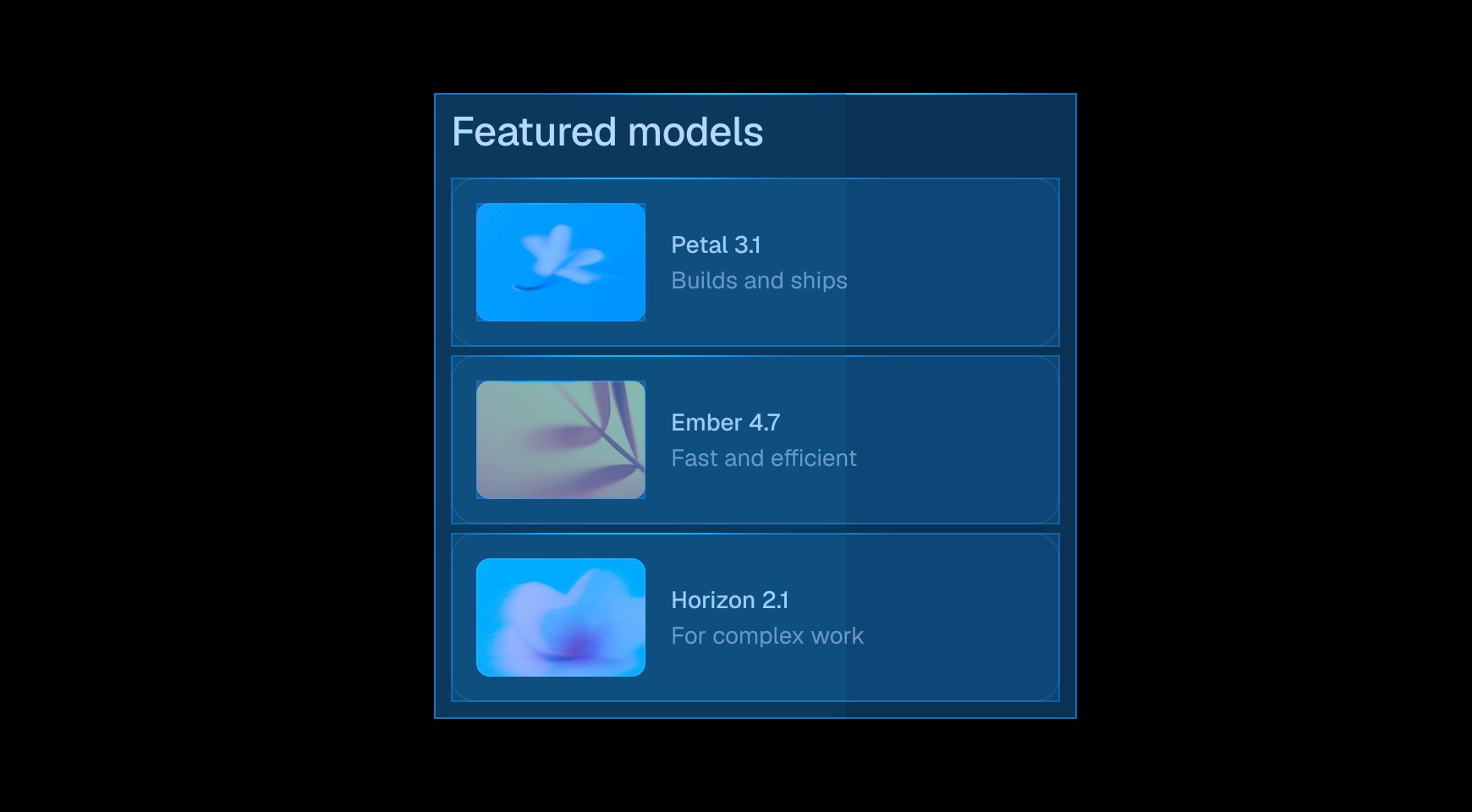

Unlike WordPress, where pages often depend on themes, plugins, or custom setup, Framer lets teams create and refine pages with AI on a visual canvas.




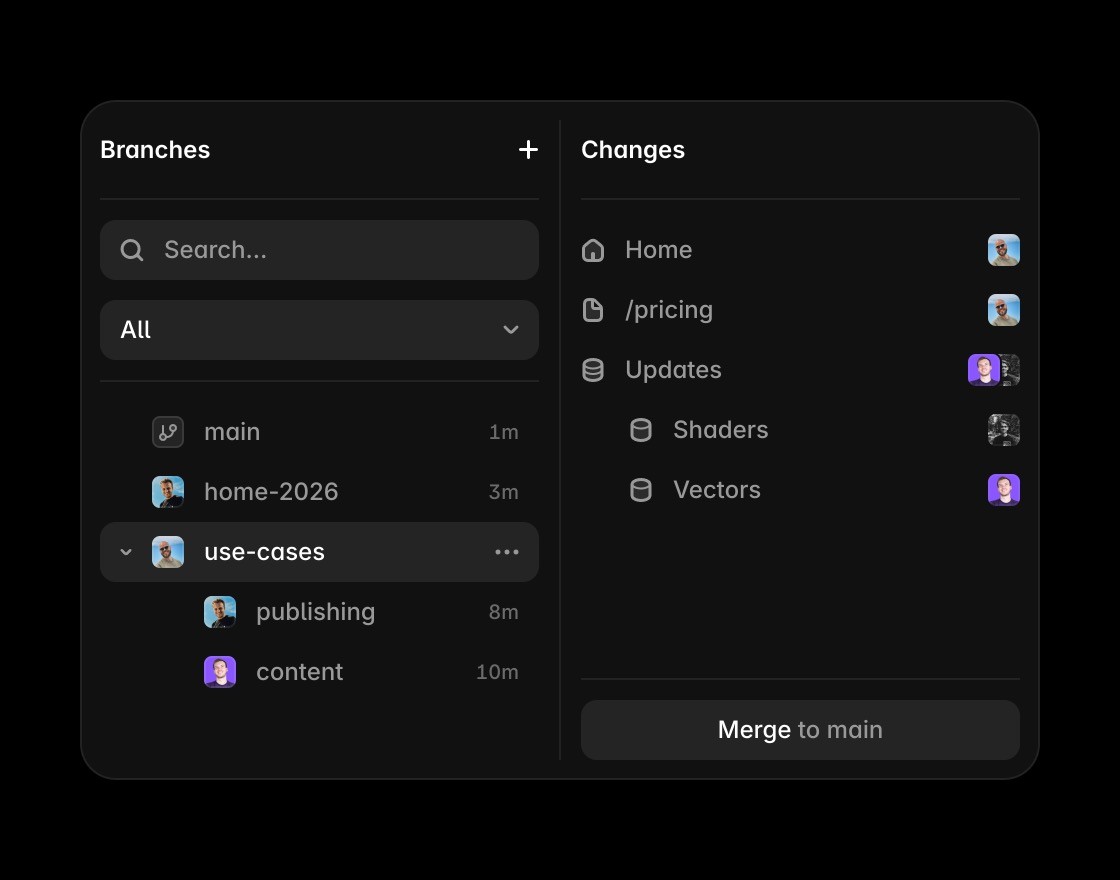
Teams can work on changes in branches, collaborate on updates, and publish without the maintenance overhead that often slows WordPress sites down.

Framer makes content, CMS, layout, and SEO edits feel like part of the same website workflow instead of separate admin and front-end layers.


Reusable components replace plugin-heavy page assembly with consistent, editable website building blocks.
Build without plugin maintenance
Framer adds AI-assisted page creation without turning routine website updates into plugin or theme work.
Use Framer’s canvas when the WordPress comparison is about direct control over layout, type, and breakpoints.
Framer CMS supports structured website content without relying on a theme, plugin stack, or separate front end.
Framer keeps metadata, headings, FAQs, and answer-ready content inside the visual publishing workflow.
Framer includes hosting, SSL, CDN delivery, redirects, and publishing, reducing the maintenance layer around WordPress.
Explore Framer resources for templates, components, and examples that ship without WordPress maintenance overhead.
Why teams choose Framer over WordPress




Compare Framer with other tools














Frequently asked questions
Is Framer better than WordPress for AI-assisted websites?
For many marketing teams, yes. WordPress is flexible, but Framer is better for AI-assisted website building without plugin maintenance, theme constraints, and front-end handoffs. Teams can design, manage CMS content, optimize SEO, host, and publish visually with fewer moving parts, while keeping the site easier for designers and marketers to update.
Can Framer replace WordPress?
Framer can replace WordPress for marketing sites, landing pages, CMS-driven pages, resource hubs, startup sites, and product websites that do not depend on a complex plugin ecosystem. Framer keeps design, content, SEO, and publishing in one website workflow. That makes the decision easier for teams comparing tools by day-to-day ownership.
What makes Framer easier to maintain?
Framer is easier to maintain because hosting, CMS, design, SEO, collaboration, and publishing are built into the platform. Teams avoid much of the plugin, theme, update, and security overhead that can slow down everyday WordPress website work. It also keeps future updates practical for people who are not writing production code.
How does Framer handle SEO and content?
Framer keeps metadata, content, structure, performance, and publishing close to the visual page. That makes SEO easier for teams that want direct control over page descriptions, headings, CMS content, answer-ready sections, and social previews without extra plugins. That helps the page answer real search questions with concrete product context.
Why do teams switch to Framer?
Teams switch to Framer to move faster, reduce maintenance, improve design control, and give marketers and designers more ownership of the website. AI-assisted creation, CMS fields, components, hosting, and publishing all stay connected. It gives teams a clearer path from evaluation to ongoing website operations.
Why choose Framer instead of WordPress for a marketing site?
Framer is the better fit for modern marketing websites that need speed, design control, easier maintenance, and publishing simplicity. WordPress can still fit sites that rely on a specific plugin ecosystem, custom back-end logic, or an established content operation with dedicated development support and ongoing technical maintenance.
