Framer vs Adobe Experience Manager: Modern website platform or enterprise DXP
Framer is an AI website builder and visual website platform with canvas editing, CMS, SEO, Branching, hosting, and publishing. For AEM teams, it offers more direct website control without expanding DXP complexity.












Framer vs Adobe Experience Manager: CMS, governance, SEO, and publishing compared
Feature | Framer | AEM | What this means for you |
|---|---|---|---|
AI website building | AI creation tied to editing and publishing | Enterprise AI depends on setup | Move faster without heavy implementation cycles |
Framer Agents | Agents help with pages, CMS, SEO | Agents depend on enterprise implementation | Use AI for routine site work with less scope |
Enterprise readiness | Security, governance, collaboration | Deep DXP governance tooling | Get enterprise site controls with less overhead |
Design workflow | Canvas, components, breakpoints | Mediated by larger platform workflows | Give website teams direct page control |
CMS | Visual CMS for marketing pages | Deep DXP content operations | Keep content and page design closer together |
SEO and AEO | Metadata, redirects, clean structure | Often split across systems | Optimize pages where they are published |
Review workflow | Branch, review, publish | Enterprise review adds process | Ship safely without making every edit a project |
Publishing | Hosting, SSL, CDN, redirects | Depends on enterprise infrastructure | Reduce operations for marketing sites |
Pricing and operations | Simpler website operations | Large platform and implementation costs | Lower complexity for teams shipping sites |
Best fit | Enterprise sites needing speed and control | AEM fits complex DXP programs | Choose Framer for high-quality sites with less complexity |
Framer vs Adobe Experience Manager pricing: plan-by-plan comparison
Plan | Framer | AEM | What this means for you |
|---|---|---|---|
Free | $0 with 500 AI credits and 1 GB bandwidth | No free plan | Only Framer has free and $10 tiers |
Basic | $10/mo with custom domain, CMS, and built-in SEO | No entry tier, sales quote only | A listed $10 vs a sales cycle |
Pro | $30/mo with staging, branching, and 10 CMS collections | Custom license via Adobe sales | A listed $30 with self-serve checkout |
Enterprise | Custom pricing with SSO and unlimited editors | Enterprise license, custom | No integrator budget required with Framer |
Why modern website teams choose Framer over AEM


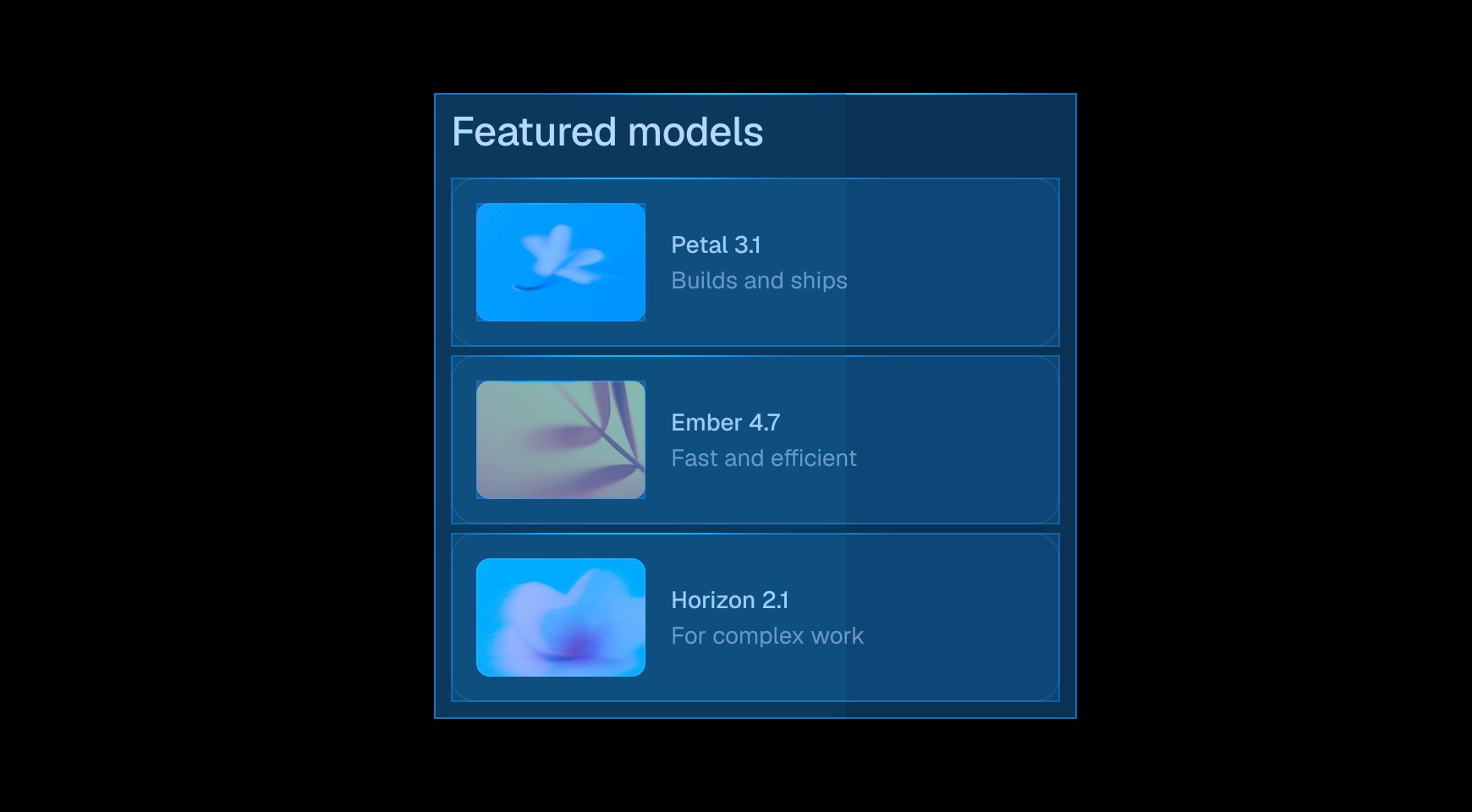

Framer lets designers and marketers build the production page, review it, and publish it from the same workspace. Common website changes do not need to enter a large implementation queue before the team can see the result.




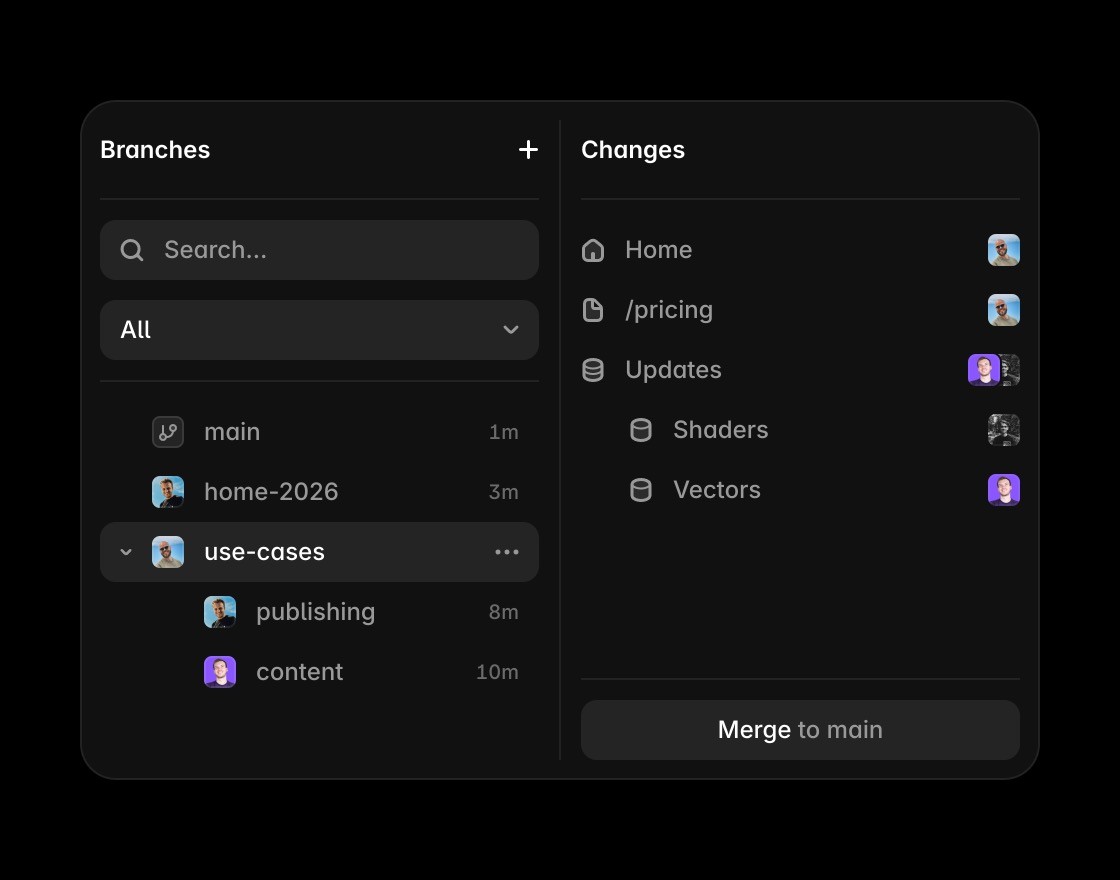
Teams can use branches to separate work in progress, collect feedback, and ship approved updates. This creates a clear website review process without recreating a full DXP release workflow.

Website owners can update pages, CMS entries, metadata, and layouts directly. Engineers can focus on work that needs code while marketers handle the content and campaign changes they understand best.


Framer includes managed hosting, performance, SEO controls, analytics, and publishing. Teams can run a professional website without assembling and maintaining a broad experience-management stack.
Ship enterprise websites with less complexity
Framer connects CMS fields to the actual page so editors can review structured content in the context of the live website.
Use the canvas when the comparison is about turning CMS content into pages with layout and visual hierarchy.
Framer brings metadata, headings, FAQs, and structured answer content close to the CMS-powered page.
Framer publishes CMS-backed pages without requiring a separate front-end stack, deployment flow, or hosting setup.
Agents can draft pages, update CMS content, and review SEO gaps while keeping approved changes editable.
Explore Framer resources for content hubs, CMS pages, components, and production-ready website patterns.
Match the platform to the website’s real complexity




Compare Framer with other tools















Frequently asked questions
Is Framer better than Adobe Experience Manager for AI-assisted website teams?
For many website teams, yes. AEM is built for large DXP programs, while Framer gives teams a faster website workflow for AI-assisted creation, visual editing, CMS content, SEO, collaboration, hosting, and publishing. It fits teams that need enterprise-ready sites without heavy implementation cycles, especially for marketing teams that ship and update pages frequently.
Can Framer replace Adobe Experience Manager?
Framer can replace AEM for modern marketing sites, campaign pages, content hubs, and enterprise pages that need speed and ownership. Framer is strongest when website teams want direct control over layout, content, metadata, review, and publishing without a full DXP operation. That makes the decision easier for teams comparing tools by day-to-day ownership.
What makes Framer easier for enterprise teams?
Framer is easier for enterprise teams because designers, marketers, and content editors can work closer to the live site. Teams can use components, CMS fields, Branching, SEO controls, and publishing in one platform, reducing the operational drag of large implementation workflows. It also keeps future updates practical for people who are not writing production code.
How does Framer handle SEO and governance?
Framer supports SEO and governance by keeping metadata, page structure, reusable components, reviews, and publishing controls close to the page. Teams can move quickly while still using consistent design systems, CMS content, and approval workflows before changes go live. That helps the page answer real search questions with concrete product context.
Why do enterprise teams move to Framer?
Enterprise teams move to Framer when they want to launch faster, reduce DXP complexity, and give website teams more direct ownership. Framer combines visual design, CMS, hosting, SEO, collaboration, and AI-assisted updates so routine changes do not become large implementation projects. It gives teams a clearer path from evaluation to ongoing website operations.
Why choose Framer for enterprise website teams?
Framer is the better fit when the priority is a CMS-backed website that designers, marketers, and content teams can edit and publish visually. The alternative can still fit custom content platforms, multi-channel operations, or teams with dedicated front-end developers building across several channels and applications.
