Framer vs Sanity: An integrated website or a programmable content backend?
Sanity provides a hosted Content Lake, customizable Studio, GROQ queries, APIs, and visual-editing connections to a coded front end. Framer packages the content model, canvas, site hosting, and publishing workflow together. Developers gain more backend freedom with Sanity; website teams remove more setup with Framer.












Framer vs Sanity for content models, visual editing, and delivery
Decision factor | Framer | Sanity | How to read the difference |
|---|---|---|---|
Platform role | Integrated CMS and website builder | Programmable content backend and Studio | Framer completes the site; Sanity powers custom experiences |
Data model | Collection fields managed in the site project | Schema-driven JSON documents in Content Lake | Sanity offers deeper developer control |
Query layer | Website bindings and platform APIs | GROQ with precise data shaping | Sanity suits complex content queries and integrations |
Visual editing | Native canvas for content and layout | Presentation Tool connected to a front end | Framer requires less integration for website editing |
Infrastructure | Managed hosting, CDN, and publishing included | Hosted content plus a separately deployed front end | Framer collapses the delivery stack |
Best fit | Marketing teams shipping a primary website | Developers building a custom content platform | Choose the level of programmability the project needs |
Framer site pricing vs Sanity seats, usage, and add-ons
Pricing question | Framer | Sanity | Planning note |
|---|---|---|---|
Free entry | Free published site with limits | Free includes hosted content, visual editing, and usage quotas | Both can support prototyping at no charge |
Growing team | Pro is priced around site features and capacity | Growth is $15 per seat per month plus usage above quotas | Sanity cost follows users and backend consumption |
Add-ons | Extra editors, locales, CMS, and bandwidth can add cost | Support, higher quotas, datasets, storage, and AI usage can add cost | Estimate the expected operating profile |
Presentation layer | Design, hosting, and publishing are included | A separately built and hosted front end remains part of the budget | Compare total stack cost rather than CMS prices alone |
Choose Framer when speed matters more than backend programmability


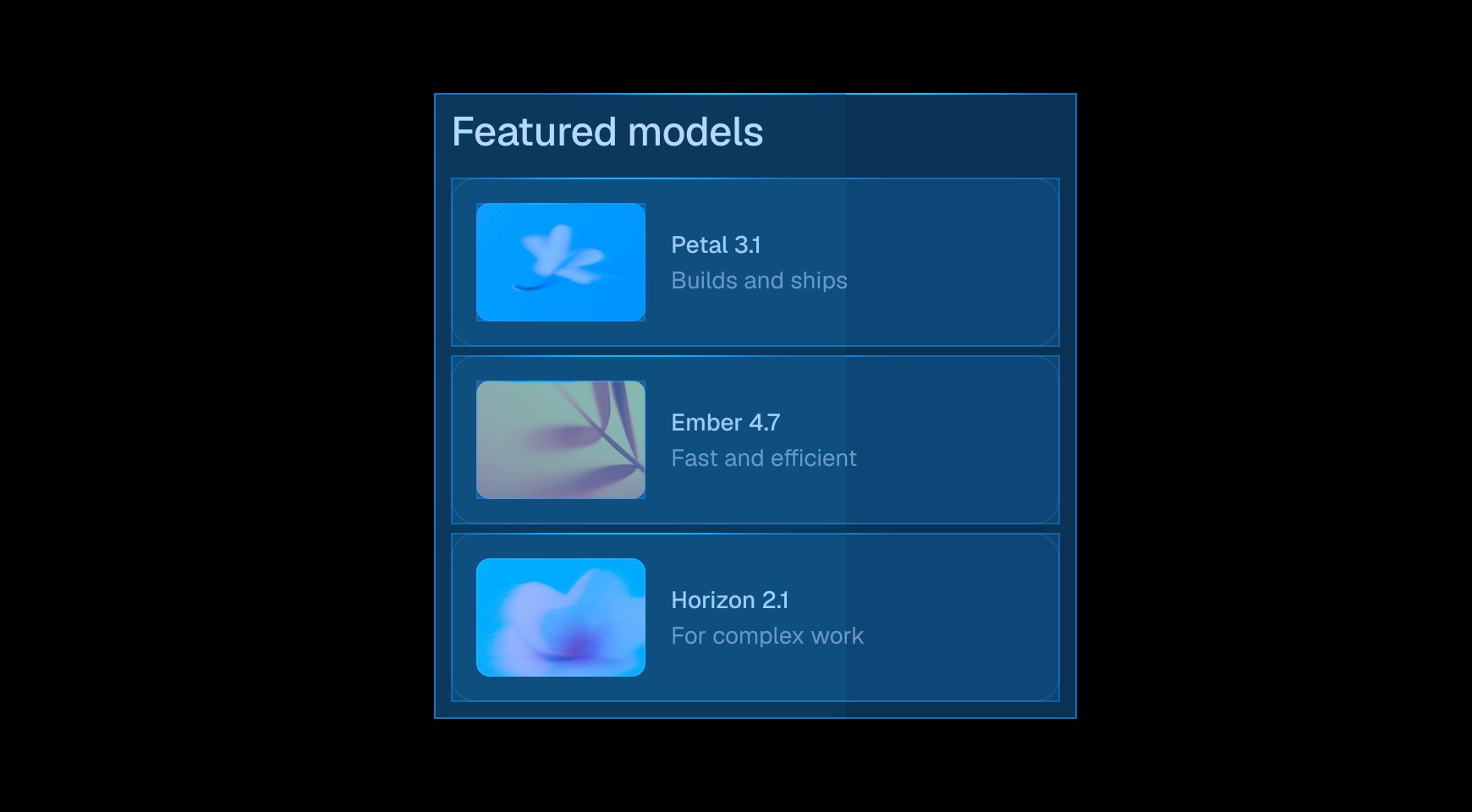

Framer collections handle common website structures inside the project. Teams can add fields and design detail pages without configuring a separate editorial application.




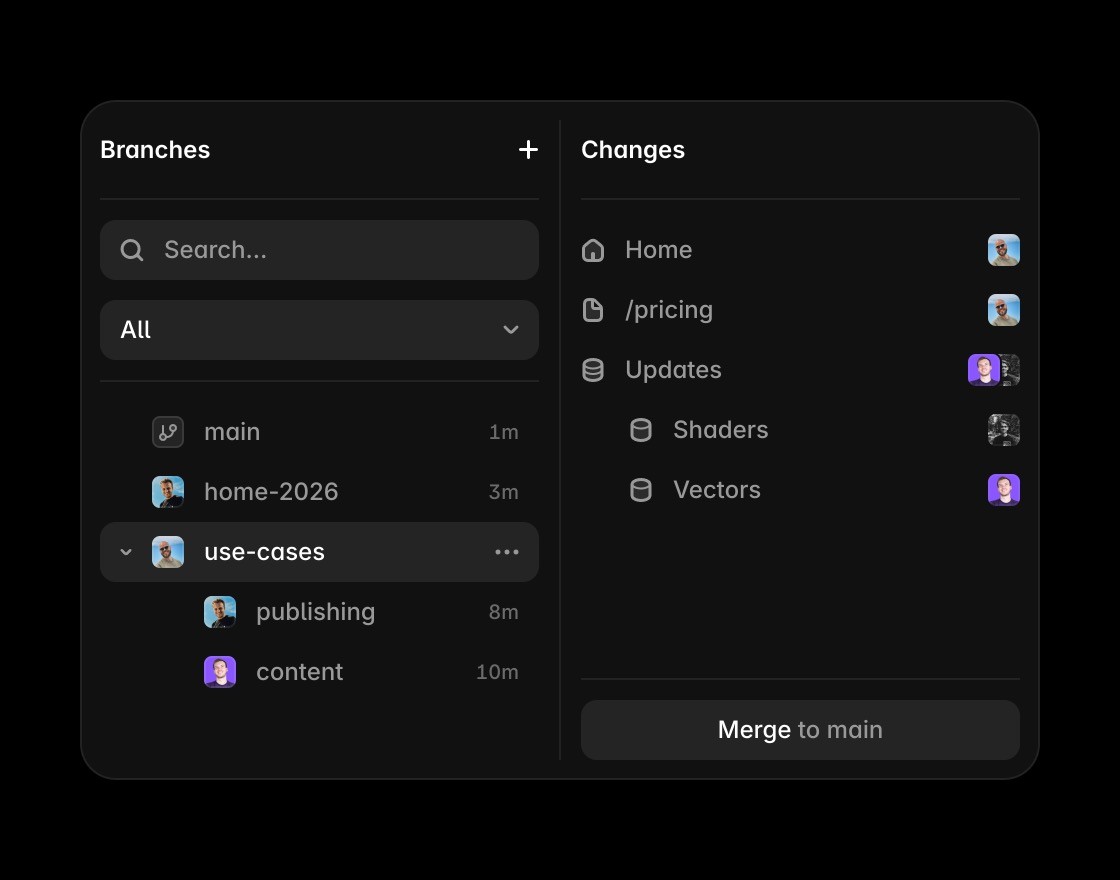
The live page composition is the editor, not an overlay added to a separately built front end. Designers and marketers can change both content and presentation.

Hosting, SSL, CDN delivery, redirects, and deployment are already part of the site workflow, so a content change does not depend on another repository.


Sanity is a better foundation for custom schemas, GROQ-powered applications, complex integrations, and structured content reused across many front ends.
Turn CMS content into published pages
Framer connects CMS fields to the actual page so editors can review structured content in the context of the live website.
Use the canvas when the comparison is about turning CMS content into pages with layout and visual hierarchy.
Framer brings metadata, headings, FAQs, and structured answer content close to the CMS-powered page.
Framer publishes CMS-backed pages without requiring a separate front-end stack, deployment flow, or hosting setup.
Agents can draft pages, update CMS content, and review SEO gaps while keeping approved changes editable.
Explore Framer resources for content hubs, CMS pages, components, and production-ready website patterns.
The practical verdict on Framer vs Sanity




Compare Framer with other tools
















Frequently asked questions
What is the main difference between Framer and Sanity?
Sanity provides a hosted Content Lake, customizable Studio, GROQ queries, APIs, and visual-editing connections to a coded front end. Framer packages the content model, canvas, site hosting, and publishing workflow together. Developers gain more backend freedom with Sanity; website teams remove more setup with Framer.
Who should choose Framer over Sanity?
Framer minimizes the stack for a website. Sanity maximizes control over a content backend. The right answer depends on which layer the team is actually building. Framer collections handle common website structures inside the project. Teams can add fields and design detail pages without configuring a separate editorial application.
When is Sanity the better choice?
Sanity is a better foundation for custom schemas, GROQ-powered applications, complex integrations, and structured content reused across many front ends.
How does the editing workflow differ from Sanity?
Change structure and presentation on one canvas. Editors can fix the record, layout, breakpoint, and component without moving between Studio and a front-end project. The CMS and rendered site share Framer's preview, branch, hosting, and publishing workflow.
How should a team compare Framer and Sanity pricing?
Sanity Growth is seat and usage based, with paid add-ons and overages for some resources. Framer pricing centers the published website, so include the separate front end and hosting when estimating a Sanity implementation.
Can Framer and Sanity be used together?
Developers can connect Sanity data to custom web experiences, but using Sanity beside Framer adds an integration that the native CMS avoids. The extra layer is justified when Content Lake and the same schemas serve more than the Framer site.
