Framer vs Readymag: Editorial expression or a scalable website system?
Readymag is purpose-built for expressive editorial work, portfolios, presentations, and highly composed interactive stories. Framer covers that visual territory while adding a more conventional component, CMS, SEO, and release workflow for teams growing a multi-page marketing site.












Framer vs Readymag for editorial, portfolio, and marketing work
Decision factor | Framer | Readymag | How to read the difference |
|---|---|---|---|
Creative focus | Brand sites, campaigns, and CMS-driven pages | Editorials, portfolios, presentations, and special projects | Readymag specializes in composed stories |
Composition | Freeform canvas with reusable components | Free composition, grids, typography, and widgets | Both value art direction; Framer adds stronger reuse |
Motion | Effects, components, and scroll interactions | Multi-step load, click, hover, and scroll animation | Readymag offers a dedicated editorial animation toolkit |
Structured content | Integrated CMS and detail pages | Project and page oriented workflow | Framer fits repeatable editorial formats |
Operations | Branches, staging, redirects, hosting, and SEO controls | Hosting, sharing, code export, and project settings | Framer treats releases as one growing site |
Best fit | A maintained marketing or publishing system | A distinctive standalone visual experience | Choose between repeatability and intentional one-off craft |
Framer and Readymag pricing for one-off projects and growing sites
Pricing question | Framer | Readymag | Planning note |
|---|---|---|---|
Explore | Free site with platform limits | Free plan supports one limited published project | Both let a team test the editor |
Individual publishing | Basic prices one small custom-domain site | Personal and Freelancer plans scale by projects, domains, views, and collaborators | Readymag’s unit is closer to a creative project |
Team workflow | Pro adds branches, staging, and larger CMS limits | Business supports more publishing, domains, collaborators, code export, and priority support | Compare a site operation with a project portfolio |
Custom needs | Enterprise pricing is tailored | Extra packages can extend views, domains, and collaborators | Both offer sales-led options for larger organizations |
Choose Framer when an expressive page must become a maintained site


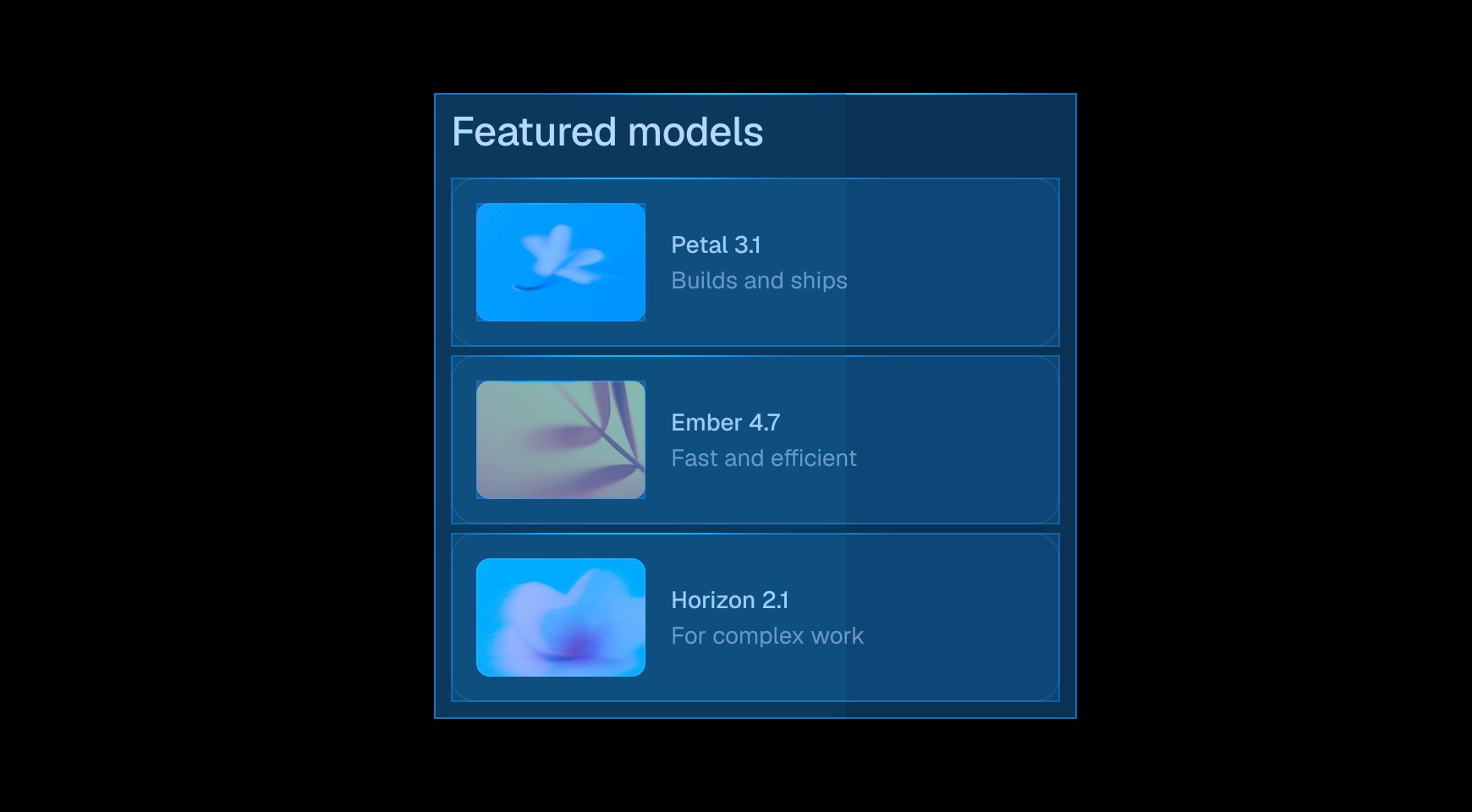

Framer components and styles let teams preserve a distinctive composition while giving repeated navigation, cards, and sections a dependable source of truth.




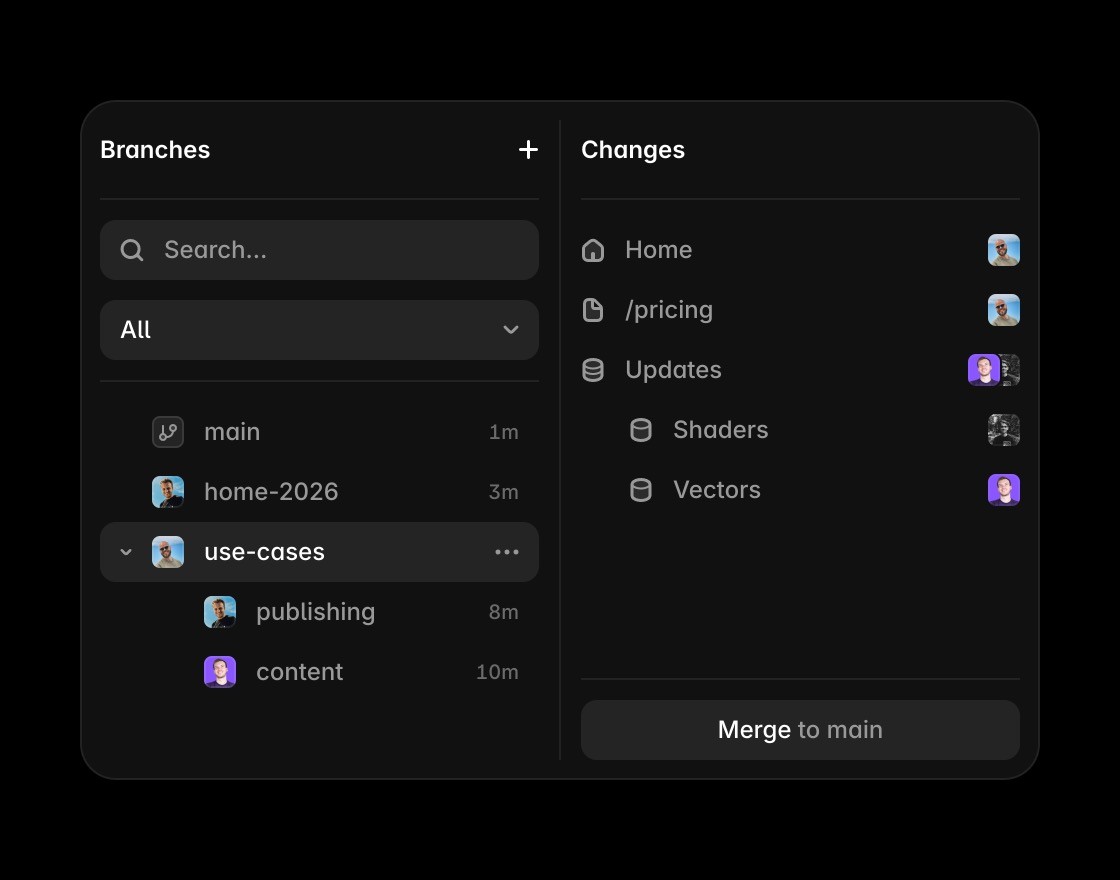
Use collections for articles, people, projects, or resources, then design their detail pages on the same canvas instead of treating every story as a standalone artifact.

Branches and staging support ongoing site work where multiple campaigns and editors need review before a change reaches production.


Readymag is compelling when unusual typography, scroll choreography, or an isolated editorial piece matters more than reusable site infrastructure.
Scale creative websites in Framer
Framer keeps creative layout, motion, type, and breakpoints editable while connecting the site to a complete publishing workflow.
Use Framer CMS when creative pages need repeatable content for launches, stories, resources, or campaigns.
Framer helps visual and interactive pages carry metadata, clear structure, FAQs, and answer-ready copy.
This comparison needs performance because rich creative pages still have to load fast and behave like production sites.
Framer publishes creative work from the same platform where teams design, review, and prepare the page.
Explore Framer resources for examples, components, and patterns used by teams shipping polished creative sites.
The practical verdict on Framer vs Readymag




Compare Framer with other tools














Frequently asked questions
What is the main difference between Framer and Readymag?
Readymag is purpose-built for expressive editorial work, portfolios, presentations, and highly composed interactive stories. Framer covers that visual territory while adding a more conventional component, CMS, SEO, and release workflow for teams growing a multi-page marketing site.
Who should choose Framer over Readymag?
Readymag excels at self-contained visual stories. Framer is the better home when those stories need to share content, components, search signals, and a release process. Framer components and styles let teams preserve a distinctive composition while giving repeated navigation, cards, and sections a dependable source of truth.
When is Readymag the better choice?
Readymag is compelling when unusual typography, scroll choreography, or an isolated editorial piece matters more than reusable site infrastructure.
How does the editing workflow differ from Readymag?
Operate many pages as one website. Manage redirects, domains, CMS pages, and releases without treating each new story as a separate production workflow. Control page metadata, structured collections, semantic headings, and internal links alongside the visual composition.
How should a team compare Framer and Readymag pricing?
Framer plans center one growing website and its capacity. Readymag plans vary by published projects, domains, views, and collaborators, so estimate the number of creative artifacts the team expects to operate.
Can Framer and Readymag be used together?
Readymag can produce a special editorial or exhibition piece that a Framer site links to. Use separate tools only when the standalone treatment justifies a distinct domain, analytics view, and maintenance workflow.
