Framer vs Webflow: Choose the right AI website builder
Framer and Webflow are visual website platforms with AI, CMS, SEO, hosting, and collaboration tools. Framer suits design-led teams that want agents to work on an editable canvas and branch changes on a self-serve plan. Webflow suits teams that prefer a class-based design system, larger self-serve CMS limits, code export, and a broader developer platform.












Framer vs Webflow: where each platform fits
Decision factor | Framer | Webflow | Choose based on |
|---|---|---|---|
Design model | Canvas-first editing with components, breakpoints, and styles | Class-based visual development with variables, components, and reusable systems | Direct design iteration or a structured CSS-style system |
AI workflow | Framer Agents design, write, analyze, and organize work inside the project | AI site builder, AI Assistant, CMS generation, SEO and AEO tools | Agent work on the canvas or AI inside a system-led workflow |
CMS | Visual CMS with 10 collections and 2,500 items on Pro before add-ons | Premium includes 40 collections and 20,000 items | Design-led content workflows or higher self-serve limits |
SEO and AEO | Dynamic metadata, redirects, structured content, performance, and agent-assisted reviews | Fine-grained SEO controls, AI audits, schema tools, and plan-dependent AEO agents | Both cover technical controls; compare the review workflow |
Branching | Pro includes whole-project branches with previews | Page branching is included with the Team platform plan | Self-serve branch reviews or enterprise publishing workflows |
Hosting | Managed hosting, SSL, CDN delivery, staging on Pro, and version history | Managed hosting with plan-based bandwidth and enterprise controls | Both remove infrastructure setup for standard marketing sites |
Code and integrations | Code components, plugins, APIs, and External Agents | Code components, APIs, MCP, DevLink, and code export on paid Workspace plans | Visual ownership or deeper developer-facing workflows |
Pricing model | Site plan plus optional editor seats and add-ons | Site plan plus Workspace, platform, and optional product costs | Compare the full team setup, not the site plan alone |
Best fit | Design and marketing teams that want to build and publish on one canvas | Teams that want a class-based web system with strong developer extension points | The workflow your team wants to maintain after launch |
Framer vs Webflow pricing for sites and teams
Plan level | Framer | Webflow | Main difference |
|---|---|---|---|
Free | $0 with a Framer domain, design pages, and trial AI credits | $0 with a Webflow domain, two static pages, limited CMS, and AI | Both support evaluation before a paid site plan |
Simple custom-domain site | Basic: $10 per month billed yearly, two CMS collections, 1,000 items, and 50 GB bandwidth | Basic: $15 per month billed yearly, 300 static pages, 10 GB bandwidth, and no CMS | Framer Basic includes a small CMS; Webflow Basic supports more static pages |
Content-rich site | Pro: $30 per month billed yearly, 10 collections, 2,500 items, staging, and branch previews | Premium: $25 per month billed yearly, 40 collections, 20,000 items, code components, and site search | Framer includes branch previews; Webflow includes higher CMS limits |
Editors and content teams | Additional editors cost $20 per month; content editors cost $10 per month | Workspace or platform costs depend on team size and governance needs | Model the seats and review workflow alongside the site plan |
Enterprise | Custom pricing with custom limits, SSO, SCIM, security, and uptime commitments | Custom Enterprise pricing; Team is $2,500 per month on an annual contract | Request quotes for comparable governance, support, and traffic requirements |
Choose Framer for a canvas-first website workflow


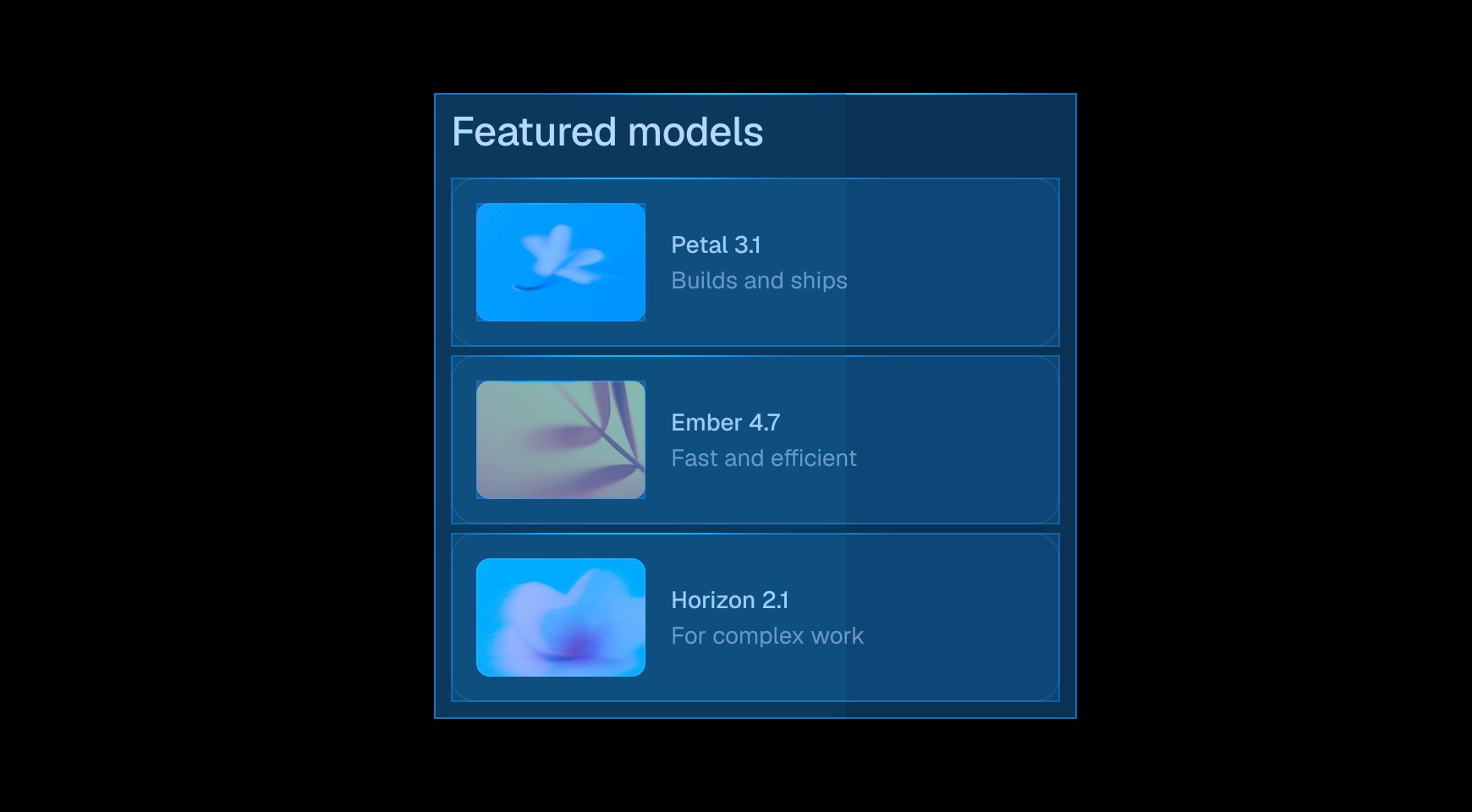

Framer Agents can design website sections, revise copy, review SEO, inspect a site, and organize CMS content inside your project. You can review every change on the editable canvas before publishing your website.




Framer lets designers shape layout, type, components, and breakpoints on the canvas. Teams can build a design system without making a class structure the center of each page edit.

Create collection fields for articles, directories, or comparison pages, then design the dynamic template on the same canvas. Content editors can update structured content without rebuilding the layout.


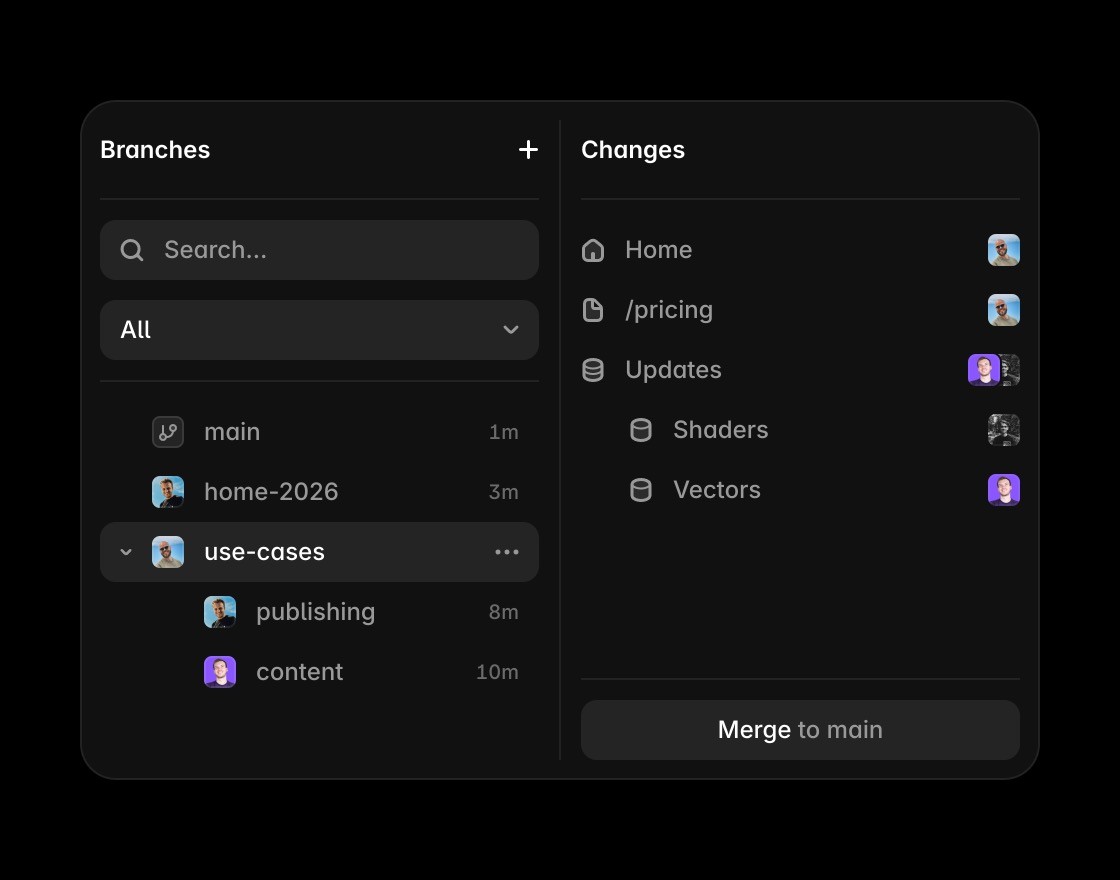
Framer Pro includes branching with previews. A branch can contain canvas edits, CMS updates, and AI-generated changes, which gives reviewers one place to inspect the full site update.
Build better websites with Framer
Framer adds AI-assisted page creation while keeping every section editable and publish-ready for teams evaluating Webflow.
Use Framer’s canvas when the comparison depends on precise control over layout, type, components, and breakpoints.
Framer CMS matters when Webflow comparisons move from a few pages to scalable content and campaign workflows.
Framer keeps metadata, page structure, FAQs, and answer-ready content close to editing and publishing.
Framer includes hosting, SSL, CDN delivery, redirects, and publishing without extra infrastructure handoffs.
Browse Framer resources to see how templates, examples, components, and plugins support production websites.
Framer or Webflow: the short answer








Compare Framer with other tools














Frequently asked questions
Is Framer better than Webflow?
Framer is a better fit for design-led teams that want a freeform canvas, Framer Agents, CMS, hosting, and branch previews in one workspace. Webflow is a better fit for teams that prefer class-based styling, larger self-serve CMS limits, code export, and a deeper developer platform. Both can build and host production websites, so the choice depends on how your team designs, manages content, and reviews changes.
Does Webflow have an AI website builder?
Yes. Webflow’s AI site builder can generate an editable multi-page site with a design system, styles, content, and animations. Webflow also provides an AI Assistant, CMS item generation, SEO and AEO tools, and an MCP server. Access and usage vary by Workspace, Site plan, and add-ons. Framer’s distinction is the way Framer Agents work across design, writing, analysis, and CMS tasks inside the editable project.
Which tool is easier for designers?
Framer often feels more direct to designers who want to place and refine responsive layouts on a freeform canvas. Webflow gives designers a visual interface for a class-based web system, which provides detailed control and asks the team to maintain that structure. A designer who prefers direct manipulation may learn Framer faster. A team that thinks in CSS classes and reusable web systems may prefer Webflow.
Which platform has the stronger CMS?
Webflow Premium currently includes higher self-serve CMS limits: 40 collections and 20,000 items. Framer Pro includes 10 collections and 2,500 items before add-ons, while Framer Enterprise supports custom limits. Framer keeps CMS fields, dynamic templates, on-page editing, and agents close to the design canvas. Webflow suits larger self-serve content models; Framer suits teams that prioritize visual ownership of each CMS page.
How do Framer and Webflow prices compare?
Framer Basic starts at $10 per month billed yearly and includes two CMS collections. Framer Pro costs $30 and adds 10 collections, staging, and branch previews. Webflow Basic costs $15 and excludes CMS. Webflow Premium costs $25 and includes 40 collections and 20,000 items. Team costs depend on editors, Workspace or platform needs, localization, experimentation, and governance.
Can a team move from Webflow to Framer?
Yes, with a planned migration. Export content and assets, inventory CMS fields, rebuild reusable components and dynamic templates in Framer, and preserve important URLs with redirects. Review forms, search, integrations, custom code, and localized content before switching the domain. Webflow code export does not include working CMS or Ecommerce functionality, so treat the move as a website migration rather than a direct code transfer.
