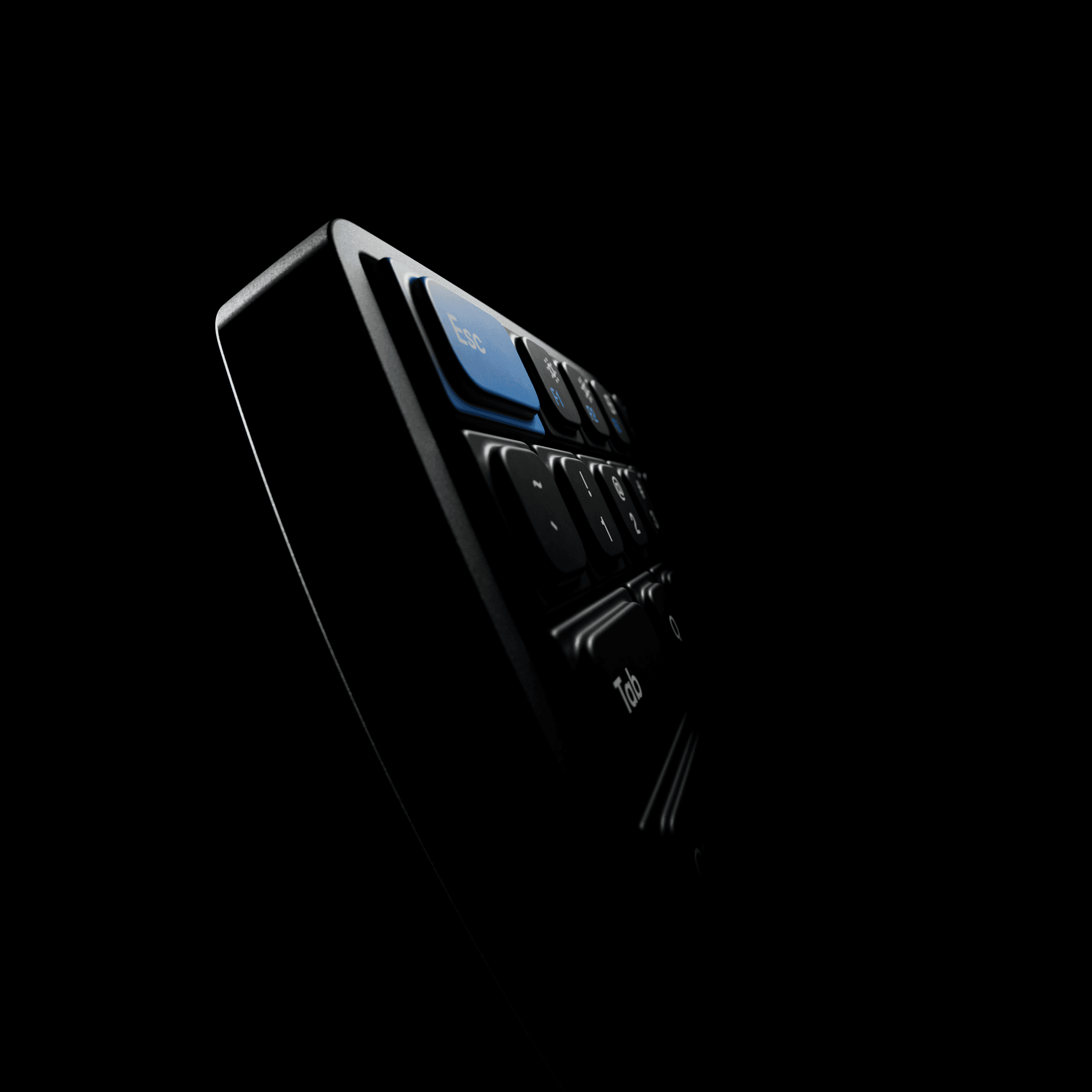
Unmistakably Framer
Publish in seconds. Open the CMS. Copy-paste effects. All your go-to Framer actions, now just a tap away.
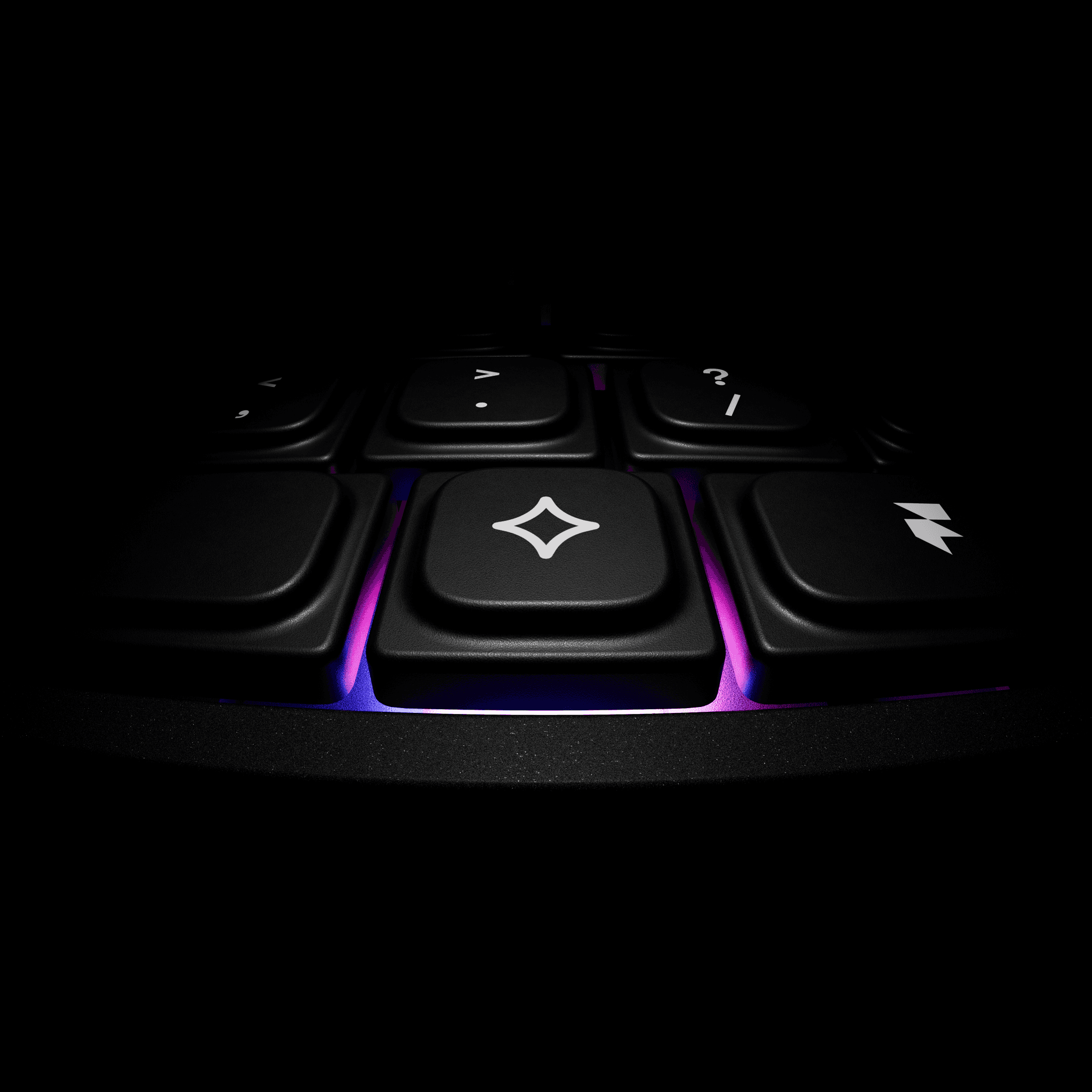
Future proof hotkey
Get ready for the future with next generation Framer features right at your fingertips.
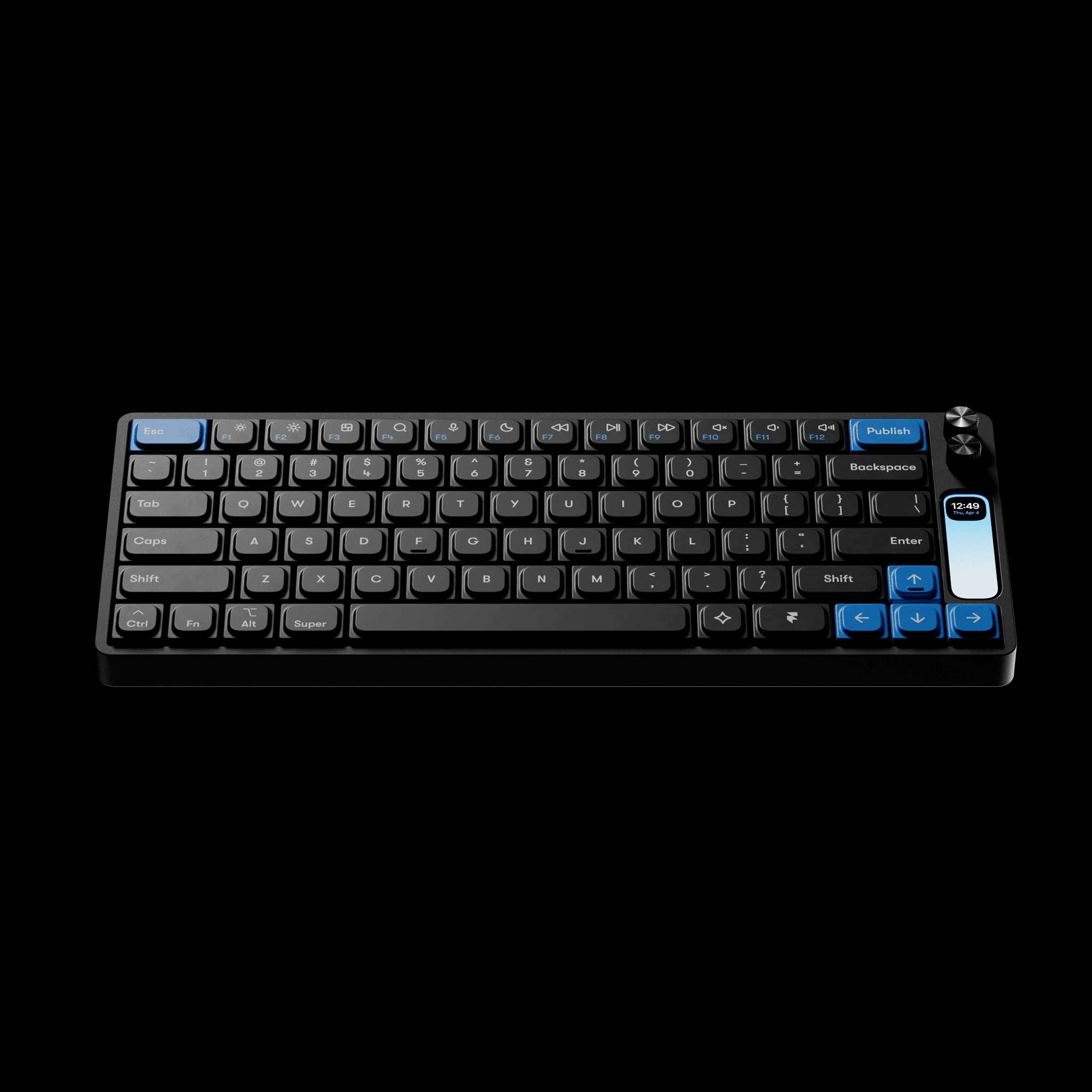
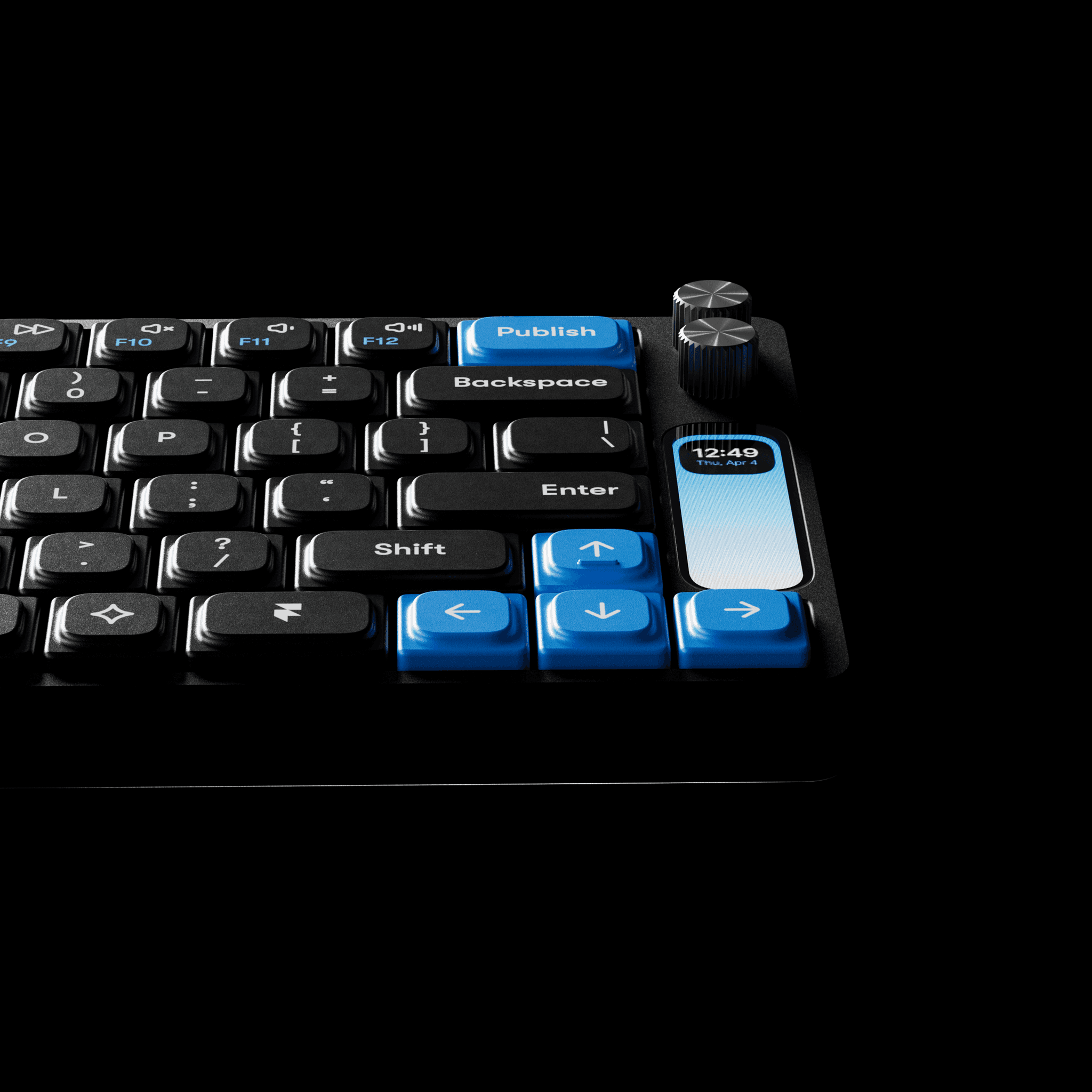
Publish even more
We considered every detail to create a keyboard that honors our brand and quality.
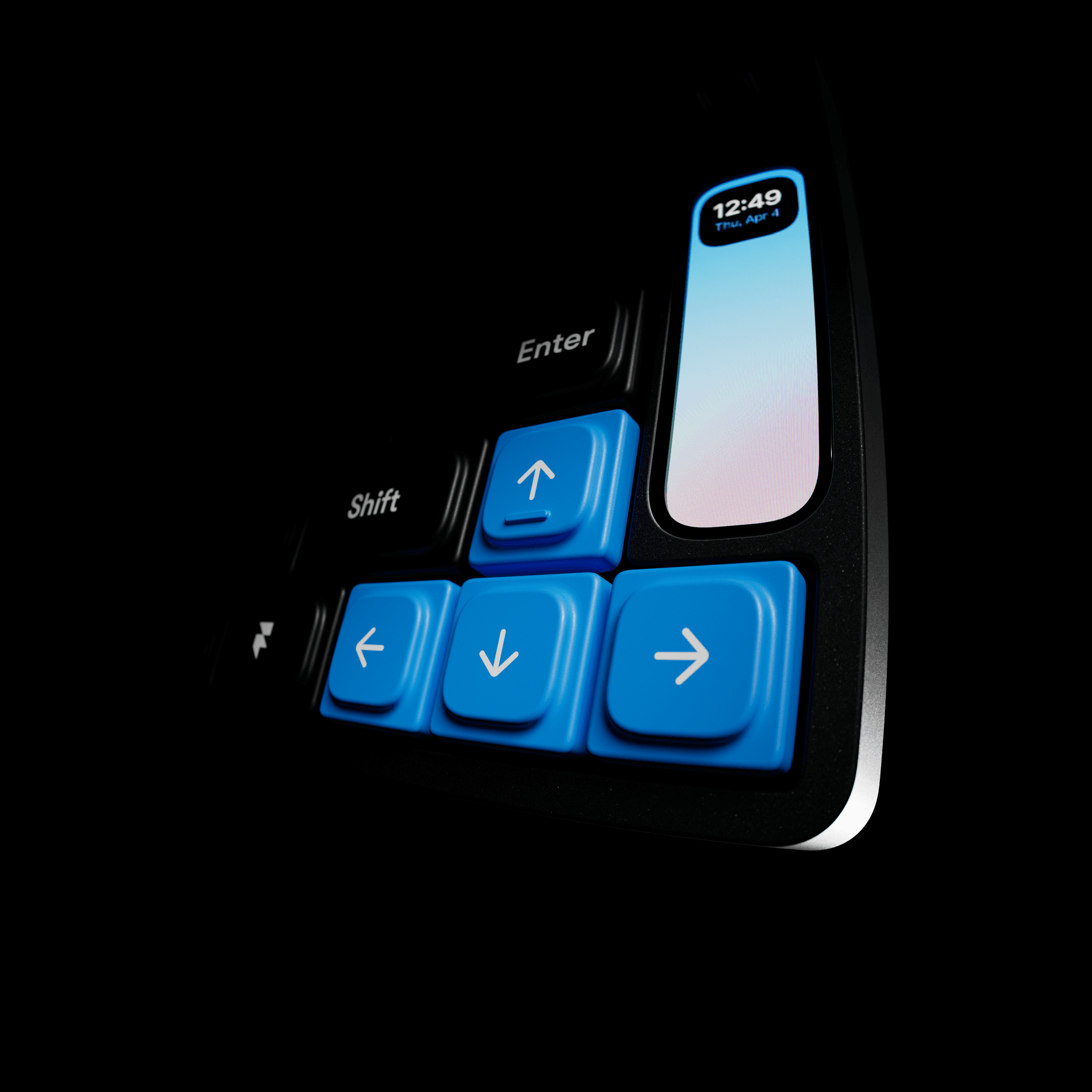
Make it your own
Change shortcuts and tweak entire layouts. This keyboard molds to your workflow, not the other way around.
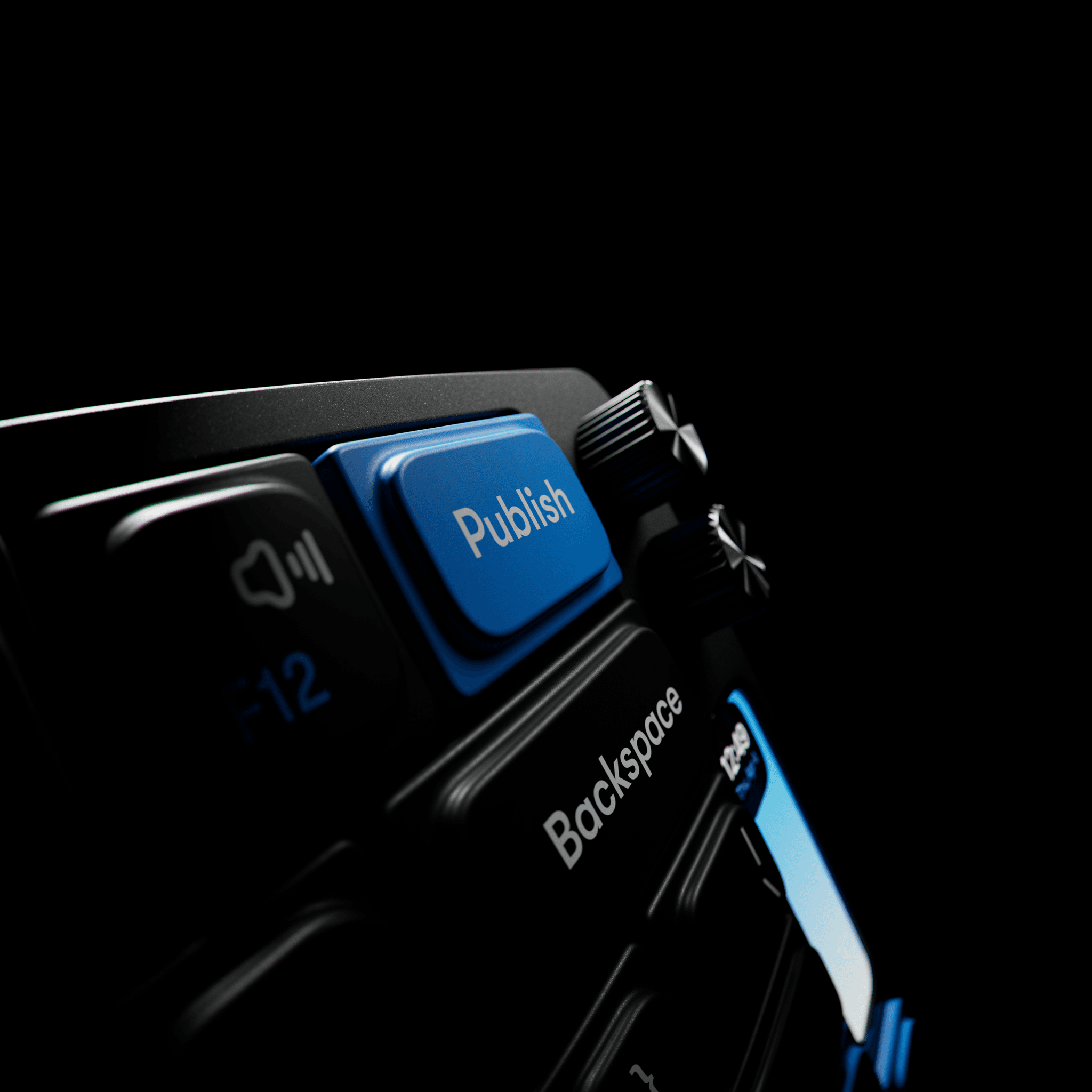
Glorious details
Hardware should look as beautiful as your software.
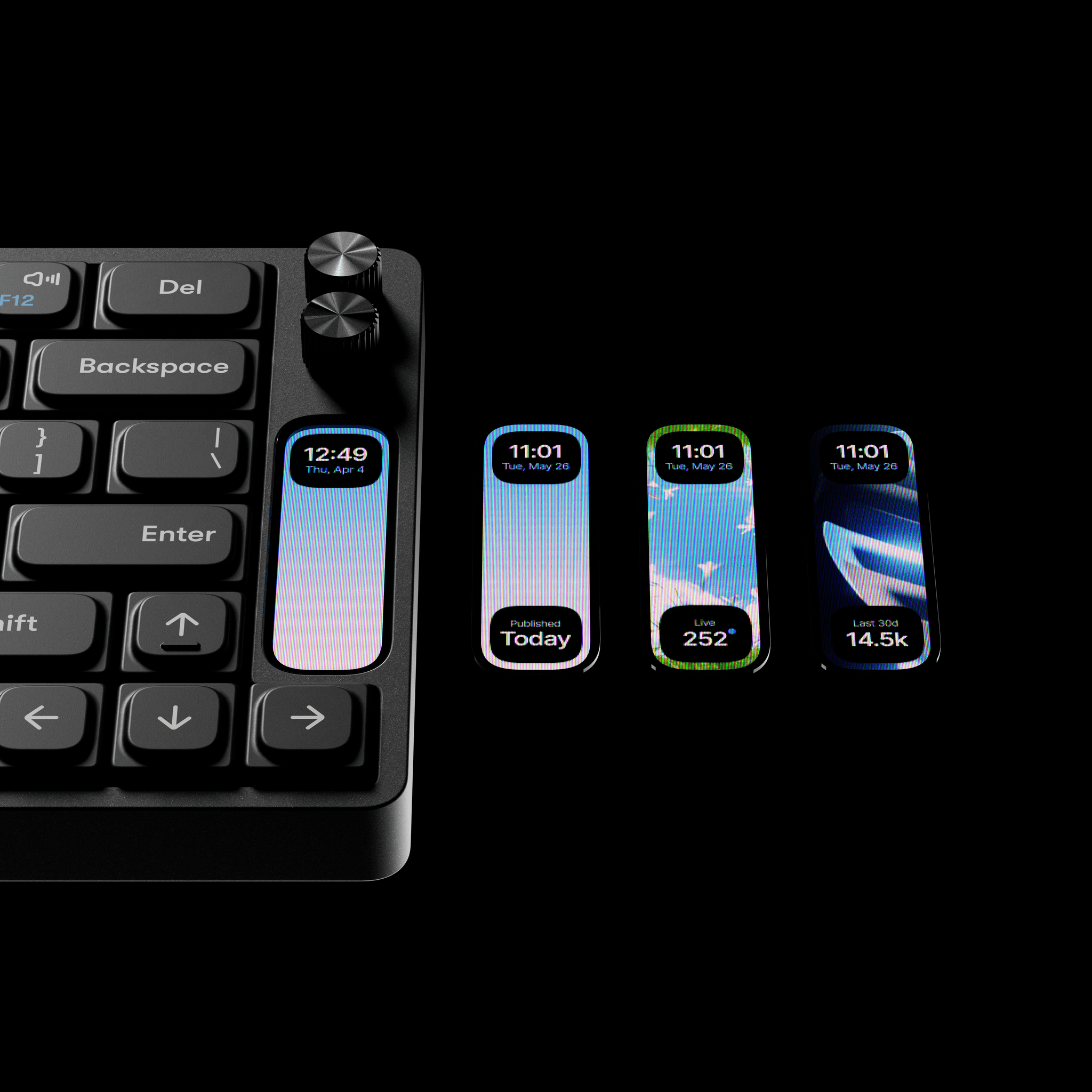
Details
Switches
Linear / 55g / two-stage spring
Layout
75% / 84 keys
Top & Bottom Enclosure
CNC Alu / Anodized Black
Switch Plate
Stamped Alu / Anodized Black
Magnetic Tilt Risers
Silicon
Keycaps
Dye-sub PBT
Knobs
CNC Alu / Anodized Black
Screen Glass
CNC Glass w/ adhesive black film
Screen
100×310 px full-color LCD
Dimensions
1.935cm x 12.435cm x 31.485cm
FAQs
Which operating systems does it work with?
What switches does it use?
The Framer F1 uses custom Work Louder MX switches made from POM/POK materials.
Can I use other keycaps?
Yes. Work Louder offers various sets that are compatible with the Framer F1.
How many devices can I connect it to wirelessly?
You can wirelessly connect the F1 to up to three devices.
How long is the battery life?
The F1 includes a 3000mAh battery. Battery life depends on usage, especially screen brightness and RGB settings.
Is it compatible with VIA/QMK?
No, the F1 uses Input, Work Louder’s own free configurator built for easy customization.
Can I use the F1 with apps other than Framer?
Yes! The F1 is fully customizable and not limited to Framer. It works as a regular keyboard right out of the box. You can also set it up to work with any app you like using Work Louder’s Input configurator.
How do I set up my Framer F1 keyboard?
Follow Work Louder’s setup guide to connect your keyboard and configure its controls.
Can I customize my Framer F1 keyboard?
Yes. Use Work Louder’s Input configurator to remap keyboard shortcuts and change the display wallpaper.