Creating a new workspace
Learn how to create a new workspace to organize projects and collaborators separately
Workspaces help you keep projects and teams organized. You can create a new workspace in just a few steps from your dashboard.
To create a new workspace:
Open your Framer Dashboard.
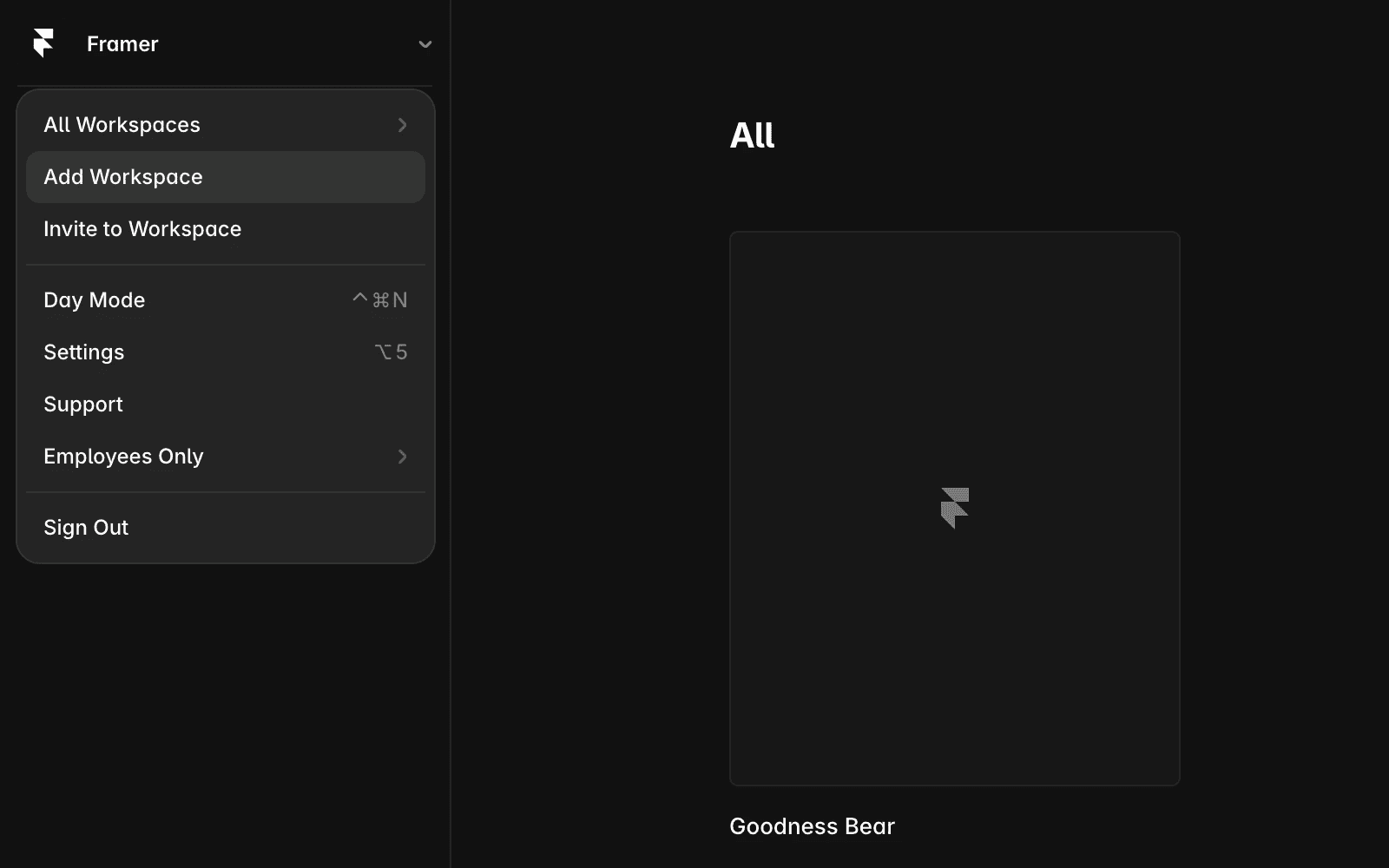
Go to the top-left corner and click your current workspace name.
Select “Add Workspace”.
Enter the required workspace details.
Click Create.
Your new workspace is created instantly. You can start adding projects and inviting collaborators right away.
FAQ
Can I switch between workspaces easily?
Yes, you can switch between workspaces at any time from the workspace dropdown in the top-left corner of your dashboard. Your projects remain organized within each workspace.
Who can create a new workspace?
Any user with access to the dashboard can create a new workspace. However, workspace permissions and roles may affect who can manage collaborators and settings.
Updated