Downgrade your Framer plan
Learn how to downgrade a Site plan in Framer and how billing credits are applied.
You can downgrade your Framer Site plan at any time from your project settings. When downgrading during an active billing period, any remaining balance from your current subscription will be converted into account credit and automatically applied to future invoices.
Downgrading your site plan
To downgrade your Site plan in Framer, follow these steps:
Log in to your Framer account.
Open the Dashboard and select the project you want to downgrade.
Click the top-left menu, and choose Settings.
In the site settings, open the Plans tab.
Review the available Site plans and their features.
Select the plan you want to downgrade to and follow the on-screen instructions to complete the change.
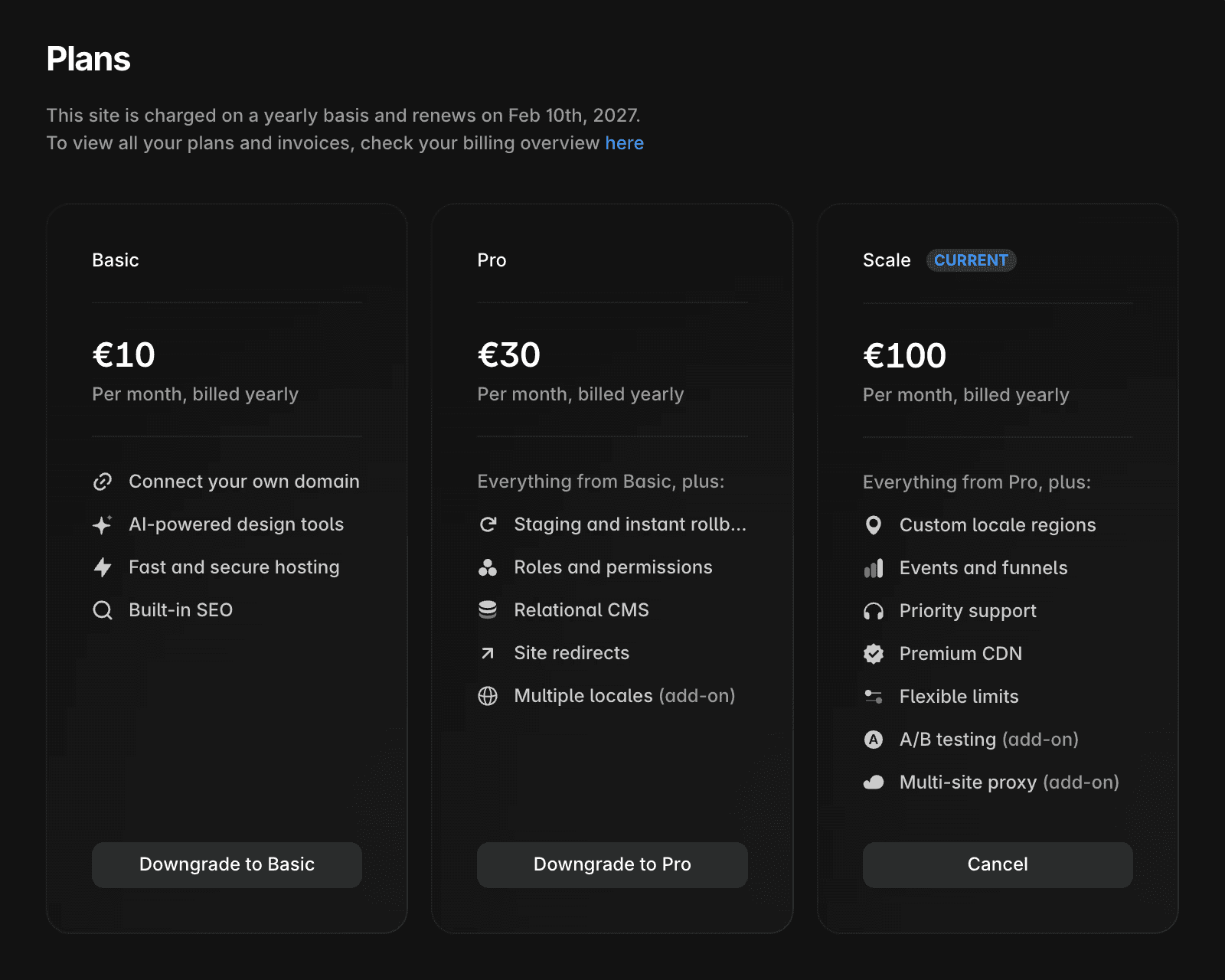
If you downgrade during an active billing period, the unused portion of your previous plan is converted into account credit.
The credit is non-refundable.
It is automatically applied to future invoices.
The credit reduces the amount due in upcoming billing cycles.
Enterprise plans
This article does not apply to Enterprise plans. If you are currently on an Enterprise plan or want to upgrade to one, visit the Framer Enterprise page.
FAQ
How do I downgrade my Site plan in Framer?
To downgrade your Site plan in Framer, log in to your Framer account. In the Dashboard, click on the project you wish to downgrade. Click on the top left menu, then select 'Site Settings' > 'Open Settings'. In the project settings, click the 'Plans' tab. At the top, you’ll see the available Site plans and their features. Select the plan you want to downgrade to and follow the on-screen instructions to complete the process.
What happens to my billing when I downgrade from a higher-tier plan to a lower-tier plan?
When you downgrade from a higher-tier plan to a lower-tier plan during a billing period, the remaining balance from your previous subscription will be saved as credit in your Framer account. This credit is non-refundable and will automatically apply to future invoices, reducing the amount due for upcoming billing cycles.
Updated