How to solve “This domain is already connected to another project”?
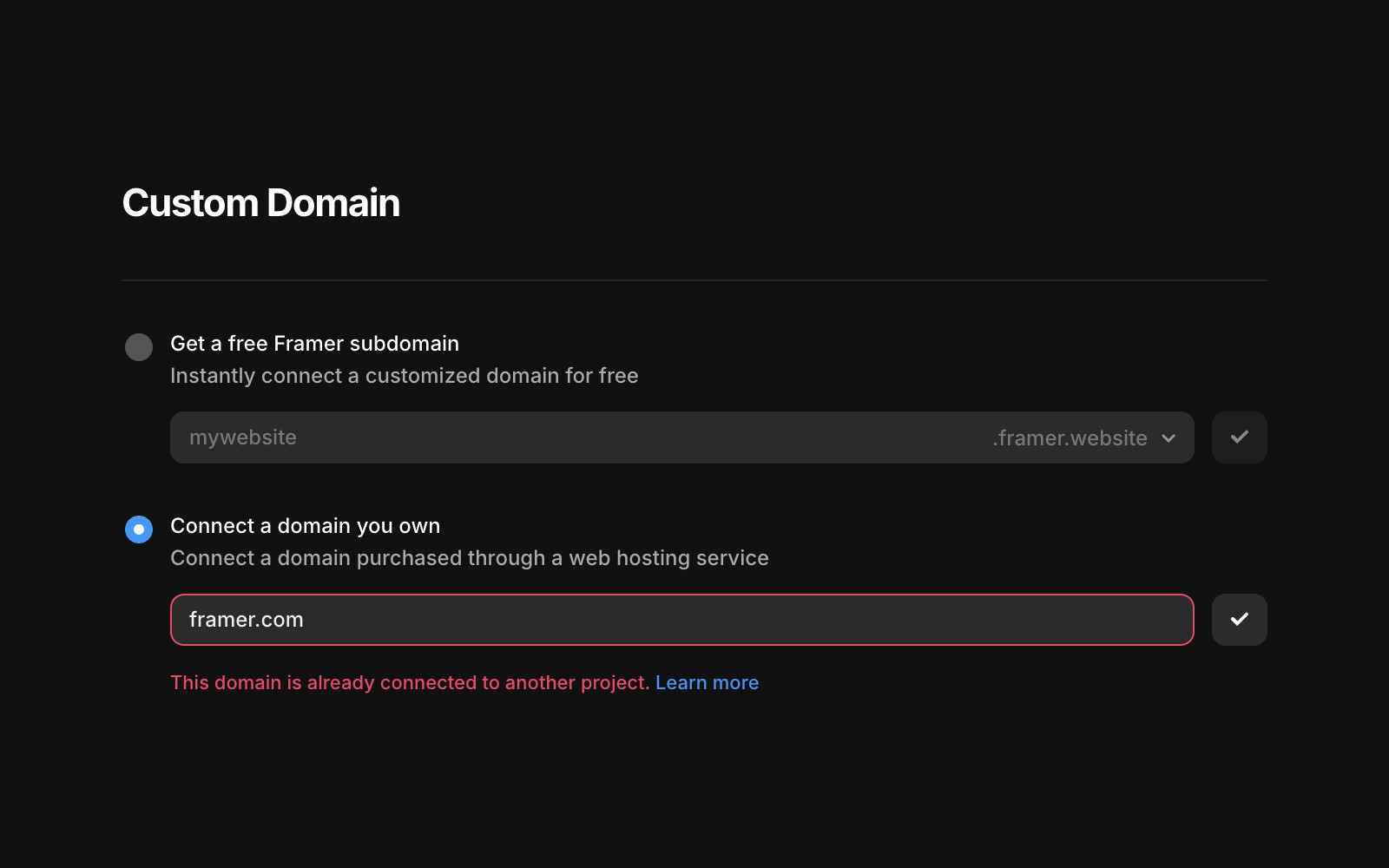
In this guide, we explain how to resolve the error message “This domain is already connected to another project” when adding a custom domain in Framer.
Why does this error occur?
The error appears because the custom domain is already linked to another project.
How to resolve the issue
Check your current projects:
Go through your active projects and remove the domain from the project it’s currently linked to.
Check archived projects:
Domains can remain linked to archived projects. Open your archived projects to ensure the domain is not still assigned.
Still having issues?
If you’ve verified that the domain isn’t linked to any project (including archived ones) and still encounter the issue, please contact Framer support.
FAQ
Why am I seeing the error 'This domain is already connected to another project' in Framer?
The error appears because the custom domain is already linked to another project.
How can I resolve the issue of my custom domain being linked to another project in Framer?
Go through your active projects and remove the domain from the project it’s currently linked to. Also, check your archived projects, as domains can remain linked there. Open your archived projects to ensure the domain is not still assigned.
What should I do if my domain is not linked to any project but I still get the error?
If you’ve verified that the domain isn’t linked to any project (including archived ones) and still encounter the issue, please contact Framer support.
Updated