How to track links and forms in Framer
You might want to know how many times a specific link is clicked or how often a form is submitted. You can do this by adding a tracking ID to a link or form.
Add tracking to a link
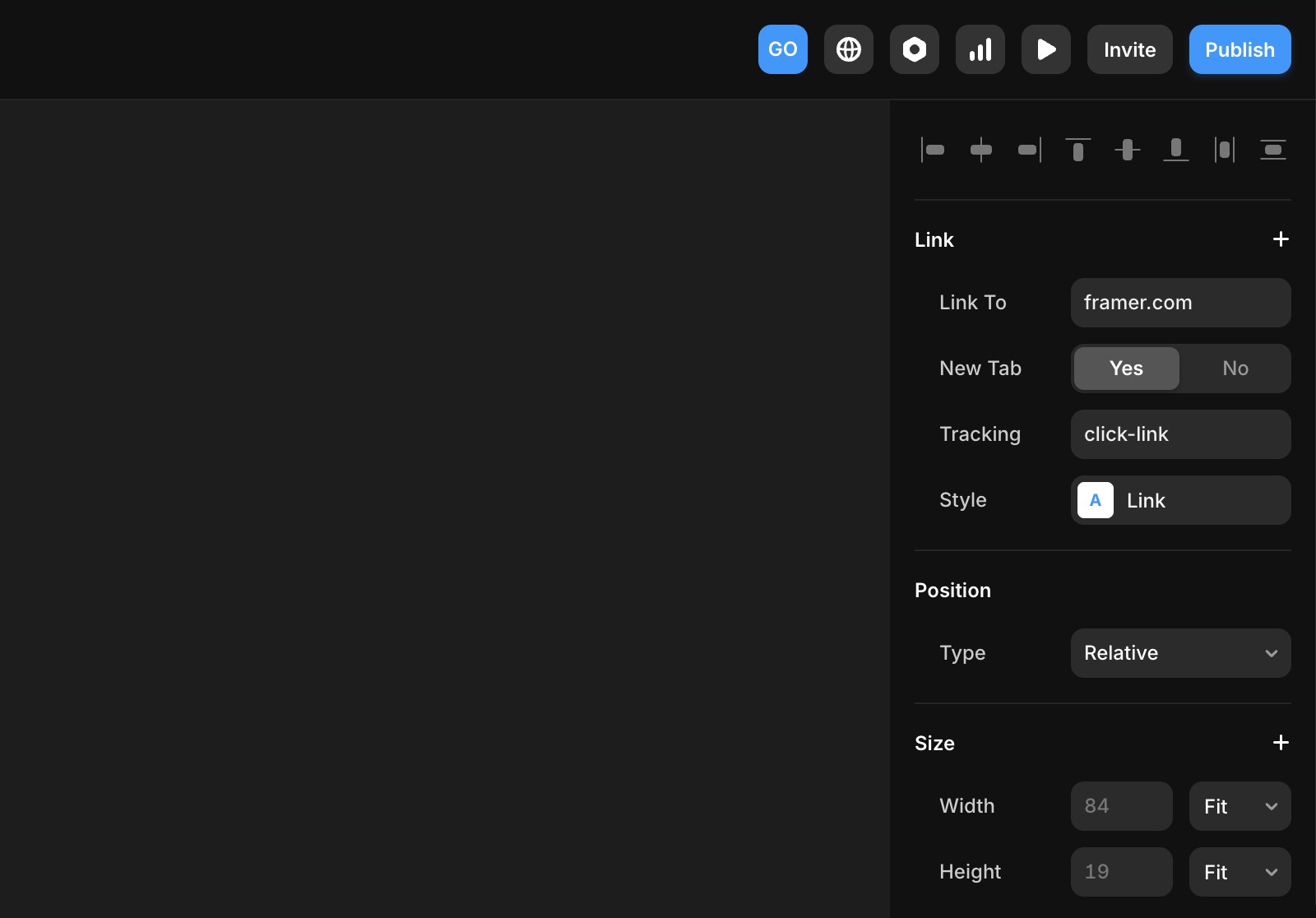
When adding a link, you can include a tracking ID during setup. Use a unique ID to ensure your results are accurate and not mixed with other events.
Add tracking to a form
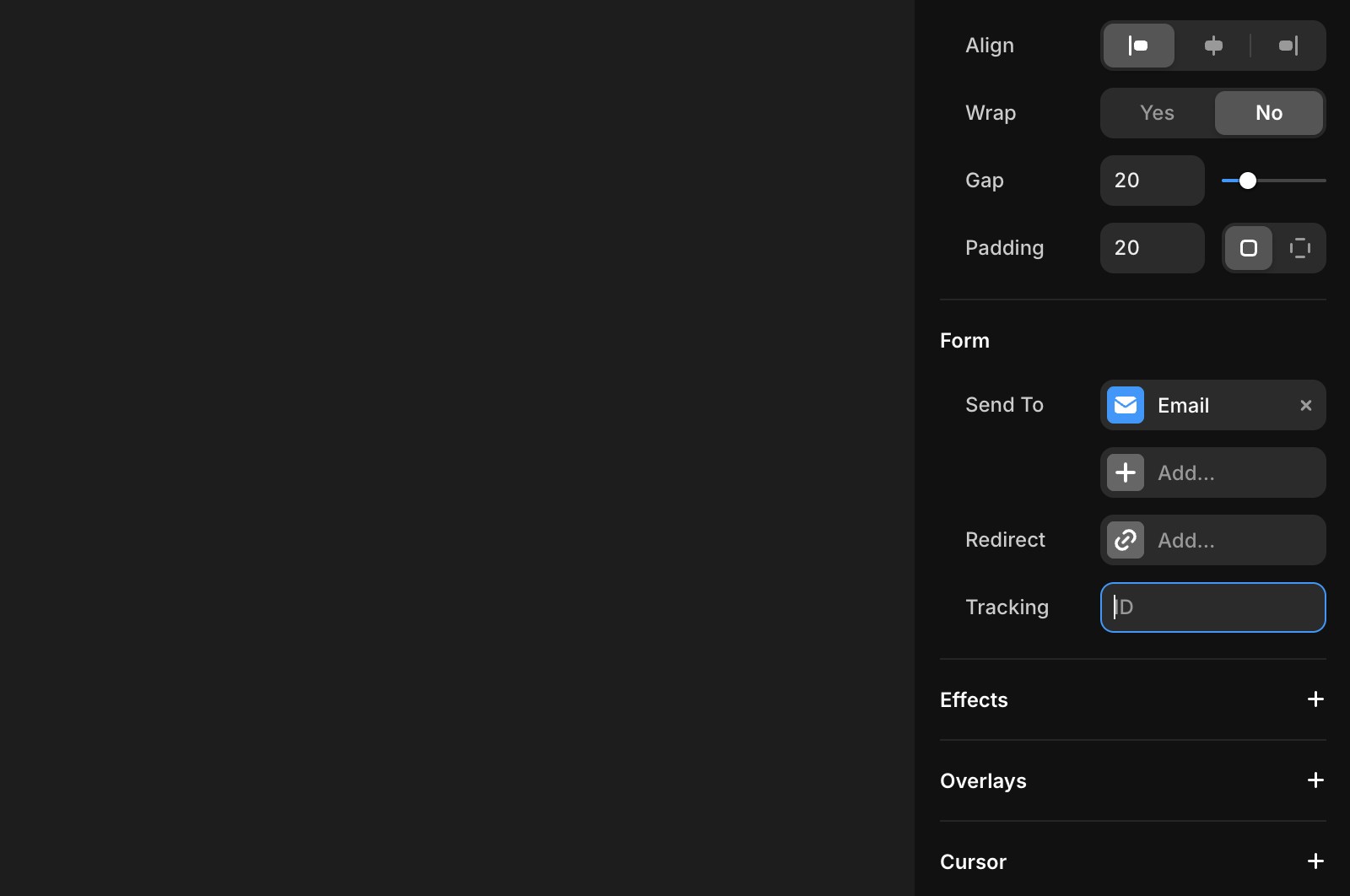
When selecting a form on the canvas, you can add a tracking ID during setup. Whenever someone submits the form on your site, the event will be tracked.
Viewing results
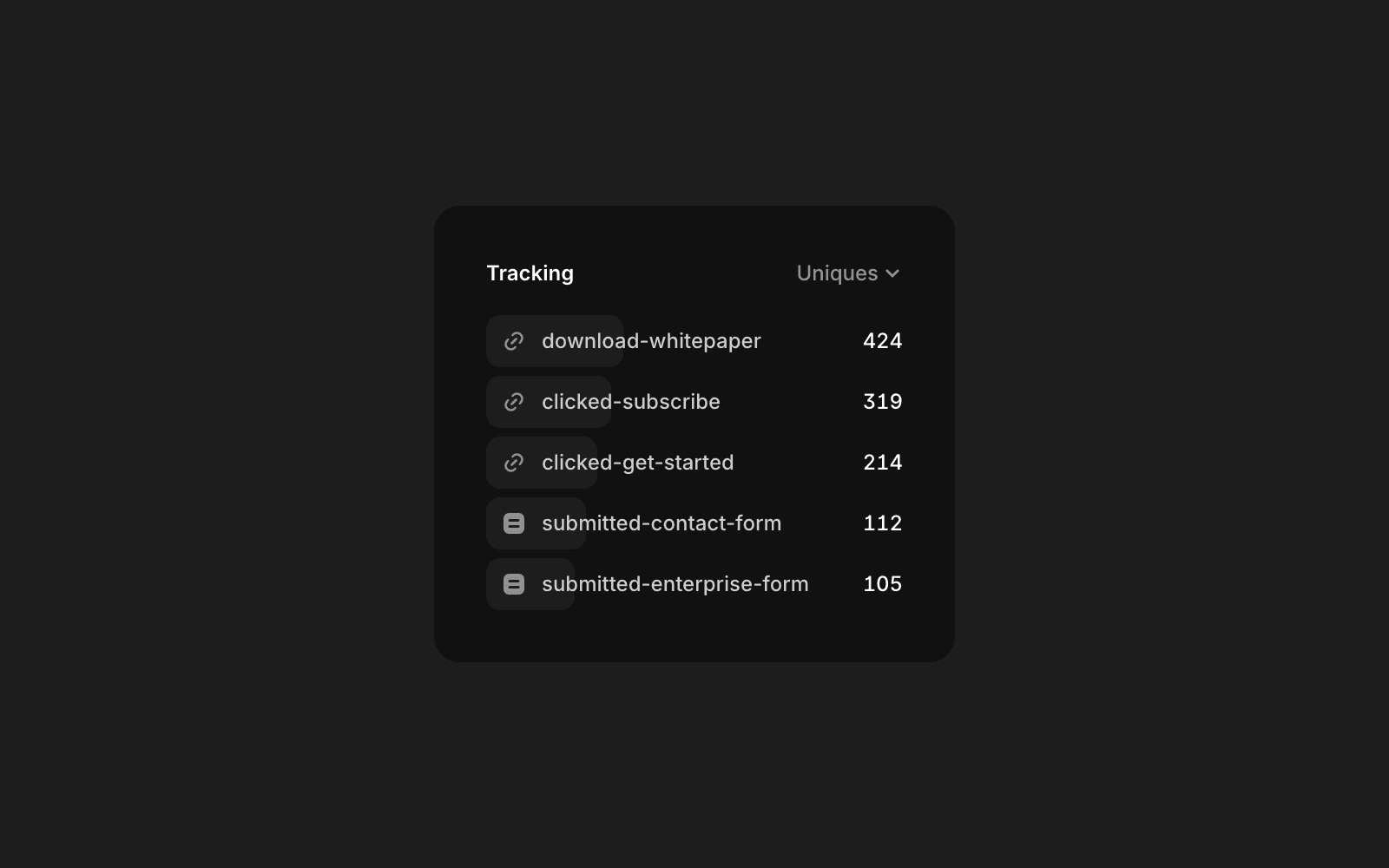
Once you’ve added tracking to a link or form, you can view the results in your Analytics Overview. There will be a section called “Tracking”, where you can see the top 20 tracking events on your site. You can also use these tracking IDs in Funnels and A/B tests to measure conversion rates.
Record tracking events in an external system (Rudderstack, Segment, GA, etc.)
Framer provides custom events that you can use to track user interactions on your site. These events can be easily integrated with analytics platforms like Google Analytics or Segment.
Add the following script to the Custom Code section of your site:
Available events
Event | Description | Details |
|---|---|---|
framer:click | When someone clicks a link with a tracking ID set | |
framer:formsubmit | When someone submits a form with a tracking ID set | |
framer:pageview | When someone views a page |
Example: Google Analytics using gtag.js
Example: Universal Analytics using analytics.js
FAQ
How do I add tracking to a link or form in Framer?
When adding a link or selecting a form on the canvas, you can include a unique tracking ID during setup. This ensures your results are accurate and not mixed with other events. For links, add the tracking ID when setting up the link. For forms, add the tracking ID during the form setup. Whenever someone clicks the link or submits the form, the event will be tracked.
Where can I view the results of my tracking events in Framer?
Once you’ve added tracking to a link or form, you can view the results in your Analytics Overview. There is a section called 'Tracking' where you can see the top 20 tracking events on your site. You can also use these tracking IDs in Funnels and A/B tests to measure conversion rates.
Can I send Framer tracking events to external analytics platforms like Google Analytics or Segment?
Yes, Framer provides custom events that you can use to track user interactions and send them to analytics platforms like Google Analytics or Segment. You can add a script to the Custom Code section of your site to listen for events such as 'framer:click' or 'framer:formsubmit' and forward them to your analytics tool. Example scripts are provided for both gtag.js and analytics.js integrations.
Updated