
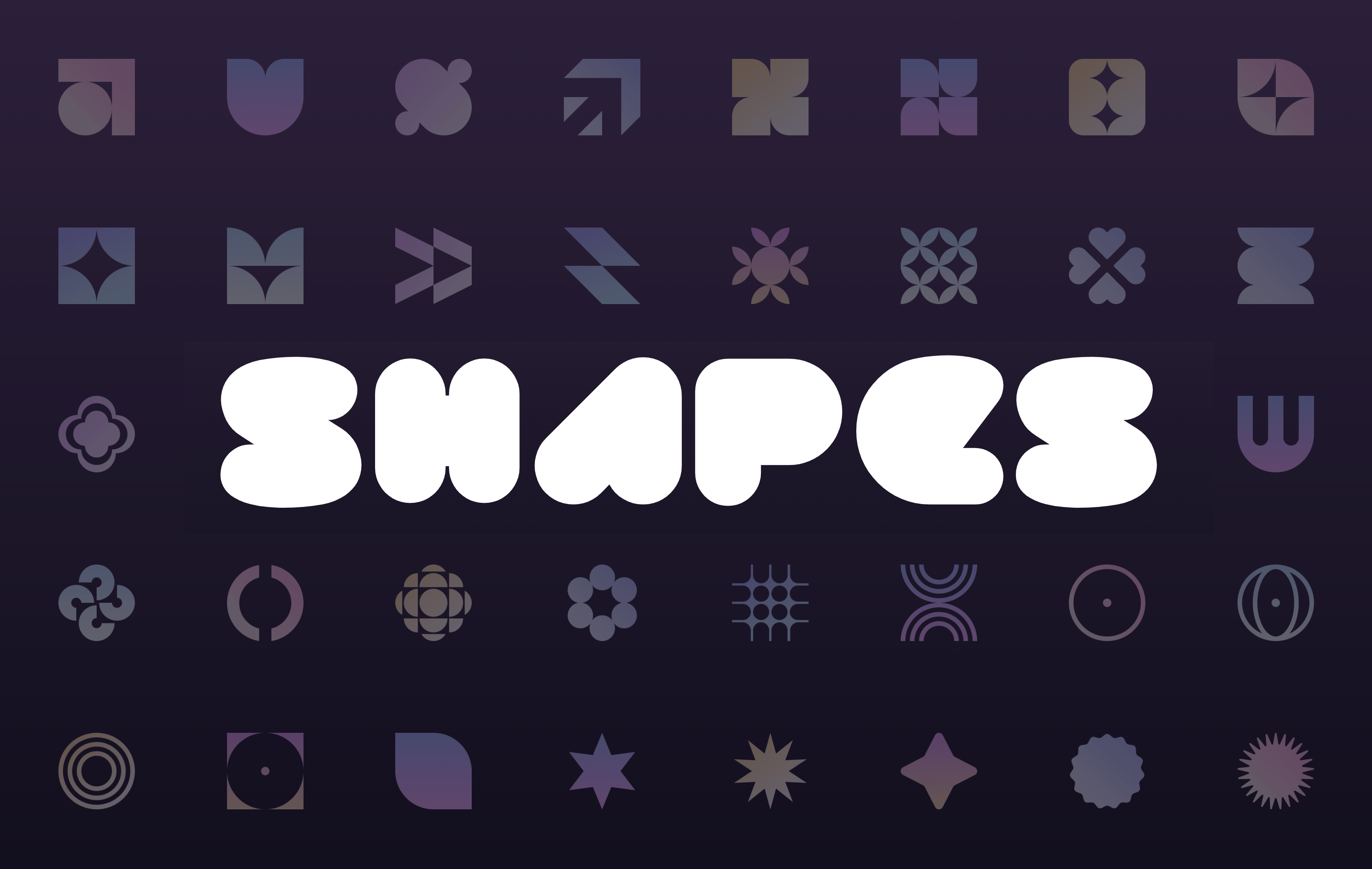
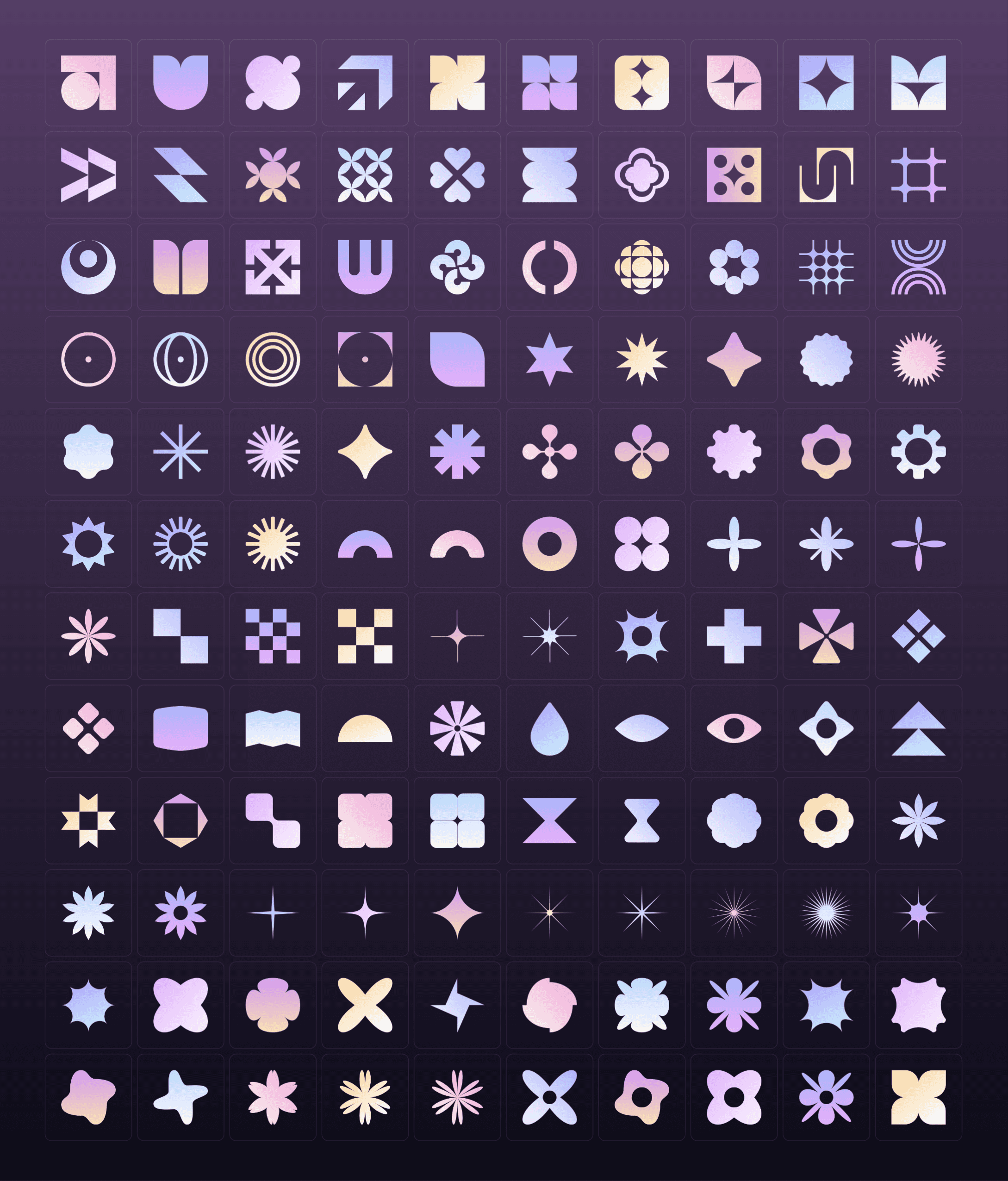
Looking for free SVG shapes? This collection includes more than 120 free SVG shapes for websites. Click a shape to copy its SVG code, paste it into your project, and scale it to any size without losing sharpness. Below you’ll find how to use SVG shapes in web design and when they beat image assets.
How to use SVG shapes in web design
SVG shapes work as backgrounds, section dividers, decorative accents, and icons. To use one from this collection:
Click the shape to copy its SVG code
Paste it into your project; in Framer, paste straight onto the canvas and it becomes an editable layer
Adjust the fill color, size, and position to match your design
Turn the shape into a component if it appears across several pages
Because SVGs are code, you can restyle a single shape endlessly instead of exporting new image files.
SVG shapes versus image assets
SVGs describe geometry as code, while PNGs and JPGs store pixels. That difference matters in four ways:
Scale: SVGs stay sharp at any size, from a favicon to a full-width divider
Weight: a simple SVG shape is often under one kilobyte, far smaller than an equivalent PNG
Styling: you can change an SVG’s fill, stroke, and opacity in place; a raster image needs re-exporting
When to use images instead: photos, complex textures, and detailed illustrations compress better as raster formats
Introducing Shapes 2.0: The Ultimate Solution for Your Next Design Project
I’ve recently launched an improved version of my Shapes library - Shapes 2.0! This new update brings almost 40 new SVG shapes that you can easily copy and paste into your designs, giving you endless possibilities for your next project. Additionally, the refreshed website makes it easy to discover the shapes and integrate them into your designs seamlessly.
Enhance Your Workflow with Shapes 2.0
The website has been redesigned with a clean and modern aesthetic, allowing users to find the shape they need quickly. The new Shapes feature is perfect for designers who need inspiration or want to speed up their workflow. By simply selecting the desired shape and pasting it into Framer, you can save time and effort in your design process.
Keeping the Collection Up-to-Date with CMS
One of the most exciting aspects of building the Shapes 2.0 website is how I could keep the collection up-to-date. I use Framer’s Content Management System (CMS) to update the shapes and organize everything efficiently. This ensures that the collection is always up-to-date and accessible to everyone.
Discover More Shapes on the Website
The entire collection is available on the website for those who want to discover more shapes. And if you’re using a desktop, an Easter egg is waiting for you!
Get Inspired
In conclusion, Shapes 2.0 is an exciting update that brings new SVG shapes and a refreshed website to Framer users. Its ease of use and efficient CMS system makes it the perfect tool for designers looking to speed up their workflow and add a fresh touch to their designs. Head over to shapes.framer.website to discover the collection for yourself!
