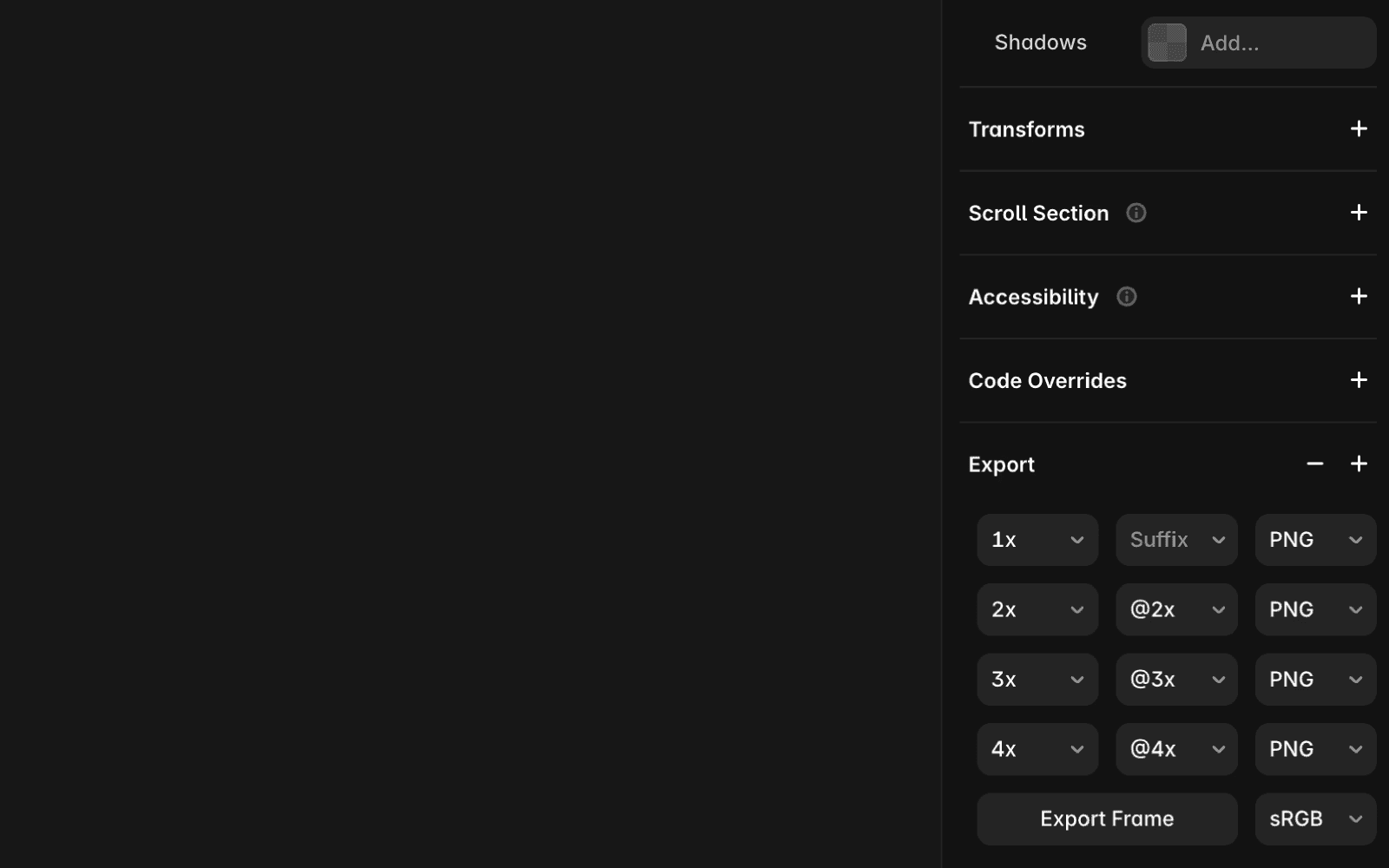
To export an asset, select the item or page you want to export. In the bottom-right panel, click Export and follow these steps:
Click the + icon.
Choose a size: 1x, 2x, 3x, or 4x.
Optionally, add a suffix.
Select PNG or JPG and click Export.
FAQ
How do I export an asset in Framer?
To export an asset, select the item or page you want to export. In the bottom-right panel, click Export and follow these steps: Click the + icon, choose a size (1x, 2x, 3x, or 4x), optionally add a suffix, select PNG or JPG, and then click Export.
What file formats can I export assets as in Framer?
You can export assets as either PNG or JPG files in Framer.
Can I export assets at multiple sizes in Framer?
Yes, when exporting an asset, you can choose from multiple sizes: 1x, 2x, 3x, or 4x.
