Follow these steps:
Visit the Formspark website, open a new or existing HTML form, and copy your unique Form ID (e.g., EKSIcHe13) from the form settings. Ensure “HTML as Technology” is selected in your Formspark form settings.
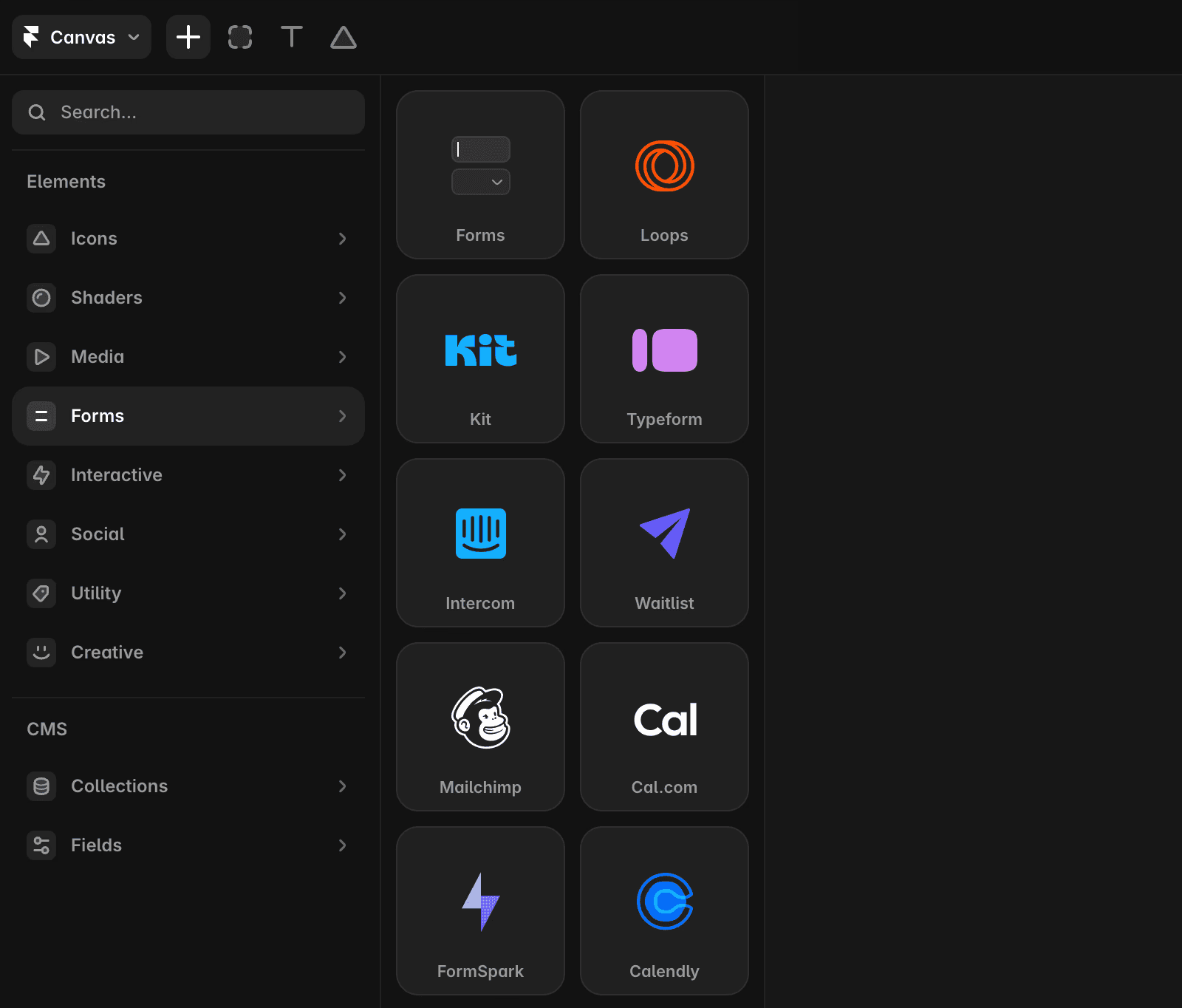
Open a project in Framer. On the left side of your Framer canvas, locate the Insert panel. Find Formspark under the Integrations section, then drag the Formspark component onto any page in your canvas.
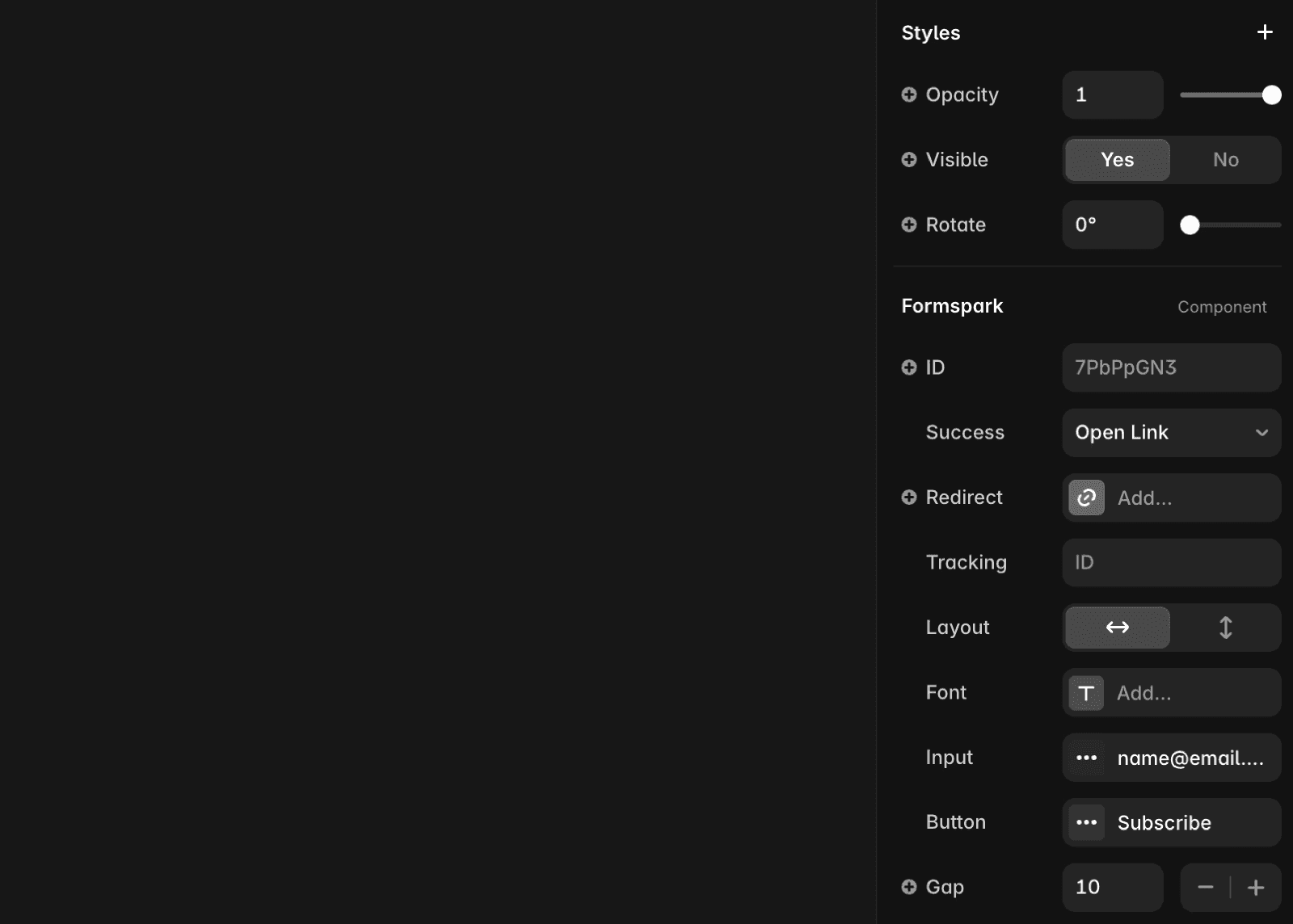
Paste the form ID into the ID field in the properties panel on the right. Below the ID field, you’ll see fields for Name, Email, and Message. You can toggle these fields on or off, adjust the layout, and customize the appearance by changing colors, adding custom fonts, and more.
Our native form solution
Framer also offers native forms with the following features:
Customizable forms with over 10 input types.
Designable form states for various interactions.
Data submission options via email, Google Sheets, or custom Webhooks.
Built-in spam protection and rate limiting for improved security.
For adding a native form, refer to this article.
If you're still experiencing issues, please reach out to us through our contact page for further help.
Top use cases for Formspark in Framer
You can fully customize your forms in Framer. Formspark lets you collect visitor information on your Framer site instantly, without needing to manage servers or learn APIs.
Provide your audience with a custom form on your Framer website for contacting you.
Enhance communication with potential leads and clients by incorporating a "Contact Us" form on your website. Include placeholder text with examples or hints to gather valuable information effectively.
Increase your email list by adding a subscription form to your blog or homepage.
Handle support requests efficiently using a simple system to organize all tickets in one place.
FAQ
How do I add a Formspark form to my Framer site?
Visit the Formspark website, open a new or existing HTML form, and copy your unique Form ID from the form settings. Ensure 'HTML as Technology' is selected in your Formspark form settings. Then, open your project in Framer, locate the Insert panel on the left side of the canvas, find Formspark under the Integrations section, and drag the Formspark component onto any page. Paste your form ID into the ID field in the properties panel on the right.
Can I customize the fields and appearance of my Formspark form in Framer?
Yes, after adding the Formspark component and entering your form ID, you can toggle the Name, Email, and Message fields on or off, adjust the layout, and customize the appearance by changing colors, adding custom fonts, and more in the properties panel.
What are the main use cases for using Formspark with Framer?
Formspark lets you collect visitor information on your Framer site instantly, without needing to manage servers or learn APIs. Common use cases include adding a 'Contact Us' form to enhance communication with leads and clients, increasing your email list with a subscription form, and handling support requests efficiently by organizing tickets in one place.
