The lang attribute is essential for improving accessibility in web design. It specifies the language of the content in an HTML element, allowing assistive technologies like screen readers to deliver a better experience. This is especially important for users with diverse language needs or those relying on translation tools.
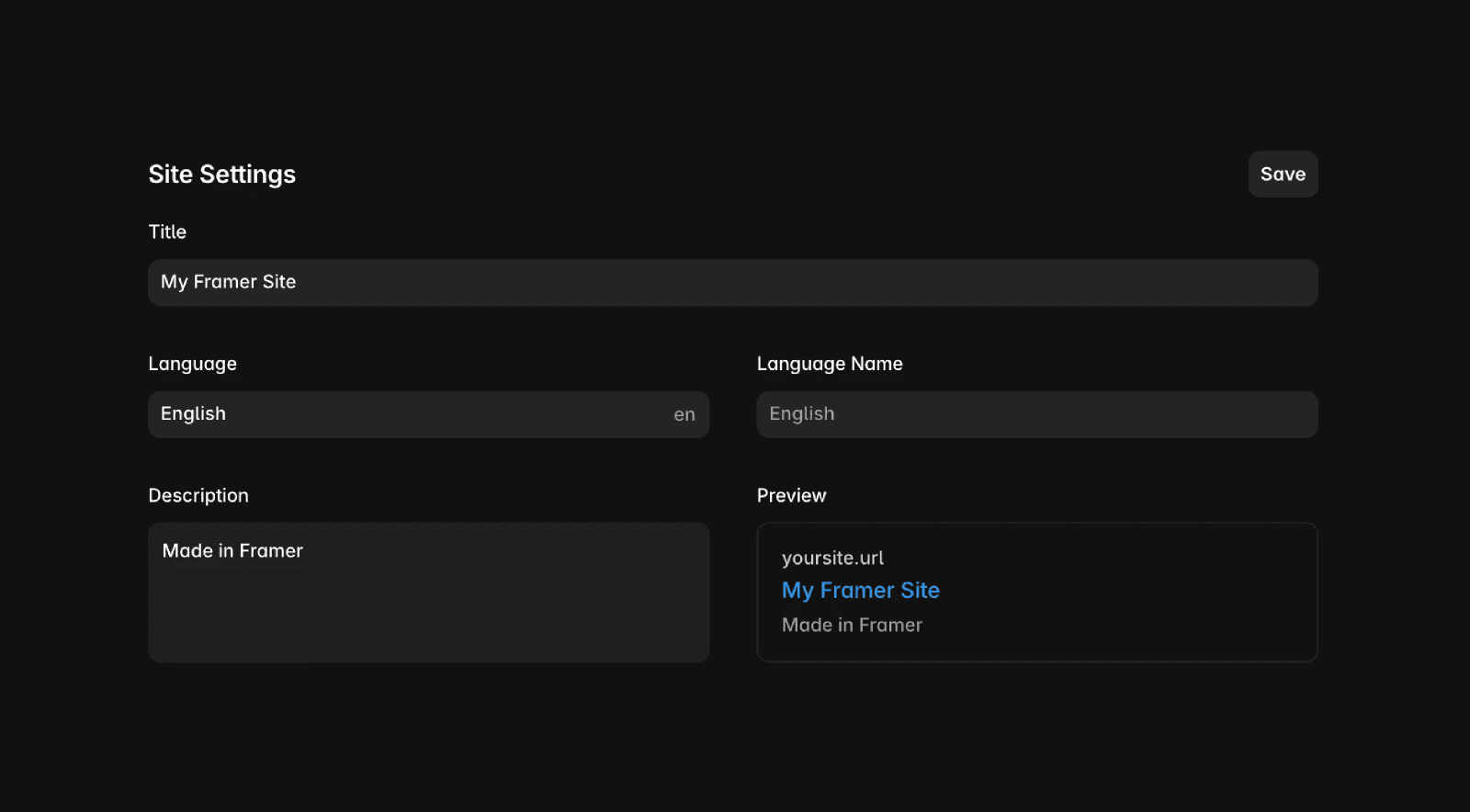
To set your website’s language, navigate to the site settings and add the Site Language attribute. This will automatically update the lang attribute across your website.
Localization
With the built-in localization feature, the lang attribute switches automatically to match your selected locale. Additionally, we add an hreflang tag to indicate when a page is a duplicate in another language. This helps Google understand relationships between pages, potentially enhancing international SEO.
Both the lang and hreflang tags are managed automatically in the backend and are not editable via the UI. As a result, third-party translation services cannot modify them or the website’s source code.
FAQ
How do I set the language for my Framer website?
To set your website’s language, navigate to the site settings and add the Site Language attribute. This will automatically update the lang attribute across your website.
Does Framer handle localization and language tags automatically?
Yes, with the built-in localization feature, the lang attribute switches automatically to match your selected locale. Additionally, Framer adds an hreflang tag to indicate when a page is a duplicate in another language, helping Google understand relationships between pages and potentially enhancing international SEO.
Can I manually edit the lang or hreflang tags in Framer or use third-party translation services to change them?
Both the lang and hreflang tags are managed automatically in the backend and are not editable via the UI. As a result, third-party translation services cannot modify them or the website’s source code.
