Automations, Connectors, and Slack Agent
Published
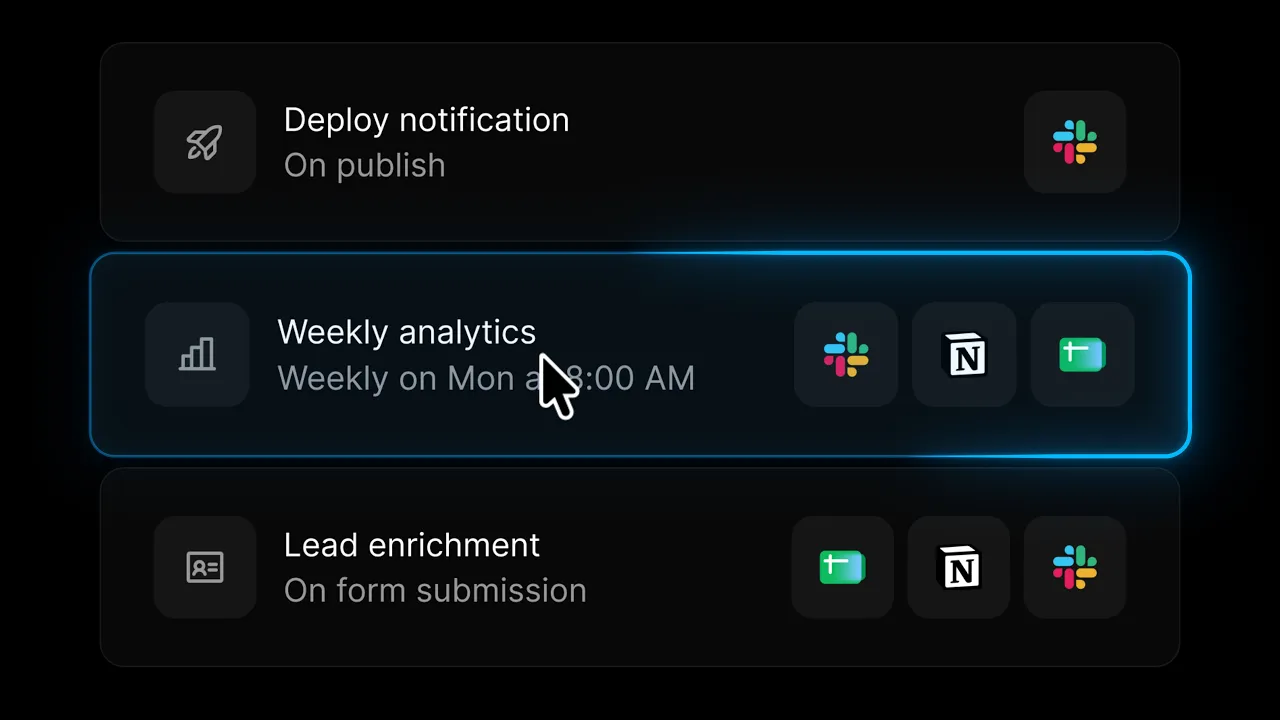
Introducing Automations, Connectors, and the Slack Agent. Automations are agent workflows that run on their own. You can trigger them on a schedule or by project events like publishing or a form submission. For example, you can run an SEO audit every time you publish and post the results to Slack, send a daily analytics brief, or enrich a form lead and route it to the right place. You control which tools the Agent can use, and you can review past runs. With Connectors, the Agent can connect to tools your team already uses, including Slack, Notion, and Ahrefs, and both read and act in them in chat and inside Automations. With the official Framer Slack app @Framer in a channel or send it a DM to ask about your site, pull analytics, or make quick edits without opening Framer. To get started, open Site Settings and go to the Automations or Connectors tab.