Find and download an invoice
Learn how to view and download invoices for your workspace subscriptions.
You can access invoices for your subscriptions directly from your workspace settings. Invoices are available through your billing provider and can be downloaded at any time.
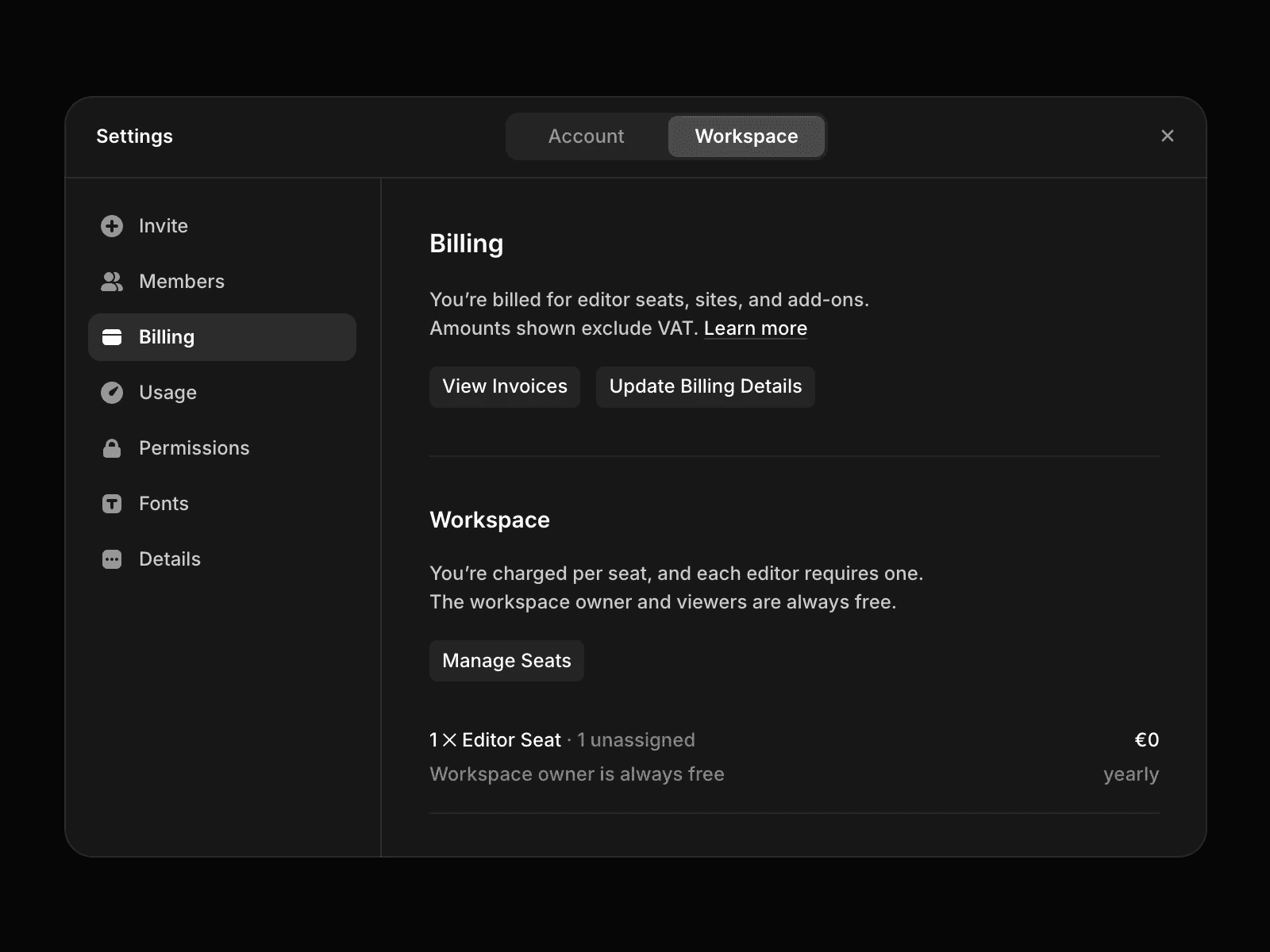
View your invoices
To access invoices for a workspace:
Open the Dashboard.
Open your workspace settings.
Open the Plans tab.
Click View Invoices.
You’ll be redirected to your billing provider, where you can view and download invoices associated with the workspace.
Understand invoice information
Invoices include charges related to your workspace subscriptions, such as Site plans, editor seats, and other billed services.
Invoices are managed by the billing provider and can be downloaded directly from the billing portal.
Project-specific billing
Invoices are not linked to individual projects. Charges are associated with the workspace and its subscriptions rather than specific projects.
If you need help identifying a charge or understanding an invoice, contact the support team through the Contact page.
FAQ
Where can I find my invoices?
Open Workspace Settings, go to the Plans tab, and click View Invoices.
Can I download my invoices?
Yes. Once redirected to the billing provider’s portal, you can view and download any available invoices.
Can I see which project generated a charge?
No. Invoices are associated with workspace subscriptions and are not linked to individual projects.
Updated
