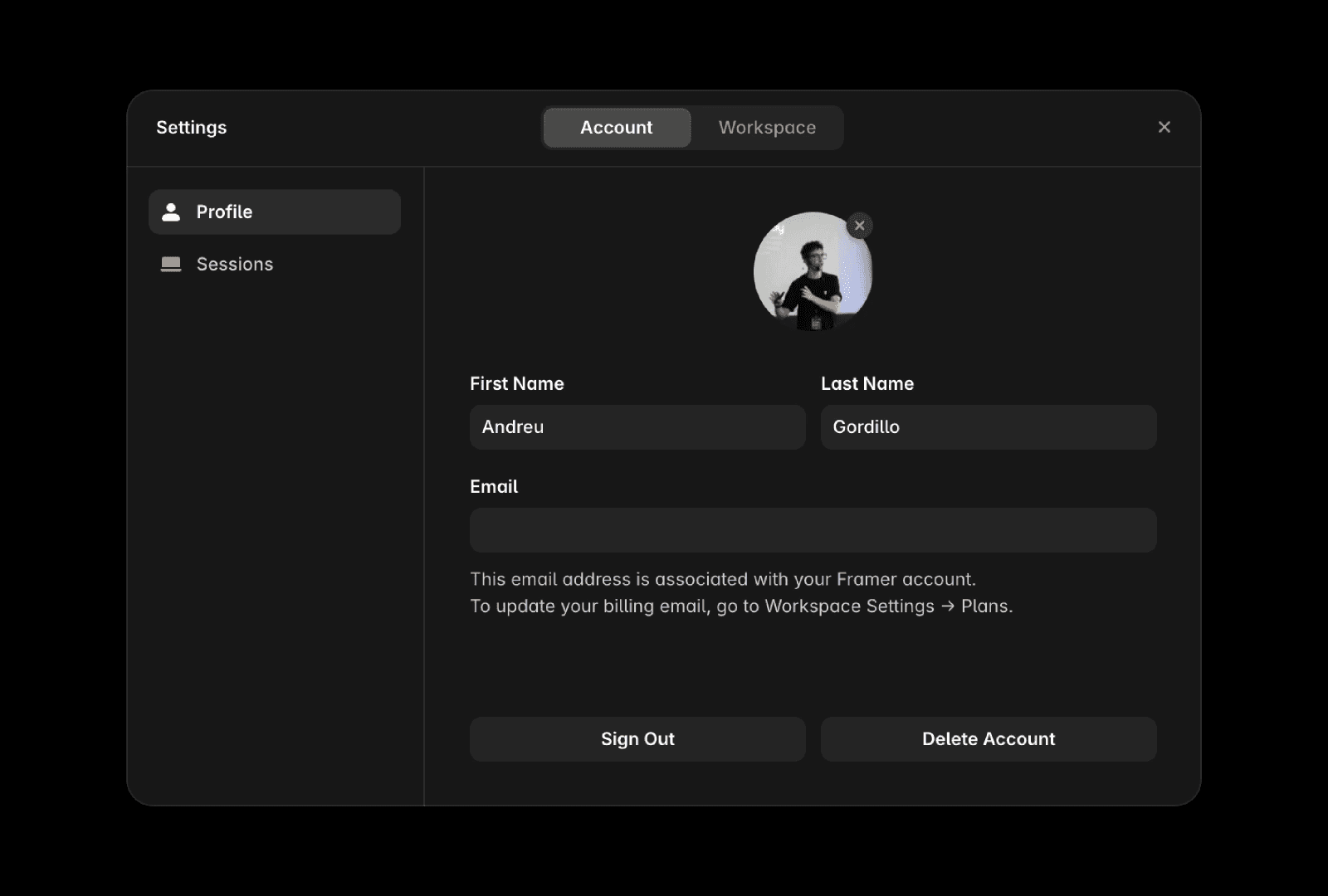
You can update your account information at any time from your profile settings, including your name, profile picture, and email address.
Update your name
To change your first or last name:
Open the Dashboard.
Open your workspace settings and click on the Profile tab.
Update your first name or last name.
Press
↵ Enterto save your changes.
Update your profile picture
To change your account avatar:
Open the Dashboard.
Open your workspace settings and click on the Profile tab.
Click your profile picture.
Select and upload a new image from your device.
Your new avatar will be displayed across Framer once the update is processed.
Update your email address
To change the email address associated with your account:
Open the Dashboard.
Open your workspace settings and click on the Profile tab.
Update your email address.
Press
↵ Enterto save your changes.
FAQ
How do I change my first or last name on my Framer account?
To update your name on Framer, log in to your account, select “Account” in the left sidebar, edit your first or last name in the “Profile” tab, and press Enter (↵) to save the changes.
What is the process for updating my account email address in Framer?
To update your email address, log in to your Framer account, select “Account” in the left sidebar, edit your email in the “Profile” tab, and press Enter (↵) to save the changes.
How can I change my profile picture (avatar) in Framer?
To update your avatar, log in to your Framer account, select “Account” in the left sidebar, go to the “Profile” tab, click your profile picture, and upload a new image from your device.
