Delete your Framer account
Learn how to permanently delete your Framer account and understand what data will be removed.
You can permanently delete your Framer account from your account settings. Before proceeding, make sure you understand the impact of account deletion, as this action cannot be reversed.
Before you delete your account
Deleting your account permanently removes your access to Framer and deletes all associated data.
Before starting the deletion process, cancel any active subscriptions to avoid future billing issues.
When your account is deleted:
All sites connected to your account are unpublished.
All projects and workspaces associated with your account are permanently deleted.
Your account data is permanently erased in accordance with GDPR and other applicable privacy regulations.
This action cannot be undone.
Delete your account
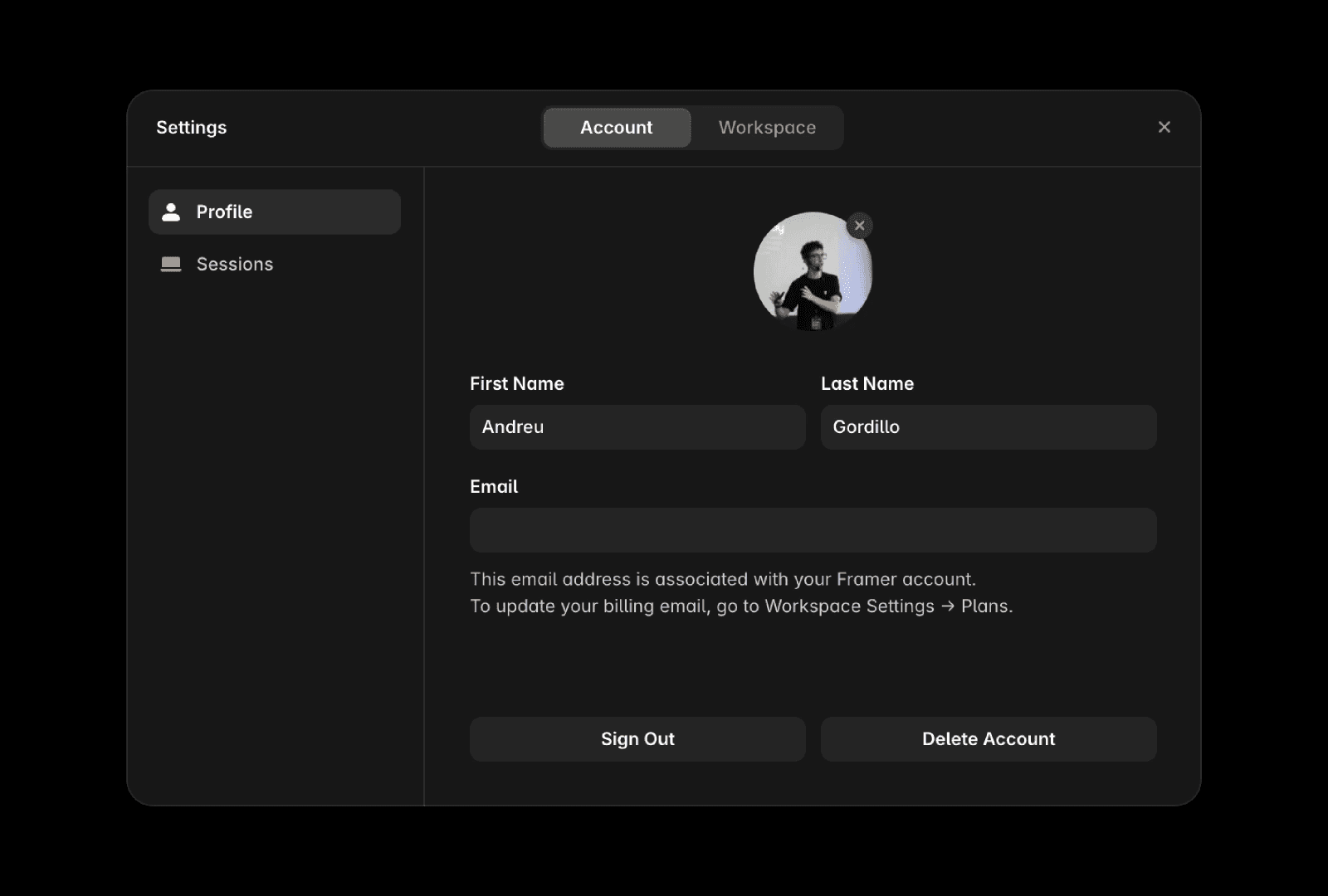
To delete your account:
Open the Dashboard.
Open your Account settings.
Select Profile.
Click Delete Account.
Follow the prompts to confirm the deletion.
After your account is deleted
Once the deletion request is processed, your account and all associated data are permanently removed. You will no longer be able to access any projects, workspaces, or published sites connected to the account.
FAQ
Can I recover my account after deleting it?
No. Account deletion is permanent, and deleted accounts cannot be restored.
What happens to my websites when I delete my account?
All sites associated with your account are unpublished as part of the deletion process.
Do I need to cancel my subscription before deleting my account?
Yes. Cancel any active subscriptions before deleting your account to prevent billing-related issues.
Updated
