Templates are ready-made, fully functional websites created by Framer creators. They help you launch projects faster by providing a strong starting point that you can customize to match your brand and goals.
What are Framer templates?
Framer templates are complete website projects designed by creators using Framer. They range from simple landing pages to complex websites tailored for specific industries and use cases.
Most templates include customizable layouts, sections, styles, and components, making it easy to adapt them to your needs without building everything from scratch.
Where to find templates
You can discover Framer templates in several places:
Framer Community: Home to the template marketplace, community showcase, and creator ecosystem. Browse templates, discover new creators, and find inspiration for your next project.
Community channels: Many creators also share templates through social media, forums, newsletters, and personal websites.
Use a free template
To use a free template:
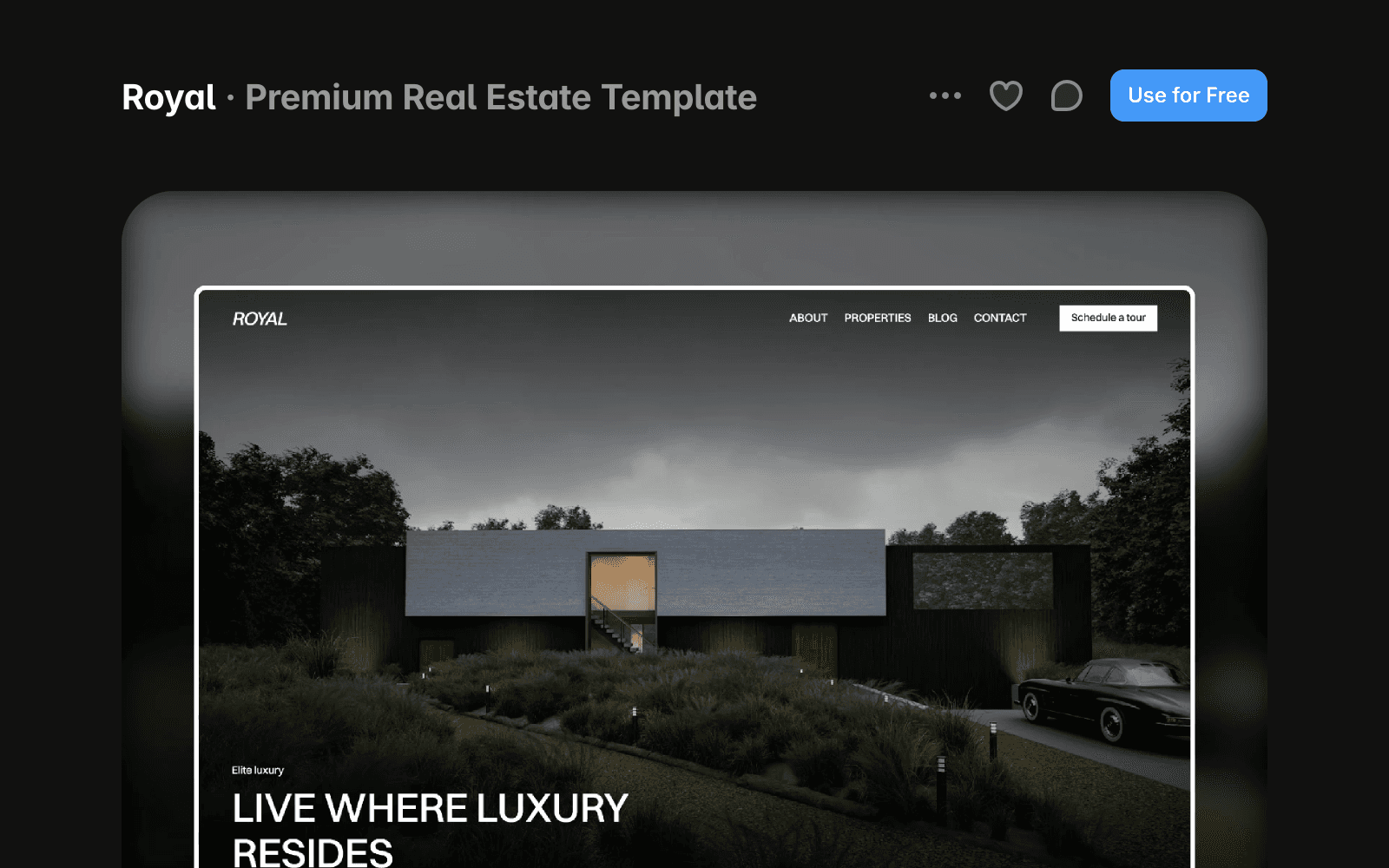
Go to the Marketplace and find a template you want to use.
Click Use for Free.
The template will open in Framer and be added to your account.
Purchase and use a paid template
To use a paid template:
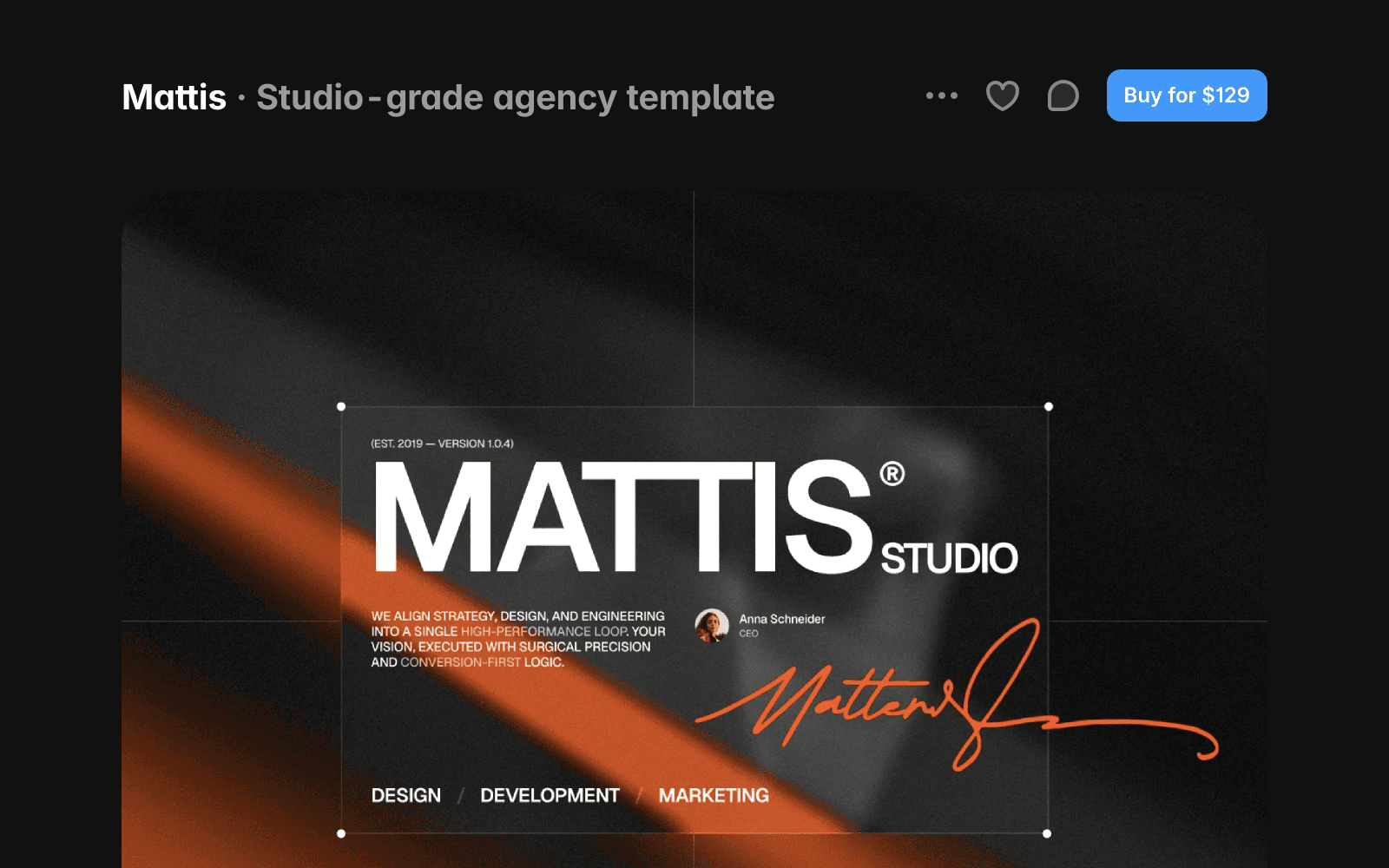
Go to the Marketplace and find a template you want to use.
Click Buy for….
Complete the checkout process on the creator’s website.
After your purchase, check your email for the remix link.
Open the remix link to copy the project to your workspace.
Refunds and support
Framer does not process template payments or manage refunds. All purchases are handled directly by the template creator.
Before purchasing, review the creator’s refund policy and support information on the template’s detail page. If you cannot reach the creator, contact the Framer Creators team at creators@framer.com.
FAQ
Can I customize a template after copying it?
Yes. Once a template has been copied to your workspace, you can edit its content, styling, layout, and components just like any other Framer project.
Where do I receive access to a paid template?
After completing your purchase, the creator will provide a remix link, typically by email. Open the link and copy the project to your workspace.
Who should I contact if I have an issue with a purchased template?
Contact the template creator first using the support information provided on the template’s detail page. If you cannot reach the creator, email creators@framer.com for assistance.
