Components are reusable building blocks created by Framer creators. They help you add functionality, interactions, and design elements to your projects without building everything from scratch.
What are Framer components?
Framer components are pre-built elements that can be added to your projects. They range from simple interface elements like buttons and navigation menus to advanced interactive experiences and custom functionality built with Workshop.
Components are designed to be reusable and customizable, making it easy to enhance your site while saving time during development.
Where to find components
You can discover Framer components in several places:
Framer Community: Home to the component marketplace, creator ecosystem, and community resources. Browse components, discover creators, and find tools to enhance your projects.
Community channels: Many creators also share components through social media, forums, newsletters, and personal websites.
Use a free component
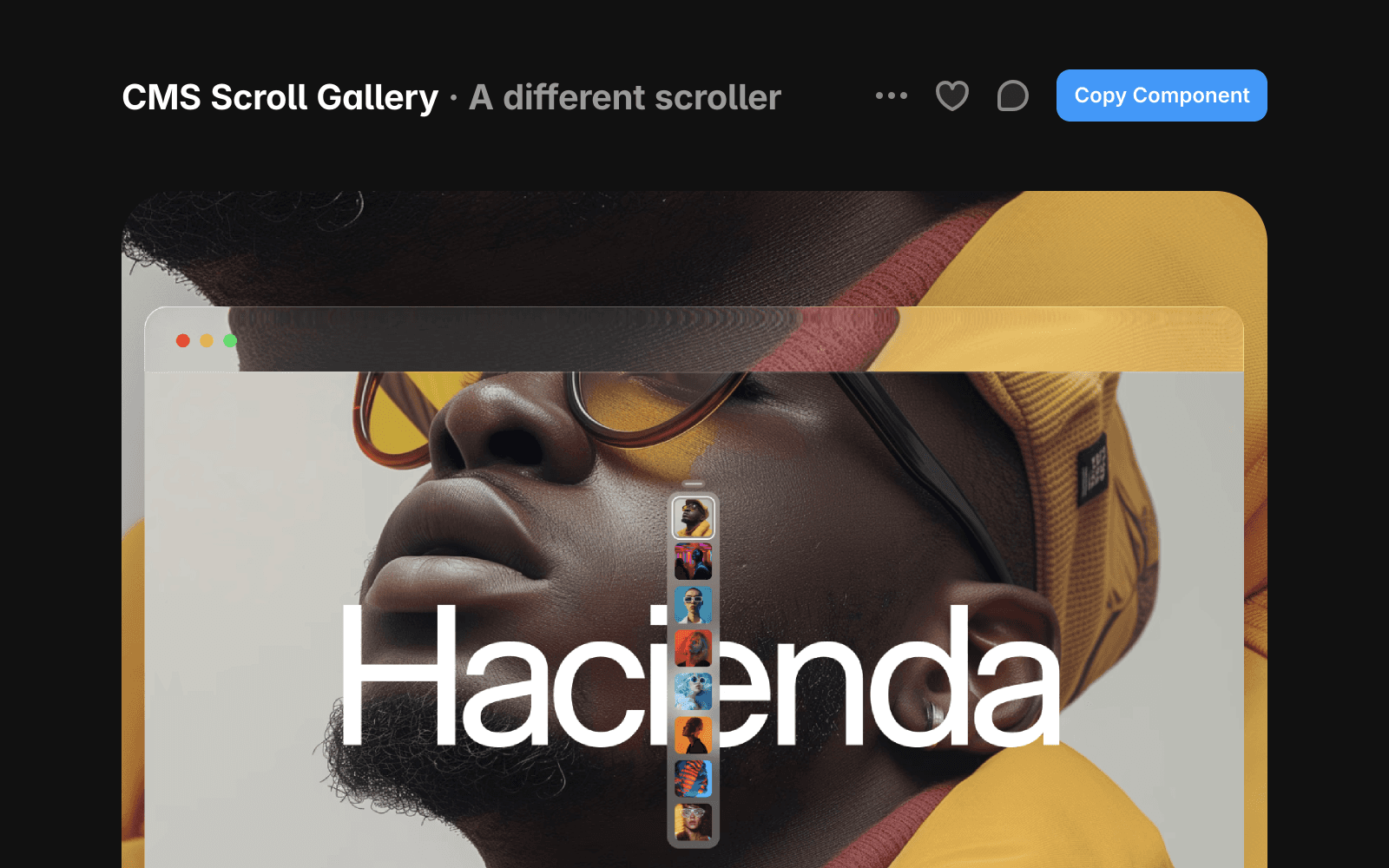
To use a free component:
Go to the Marketplace and find a component you want to use.
Click Copy Component.
Open your Framer project.
Paste the component URL into your project.
The component will be added to your project and ready to customize.
Purchase and use a paid component
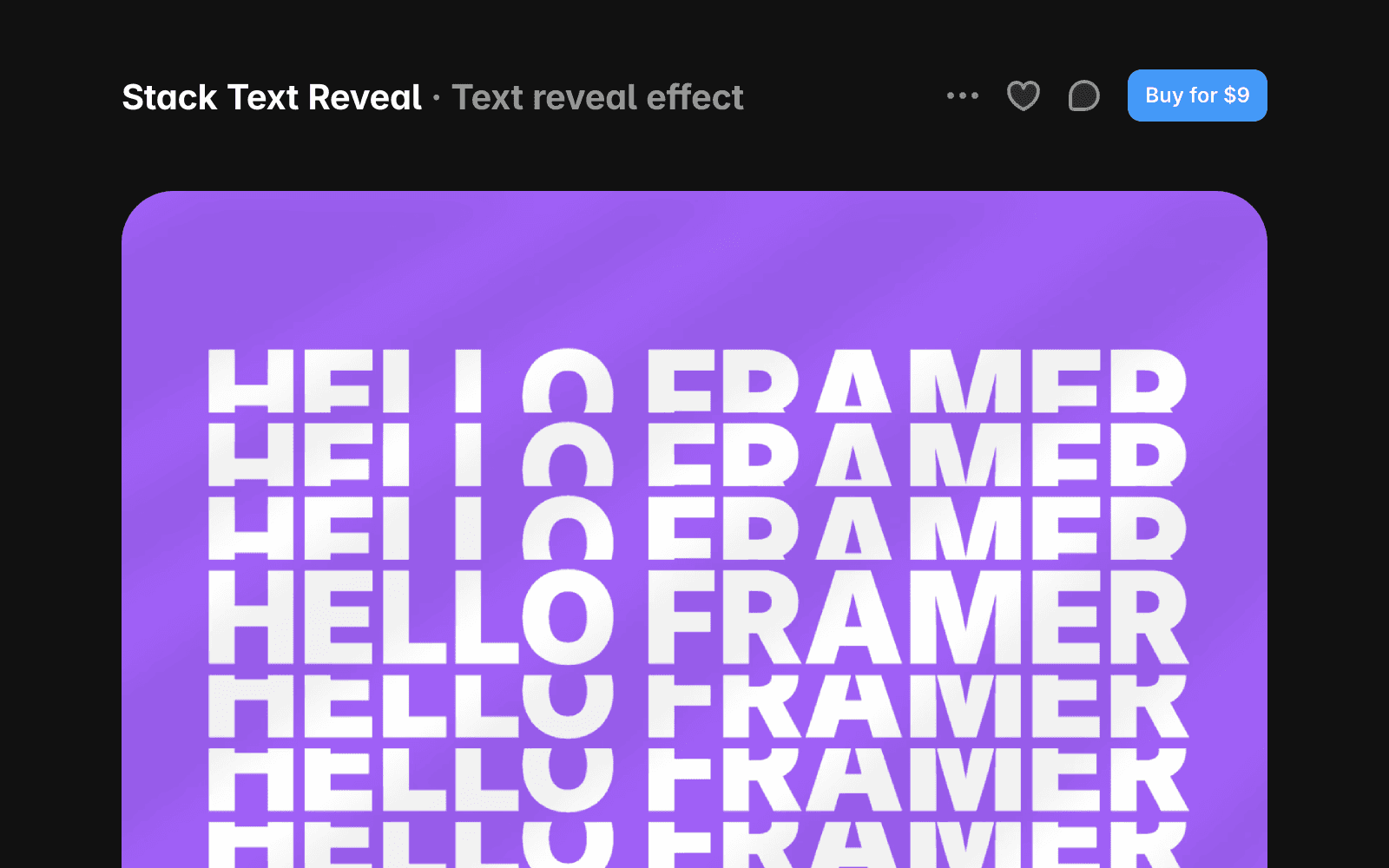
To use a paid component:
Go to the Marketplace and find a component you want to use.
Click Buy for…
Complete the checkout process on the creator’s website.
After your purchase, check your email for the component URL or remix link.
Paste the component URL into your project, or open the remix link to access the component.
Refunds and support
Framer does not process component payments or manage refunds. All purchases are handled directly by the component creator.
Before purchasing, review the creator’s refund policy and support information on the component’s detail page. If you cannot reach the creator, contact the Framer Creators team at creators@framer.com.
FAQ
Can I customize a component after adding it to my project?
Yes. Most components are designed to be customizable, allowing you to adjust styles, content, and settings to fit your project.
What’s the difference between a component and a template?
Templates are complete website projects that provide a starting point for an entire site. Components are individual building blocks that can be added to any project.
Do I need a paid Framer plan to use components?
No. You can use free and paid components regardless of your Framer plan. However, some components may require specific Framer features or integrations to function as intended.
