Vectors are collections of icons, illustrations, logos, and other graphics created by Framer creators. They make it easy to add high-quality visuals to your projects without creating them from scratch.
What are vectors?
Vectors are reusable graphic collections designed for use in Framer projects. They can include anything from simple icon libraries and brand logos to complete illustration packs for websites, products, and marketing pages.
Vectors help you build and customize websites faster while maintaining a polished and consistent visual style.
Where to find vectors
You can discover vectors in several places:
Framer Community: Home to the vector marketplace, creator ecosystem, and community resources. Browse vectors, discover creators, and find assets for your projects.
Community channels: Many creators also share vectors through social media, forums, newsletters, and personal websites.
Use free vectors
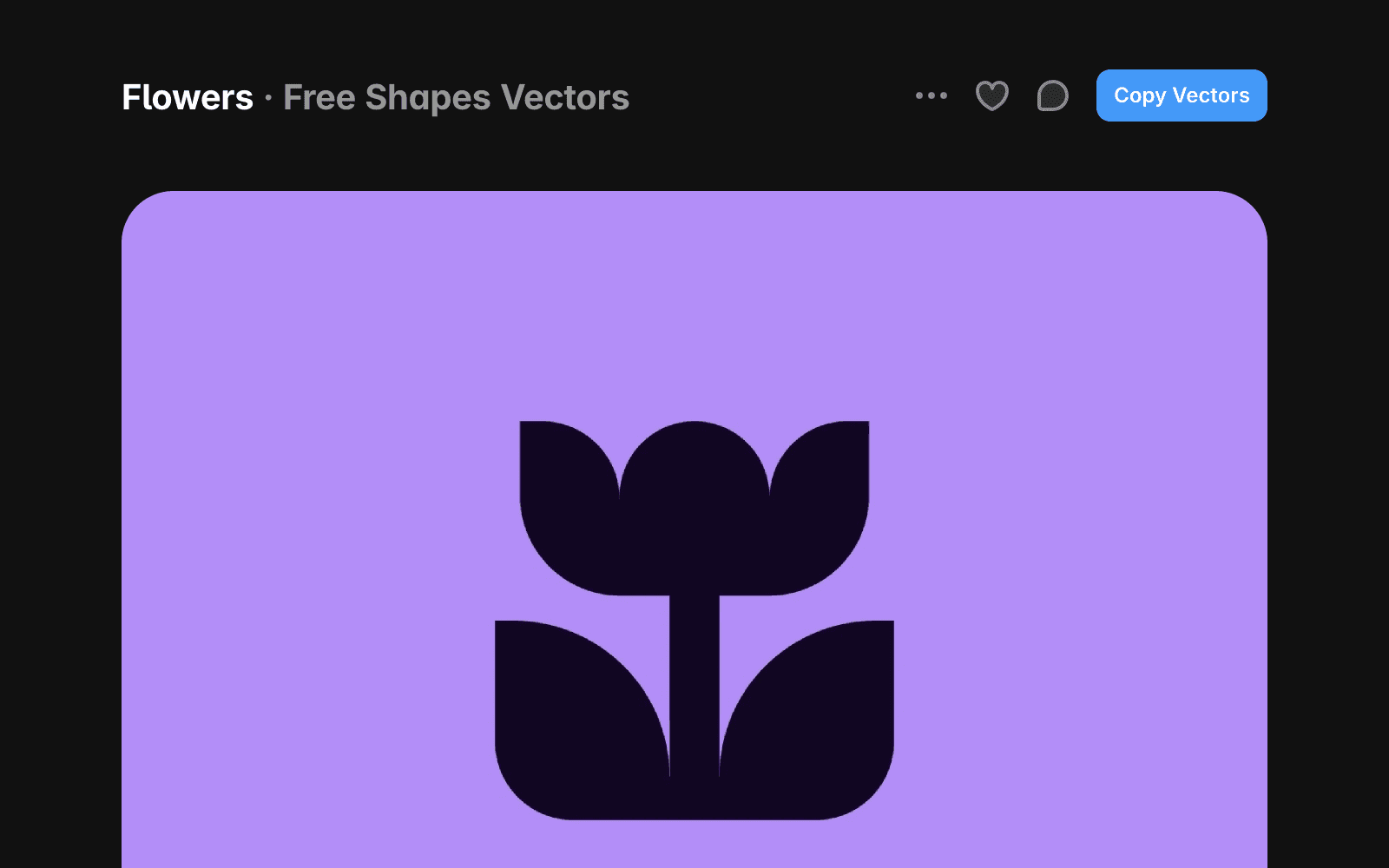
To use free vectors:
Go to the Marketplace and find vectors you want to use.
Click Copy Vectors.
Open your Framer project.
Paste the vectors URL into your project.
The vectors will be added to your project and ready to use.
Purchase and use paid vectors
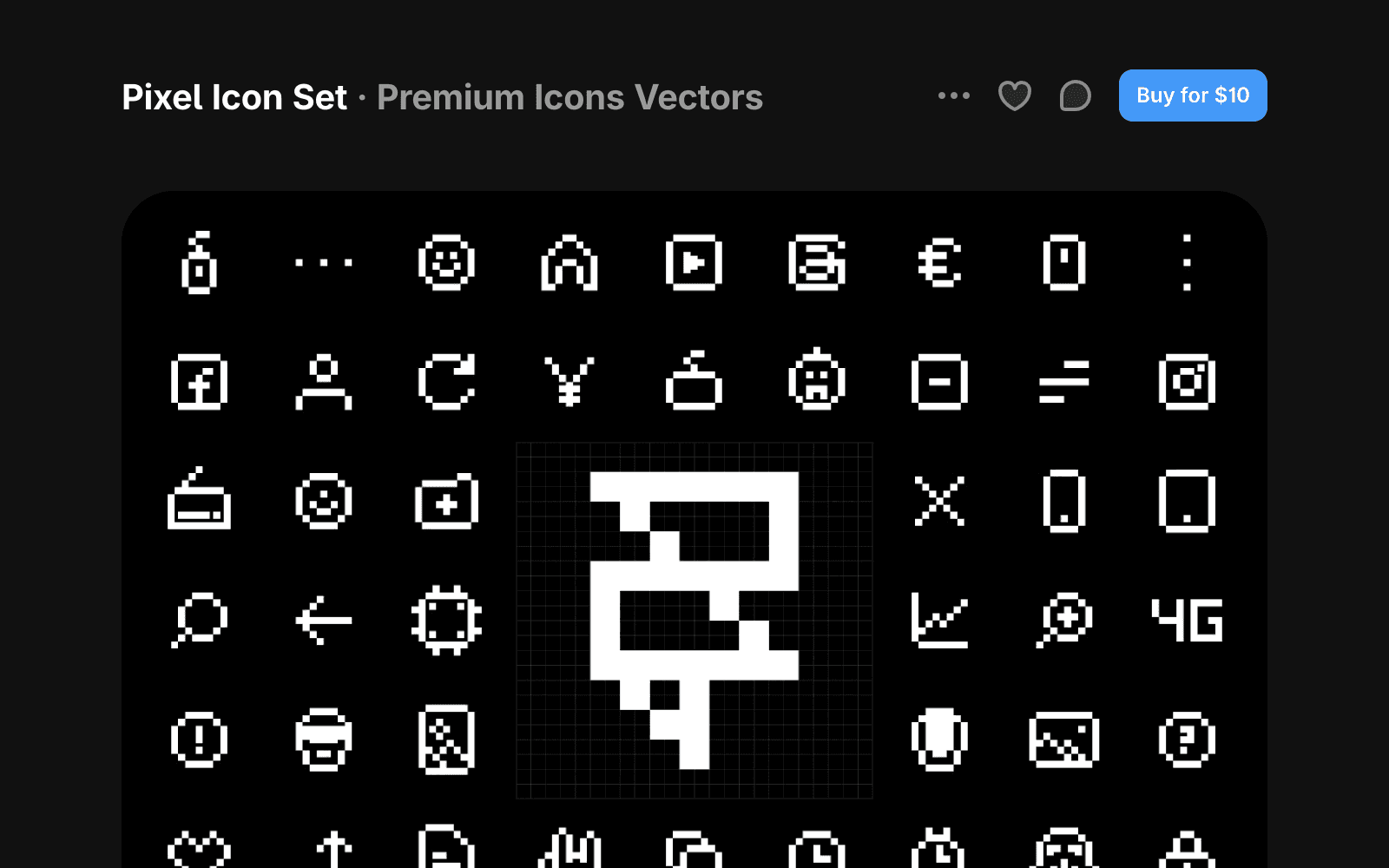
To use paid vectors:
Go to the Marketplace and find vectors you want to use.
Click Buy for…
Complete the checkout process on the creator’s website.
After your purchase, check your email for the vectors URL or remix link.
Paste the URL into your project, or open the remix link to access the assets.
Refunds and support
Framer does not process vector payments or manage refunds. All purchases are handled directly by the creator.
Before purchasing, review the creator’s refund policy and support information on the vectors detail page. If you cannot reach the creator, contact the Framer Creators team at creators@framer.com.
FAQ
What can I use vectors for?
Vectors can be used for icons, illustrations, logos, and other graphics throughout your website. They help create a polished and consistent visual experience.
Can I customize vectors after adding them to my project?
Yes. Most vectors can be resized, recolored, and edited to match your brand and design needs.
What’s the difference between vectors and components?
Vectors contain graphic assets such as icons and illustrations. Components add reusable functionality or interface elements that can be customized and reused across projects.
