You can apply eligible discount codes during checkout or when updating an existing subscription. Availability and eligibility depend on the specific promotion and its terms.
Apply a discount code
To redeem a discount code:
Start a new purchase or update an eligible subscription.
Proceed to the checkout page.
Locate the Discount Code field.
Enter your discount code.
Verify that the discount is applied to your order.
Complete the checkout process.
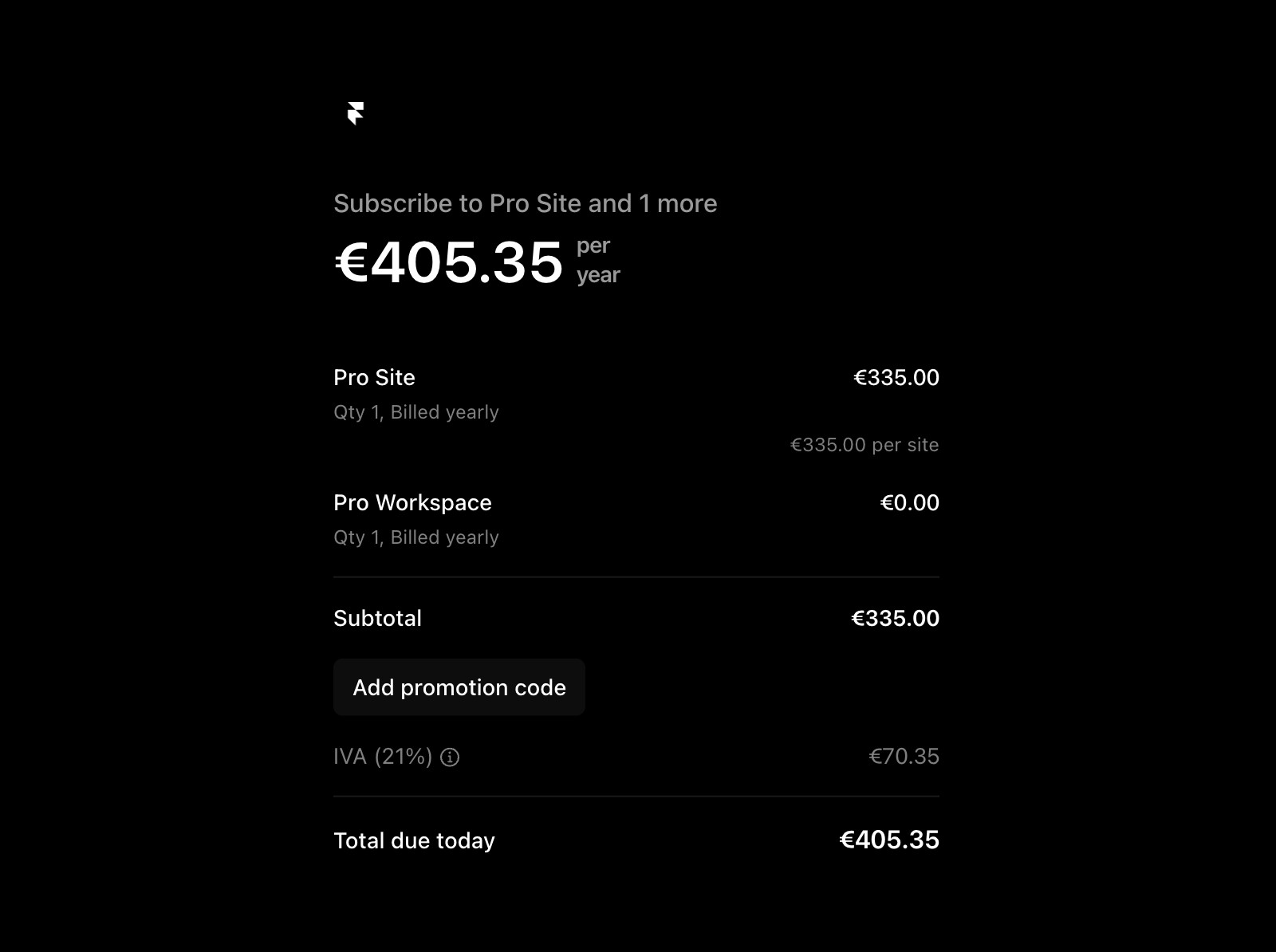
If the discount code is valid and eligible, the discounted price will appear before payment is finalized.
Apply a discount code to an existing subscription
To apply an eligible promotion code to a project that already has a subscription:
Open the Dashboard.
Open Workspace Settings.
Select the Billing tab.
Find the project with the existing subscription.
Open the project’s context menu.
Select Apply Promotion Code…, then enter and apply your code.
Discount code eligibility
Discount codes are subject to the terms of the promotion they are associated with.
Eligibility may vary depending on factors such as:
The specific subscription or plan.
Whether the promotion applies to new purchases, existing subscriptions, or both.
Promotion expiration dates.
Regional restrictions, if applicable.
If a discount code cannot be applied, review the promotion details to confirm eligibility requirements.
Troubleshooting discount codes
If your discount code isn’t working:
Make sure the code was entered correctly.
Confirm that the promotion has not expired.
Verify that the code applies to the subscription or plan you’re purchasing.
Review any eligibility requirements associated with the promotion.
If you continue to experience issues, contact the support team through the contact page.
FAQ
Who is eligible to use a discount code in Framer?
Discount codes in Framer are available exclusively for first-time purchases. If you’re an existing user with billing details already set up in your workspace, you won’t be able to redeem a discount code.
How do I apply a discount code during my Framer purchase?
For first-time purchasers, applying a discount code is straightforward. When you’re ready to make your purchase, proceed to the checkout page. During the checkout process, you’ll find a field specifically for discount codes. Simply input your code into this field to apply the discount to your purchase.
What should I do if I have trouble redeeming my discount code?
If you need assistance or encounter any issues, contact Framer’s support team through our contact page.
